
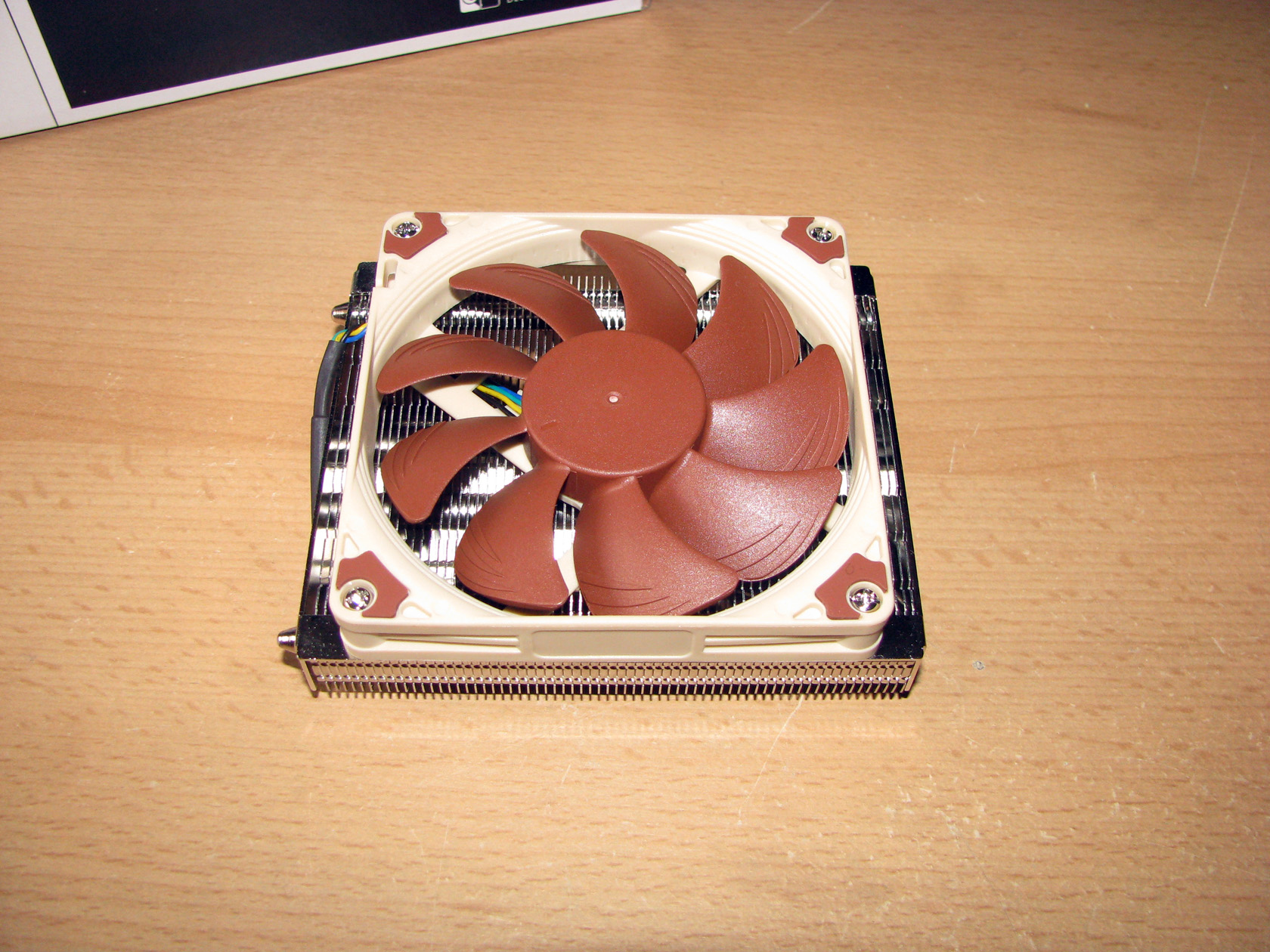
Those coolers were in practice almost the same and one of them was only for Intel, while the other model is made to cool AMD processors. Not so long ago my friend and a DVTests.com partner had the chance to test the Intel version called Noctua NH-L9i and now is the time to show how Noctua NH-L9a performs.
So, let’s get started.
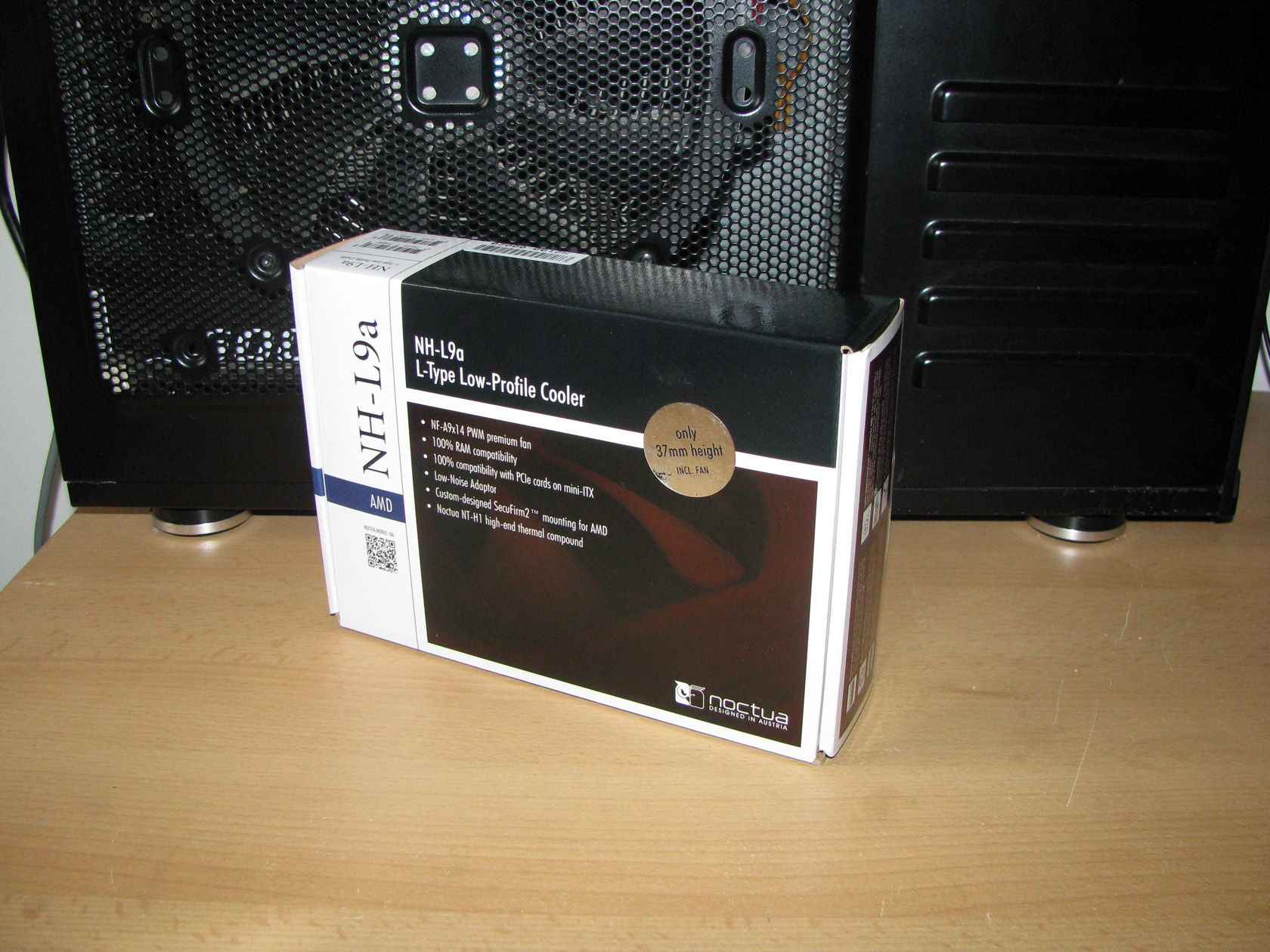
The cooler arrived in a smaller than usual but pretty standard for the company package made of carton box painted in the typical white/black/brown colour scheme with some technical details on the front side and lots of information on the other sides of the box.

As soon as I saw the box I was eager to see and touch the content of it. Anyway, the first thing I thought when I saw the cooler in my hands is that I got a very stylish gift.
Now let’s check what’s inside the package.
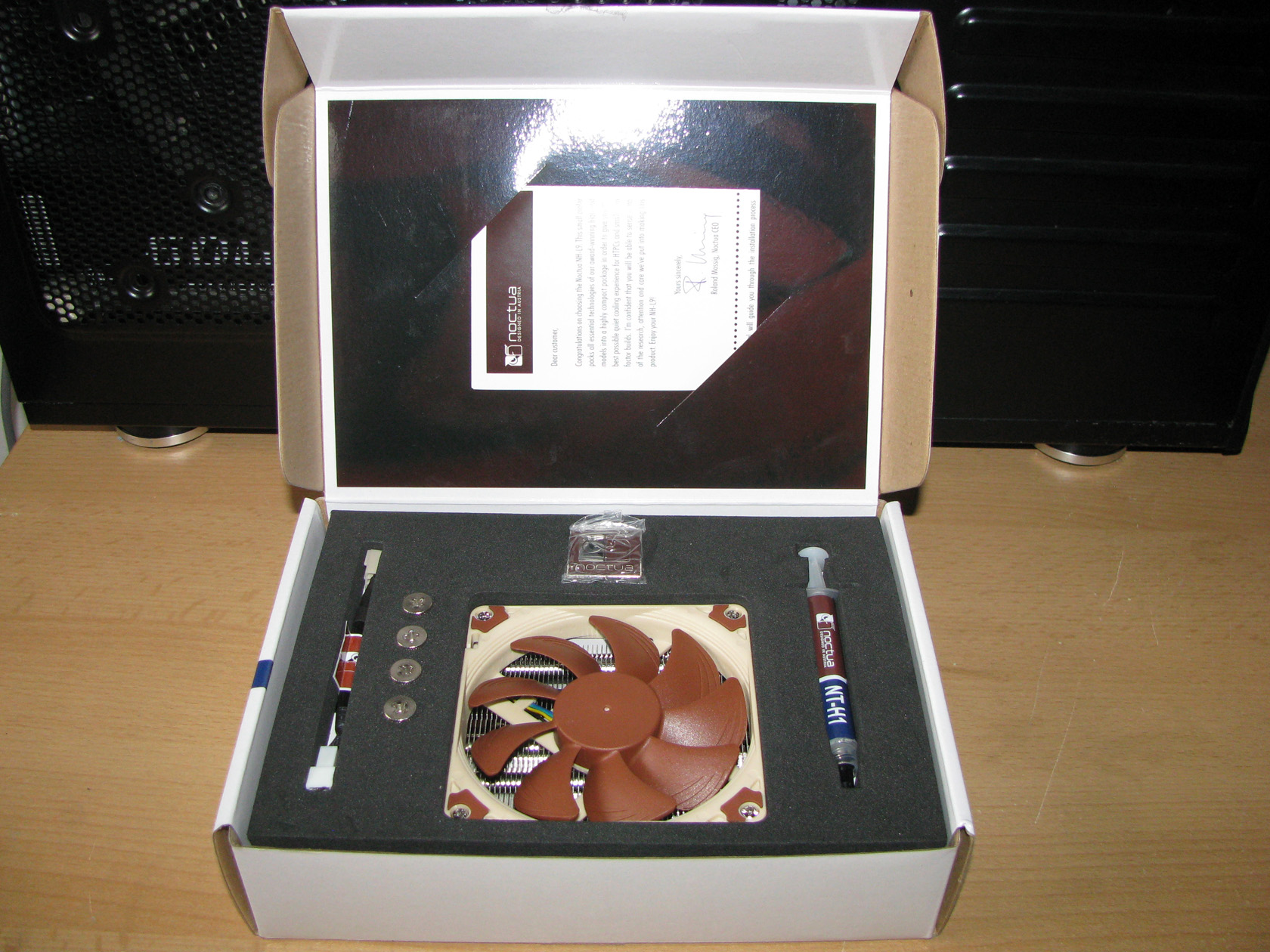
By lifting the front cover I got my eyes filled with joy. There was the cooler in the middle of the package very tightly placed and almost all of the additional parts added in a special foam bed with a place specifically designed for everything. And I believe now is the time to share my thoughts about the additional accessories which are:
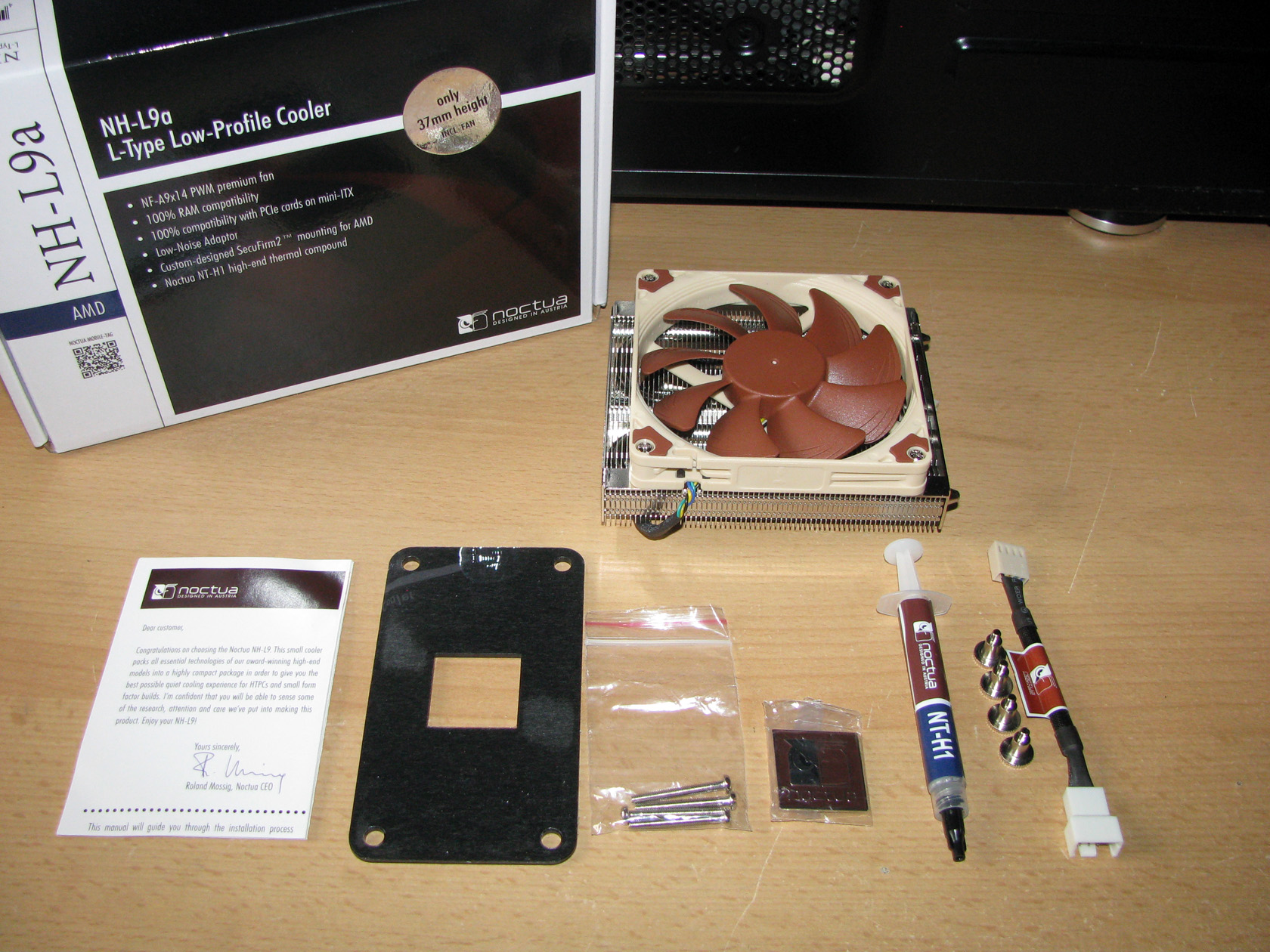
- Installation manual
- A very solid metal backplate
- 4 additional bolts for installing 25mm height fan
- An advertising plate with the logo of the company
- The standard thermal compound used in all CPU coolers packages – Noctua NT-H1
- 4 metal screws for mounting the cooler
- Low-Noise Adaptor (L.N.A.)
Actually the mounting parts are forming the SecuFirm2™ mounting kit. Very nice and very simple to use.
So let’s check the cooler itself…

After I took the cooler out of the box, the first thing to notice was it’s small dimensions and it’s big weight. Even though the cooler is so small, it is really heavy. And the dimensions are:
- With fan installed: 37(H) x 114(W) x 92(D) mm and 465 grams.
- Without the fan: 23(H) x 114(W) x 92(D) mm and 390 grams.
When I saw the cooler itself I thought that I should take it apart and reassemble it while describing every single part. So let’s do it…
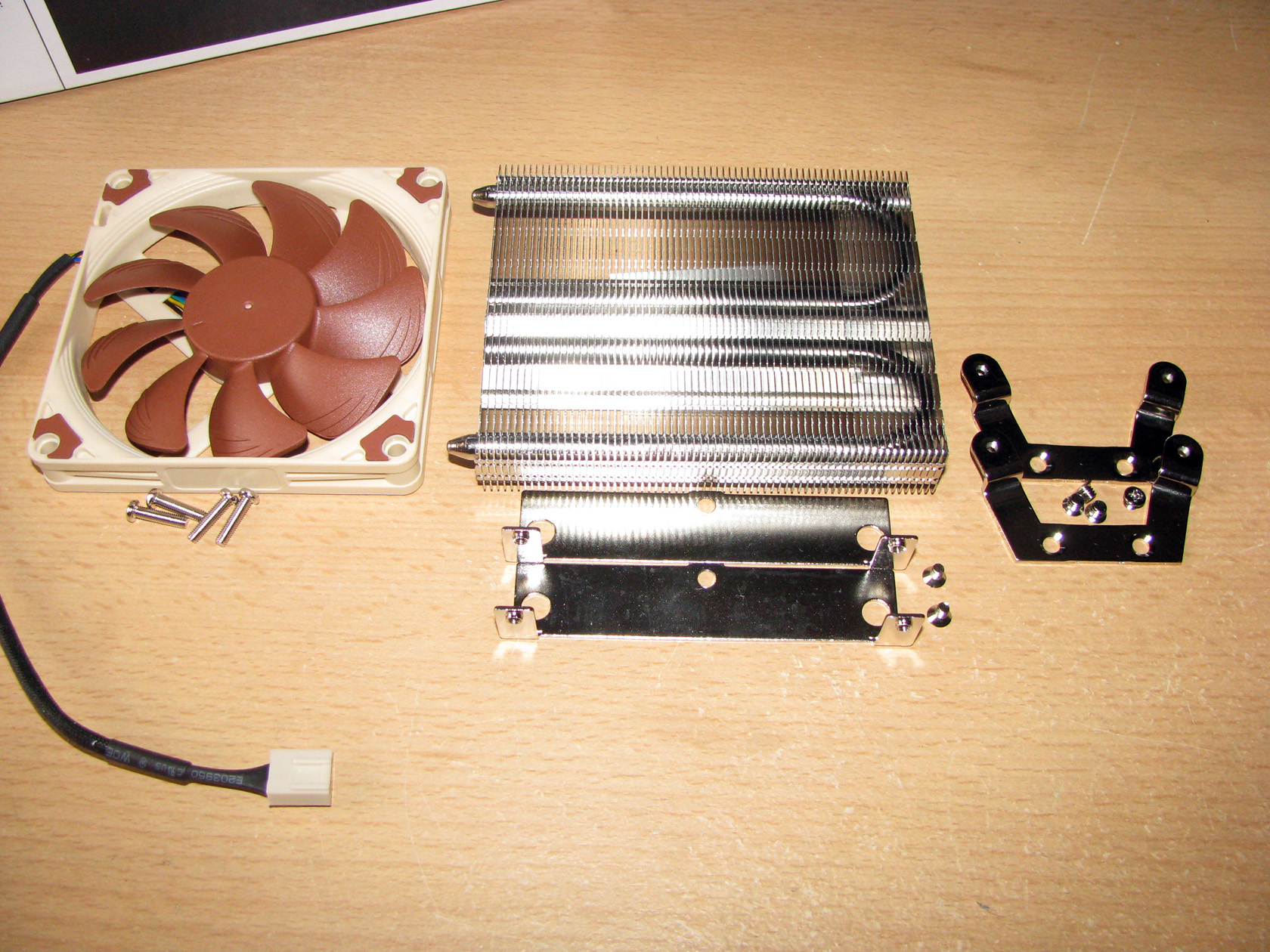
Basically, the cooler is made of four different parts, screws and bolts which forms the cooling unit.
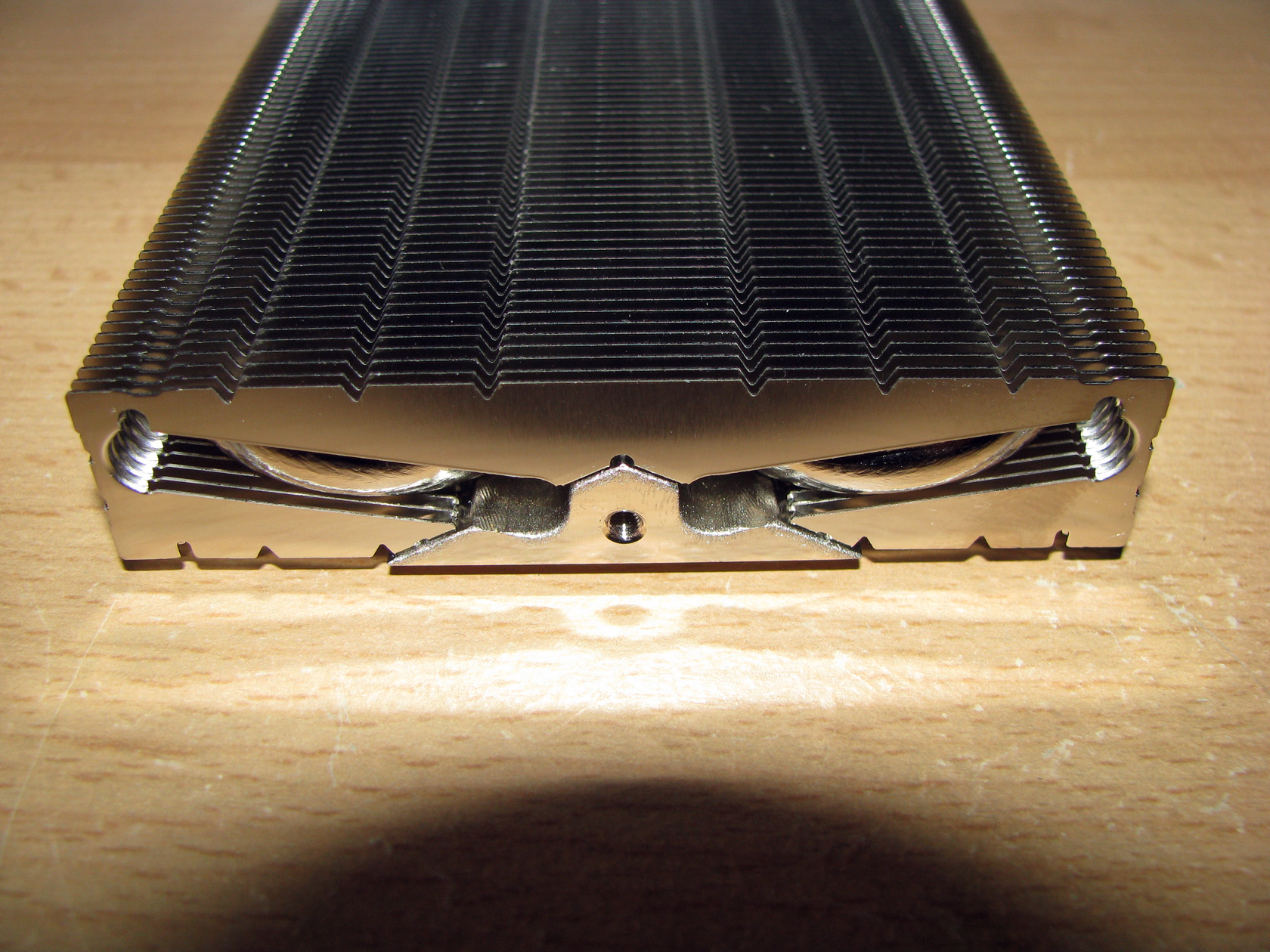
1. The radiator is made of a copper contact surface with 2 x ø6mm heatpipes and aluminium fins for dispersing the heat. All of these elements are with nickel plate and are soldered to each other.
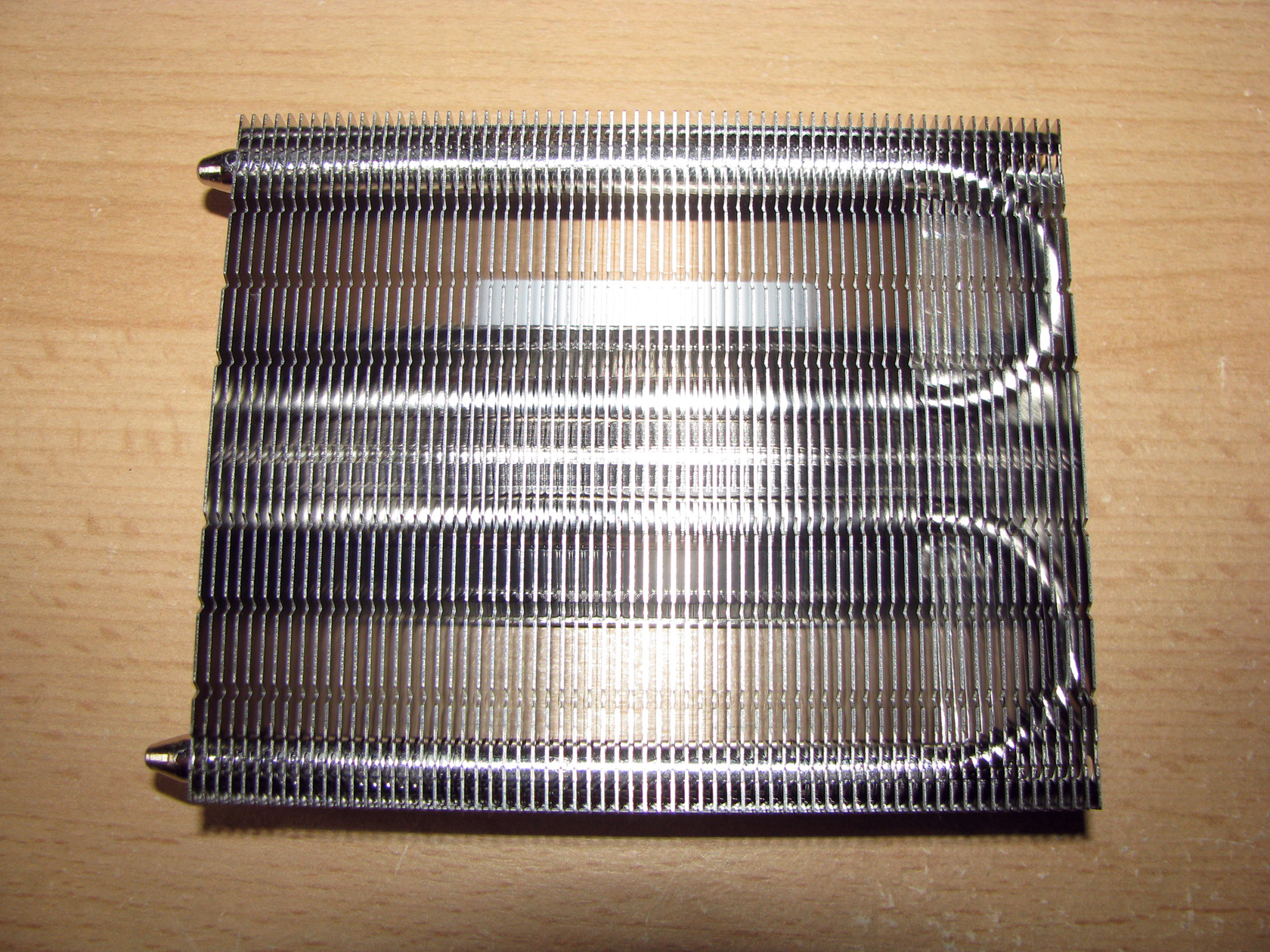
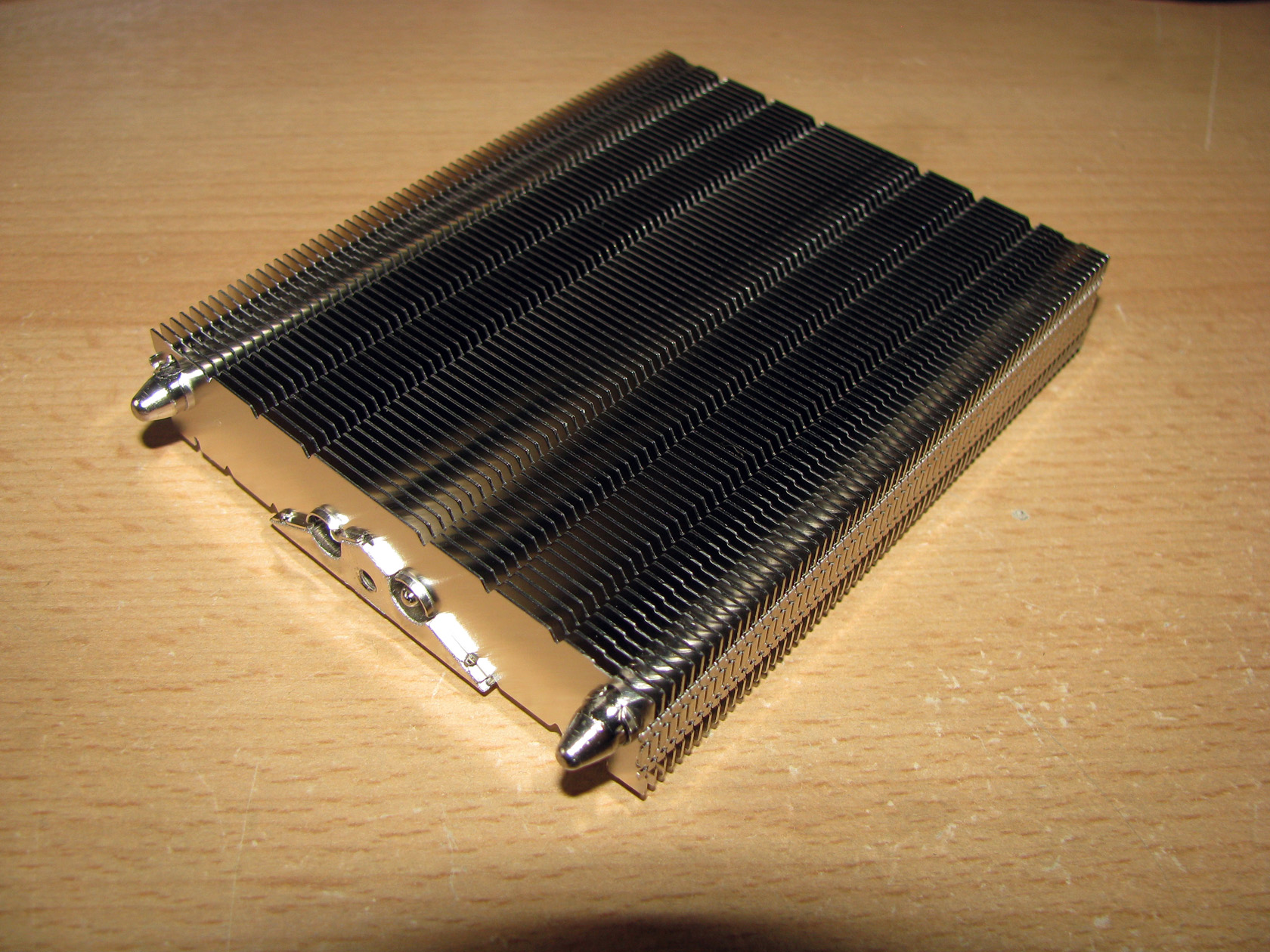
2. The recently announced NF-A9x14 PWM controlled premium fan with dimensions 0f 92 x 14mm working at 2500 (+/- 10%) revolutions per minute with airflow level of 57,5 m³/h and noise level of 23,6 dB(A) without the L.N.A.. When the adapter is installed the fan is working at 1800 (+/- 10%) revolutions per minute with airflow level of 40,8 m³/h and noise level of 14,8 dB(A).
3. Two aluminium and nickel plated fins attached on both sides of the cooler working as a stand to which the fan is attached.
4. The brackets attached on the bottom side used for installing the cooler on AM2, AM2+, AM3, AM3+, FM1 and FM2 sockets.
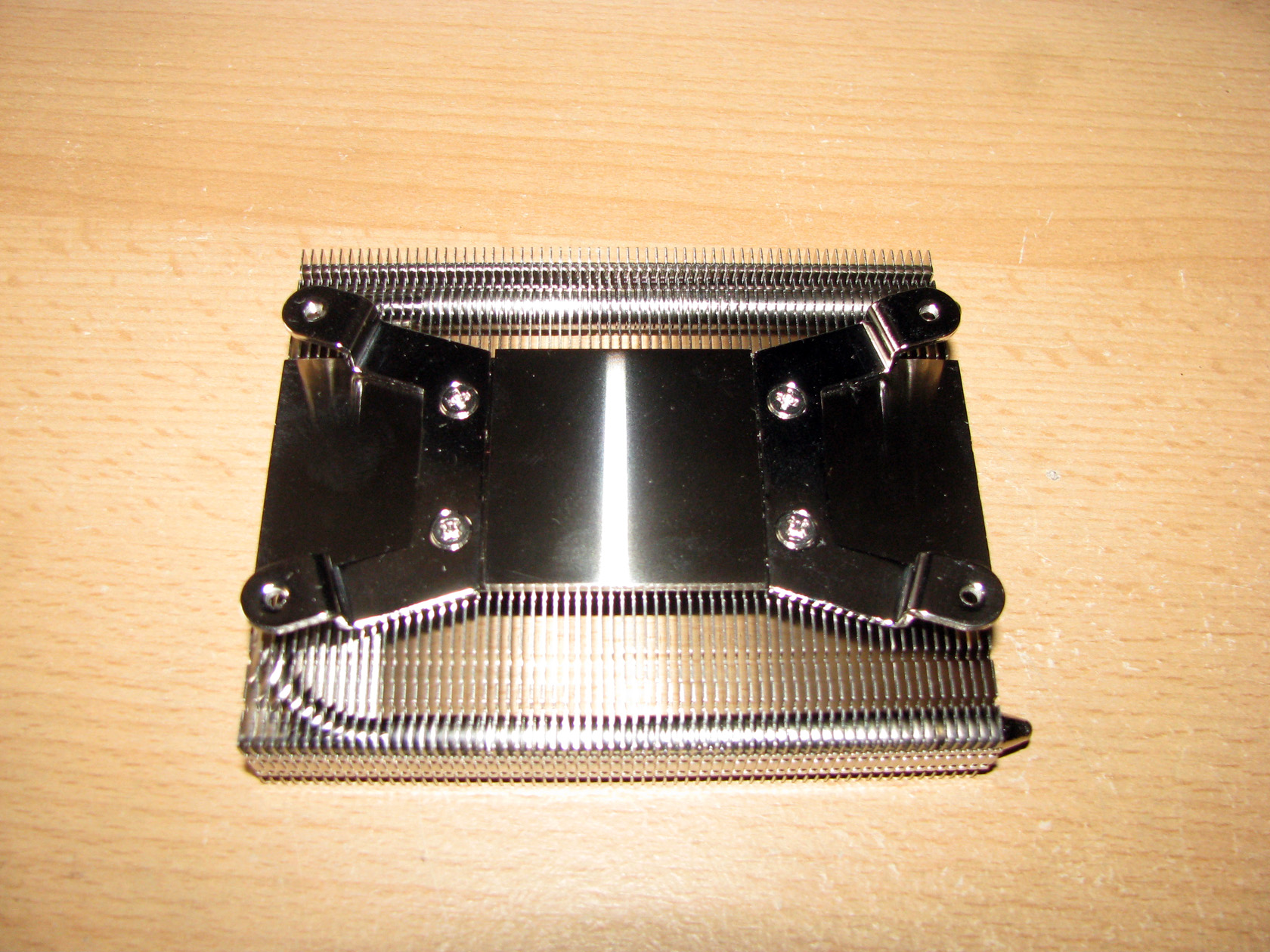
And this is what the contact surfaces look like:
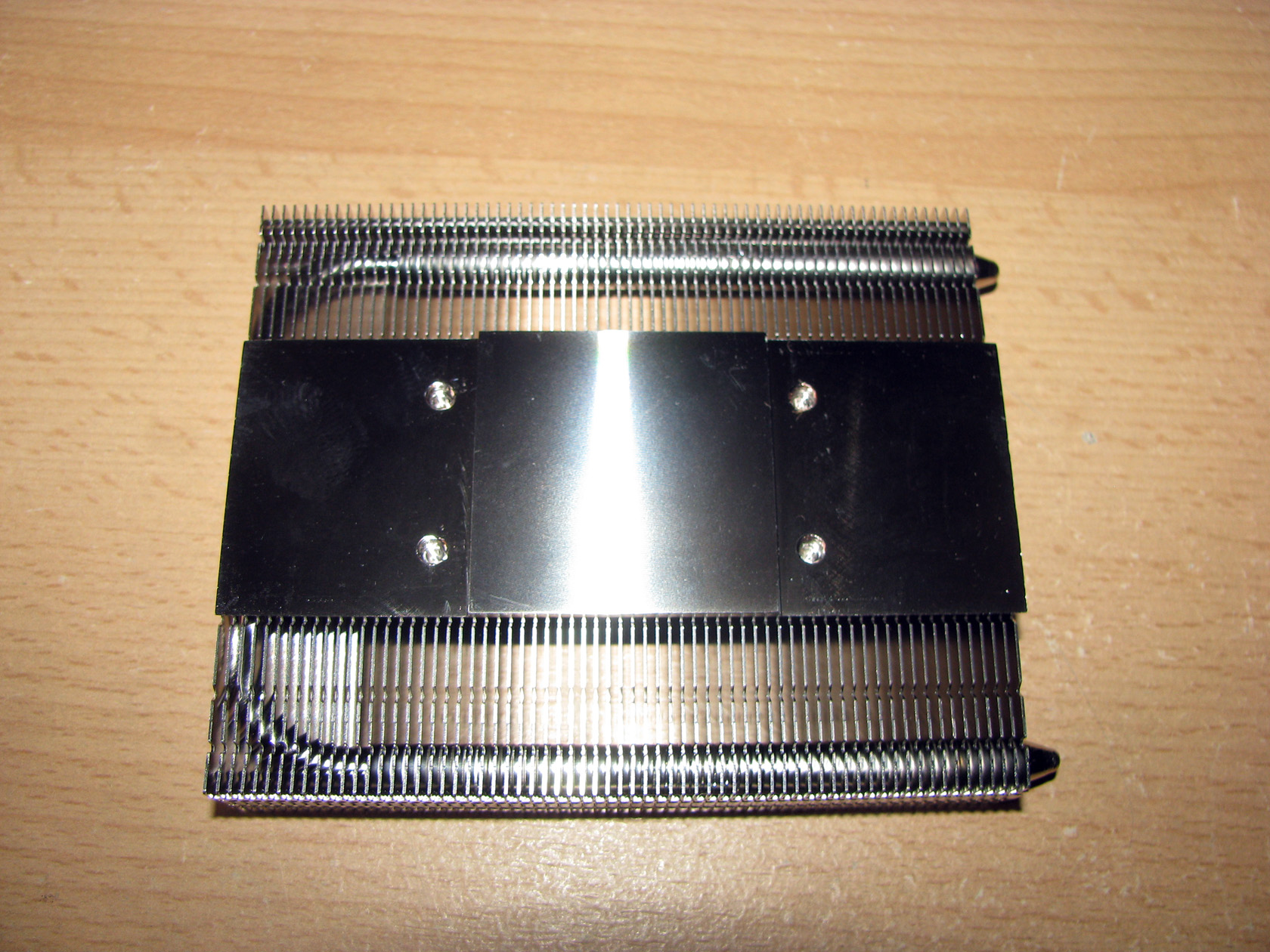
After all parts are mounted together with 3 different types of screws, they look like this:
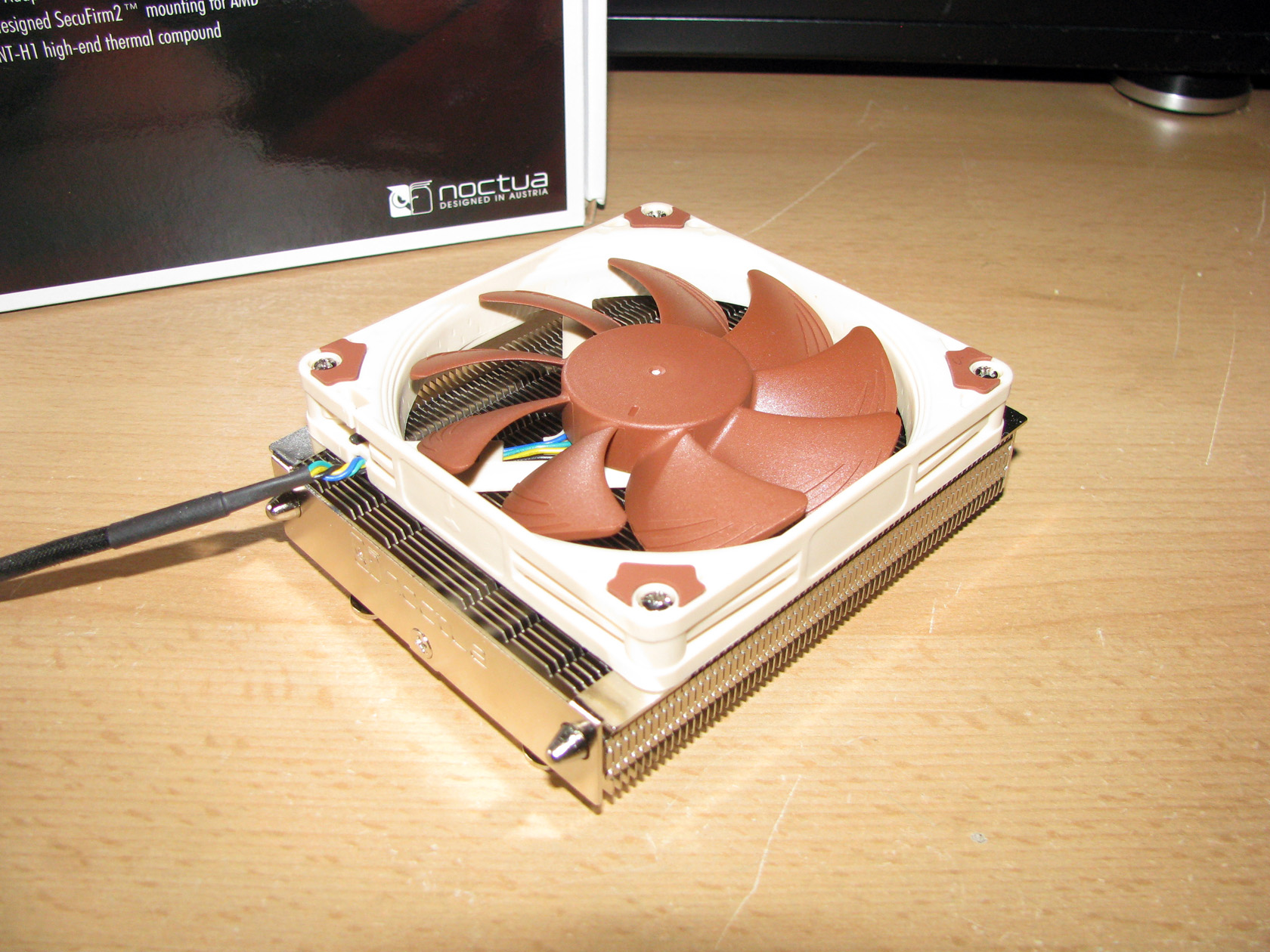
As I’ve said before, there is a second kit of four longer bolts used when installing a 25mm high fan and there is a standard package of bolts for installing NF-A9x14 PWM.
I belive it is time to get dirty…
To keep the tradition, before I move on to the test results, I would like to describe the system used for the test:
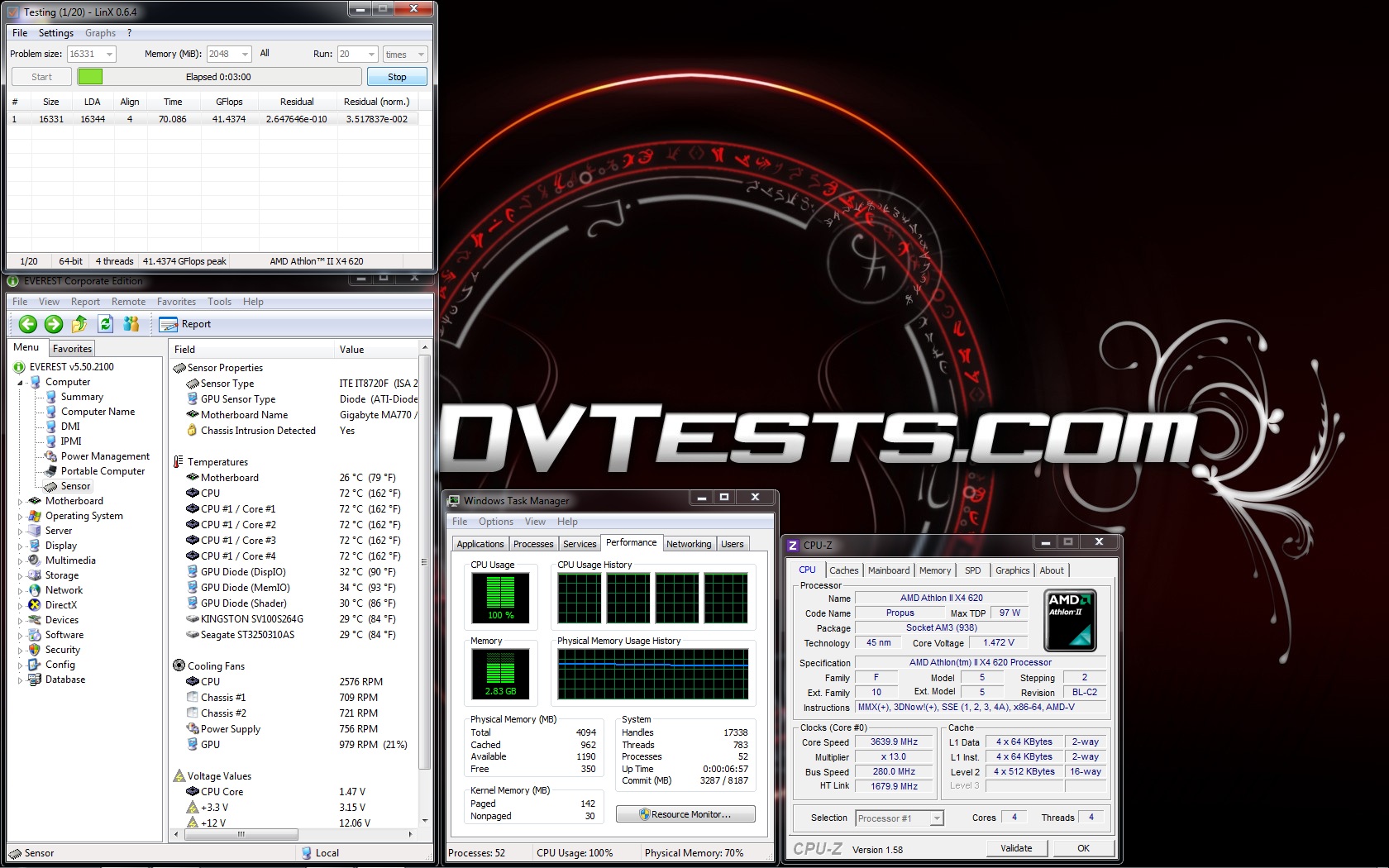
CPU: AMD Athlon X4 620 at standard frequency of 2612 MHz and overclocked first at 3003 MHz(1,45V) and after that overclocked at 3640 MHz (at 1.47V) per core for the tests.
Motherboard: GigaByte 790X-UD3P
Video card: Sapphire 5830 Extreme 1GB DDR5 256bit
Memory: 2 x 2GB Apacer 800 MHz
Hard drive: Kingston SSD SV100S264G
Case: Cooler Master HAF 932
Power supply: Cooler Master Silent Pro 600
Cooler: Noctua NH-L9a
Thermal paste: Noctua NT-H1
Fans mounted on the cooler: Noctua NF-A9x14 PWM
The tests were conducted in a closed system with:
- 230mm fan on the front panel putting fresh air in and spinning at about 700 rpm
- 230mm fan on the side panel putting fresh air in and spinning at about 700 rpm
- 230mm fan on the top panel taking hot air out and spinning at about 700 rpm.
- Room temperature of about 19 degrees.
Testing procedure:
I will install Noctua NH-L9a and do tests at default frequency 2612 mHz at idle and stress, then at overclocked frequency 3003MHz at idle and stress and lastly at overclocked frequency of 3640 mHz again at idle and stress using just the standard fan from the package.
Mounting procedure:
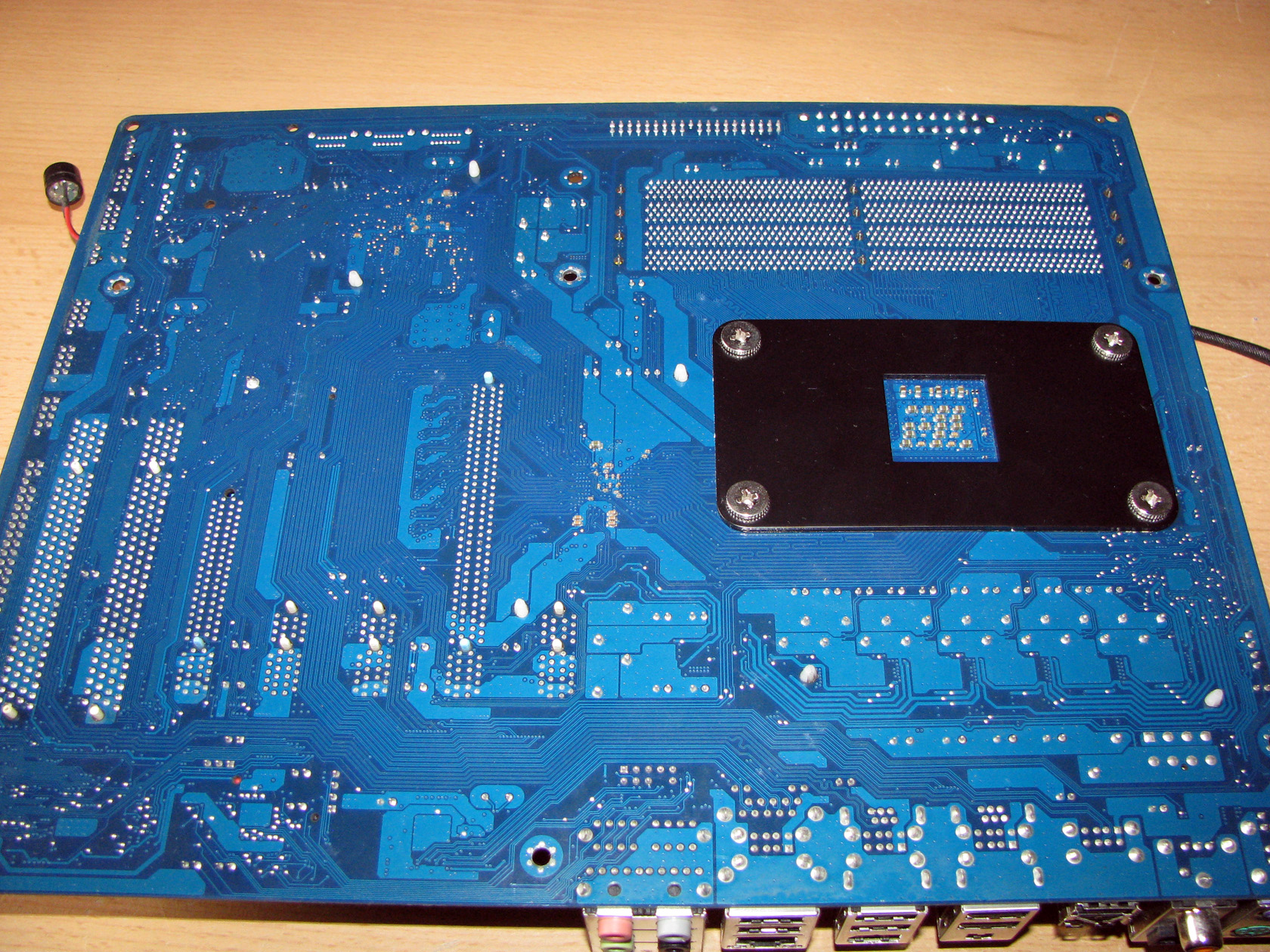
The cooler is installed by four bolts and a backplate provided by Noctua.
And this is how the cooler looks when it is installed:
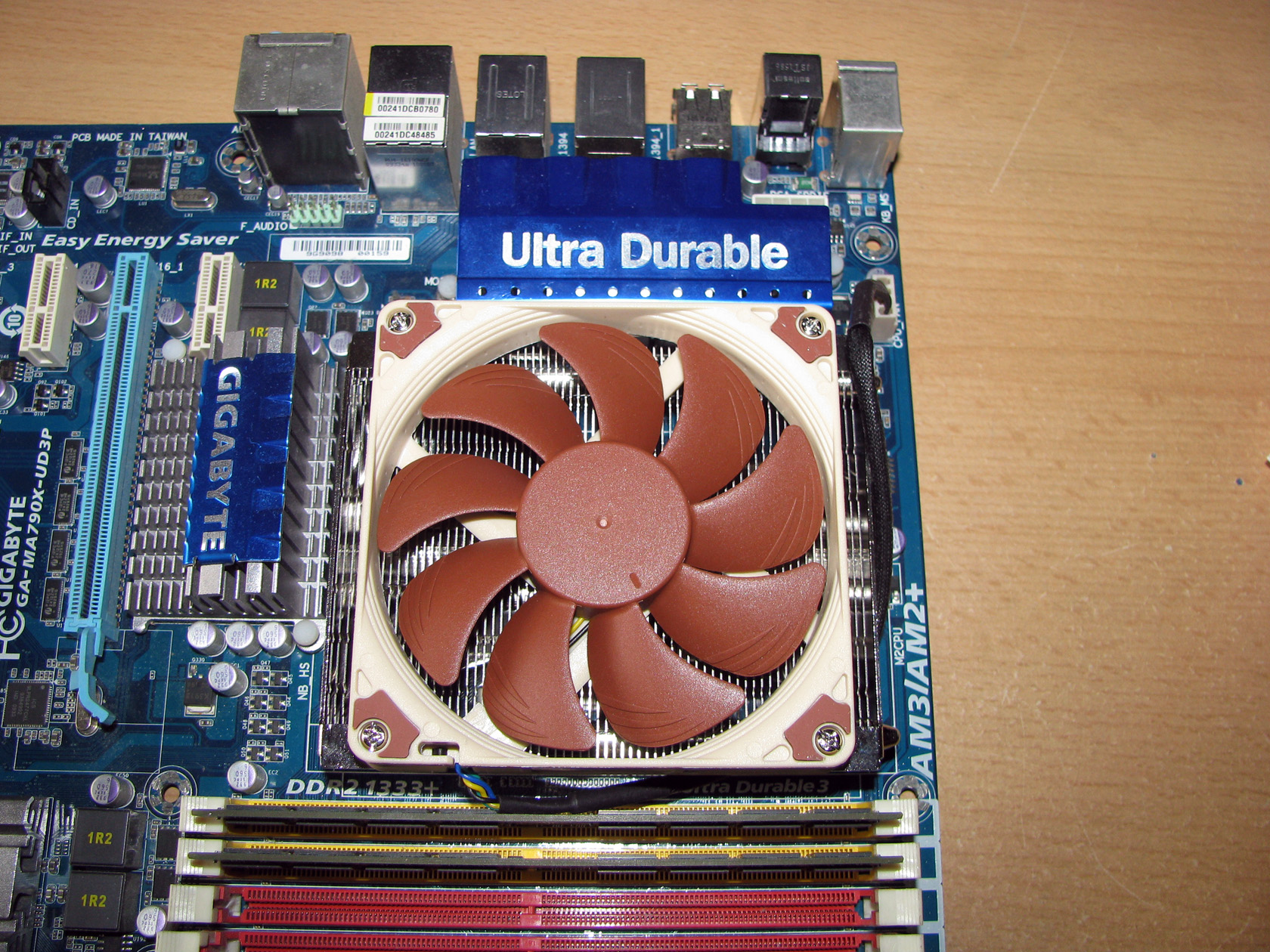
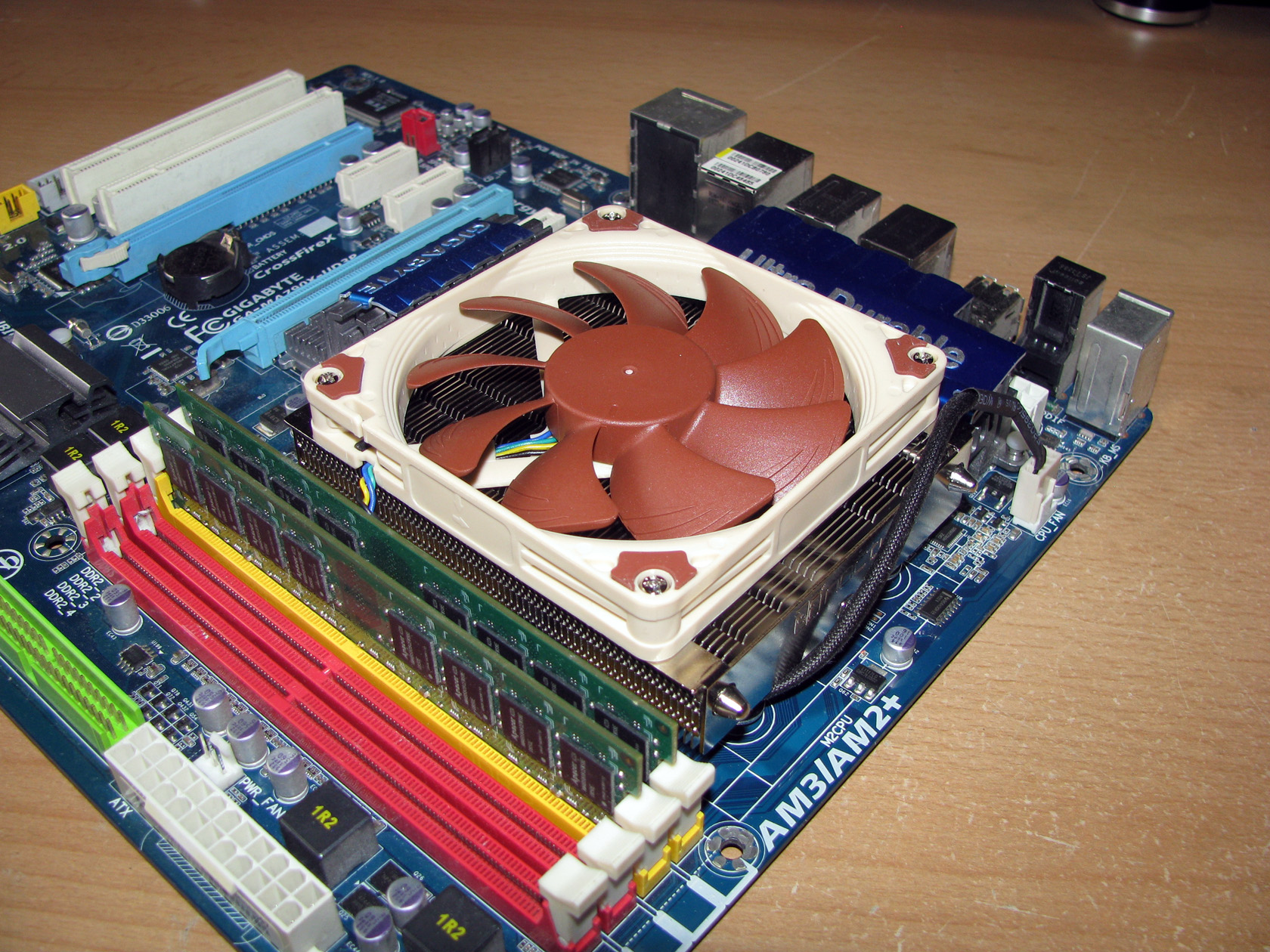
Compatibility issues? Naah….!
As we all can see there is no memories issues and everything is just fine. One more thing I should point here is that coolers like this one improve much more the airflow by cooling not just the processor but the memories and the VRMs around the socket.
And this is how the cooler looks installed back in the case:
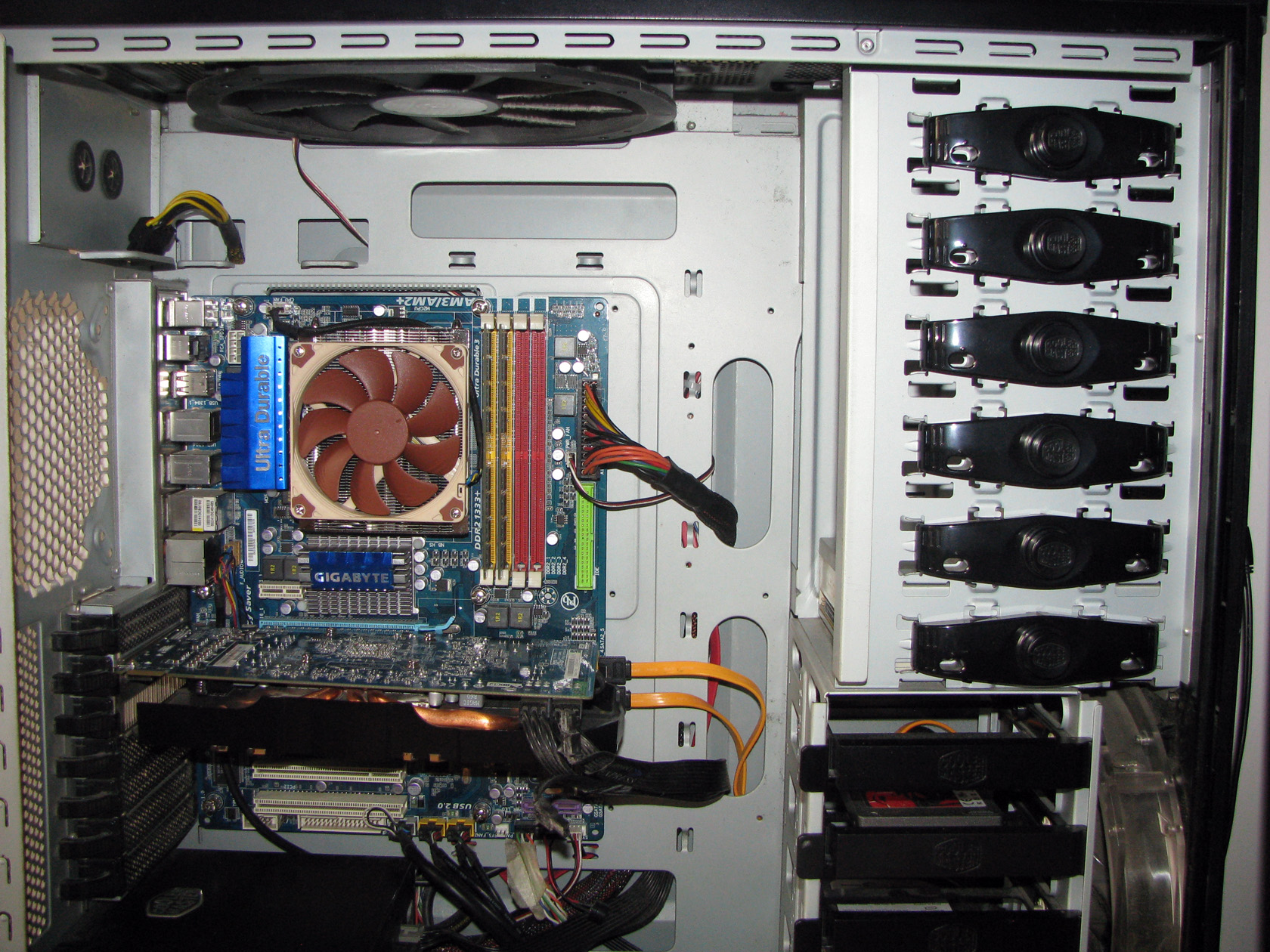
Now it’s the time to say that Noctua NH-L9a can be installed only on AMD systems. If anybody decides to use it for Intel platform then he should look for Noctua NH-L9i.
The results from the tests at default frequency 2612MHz are:
Idle:
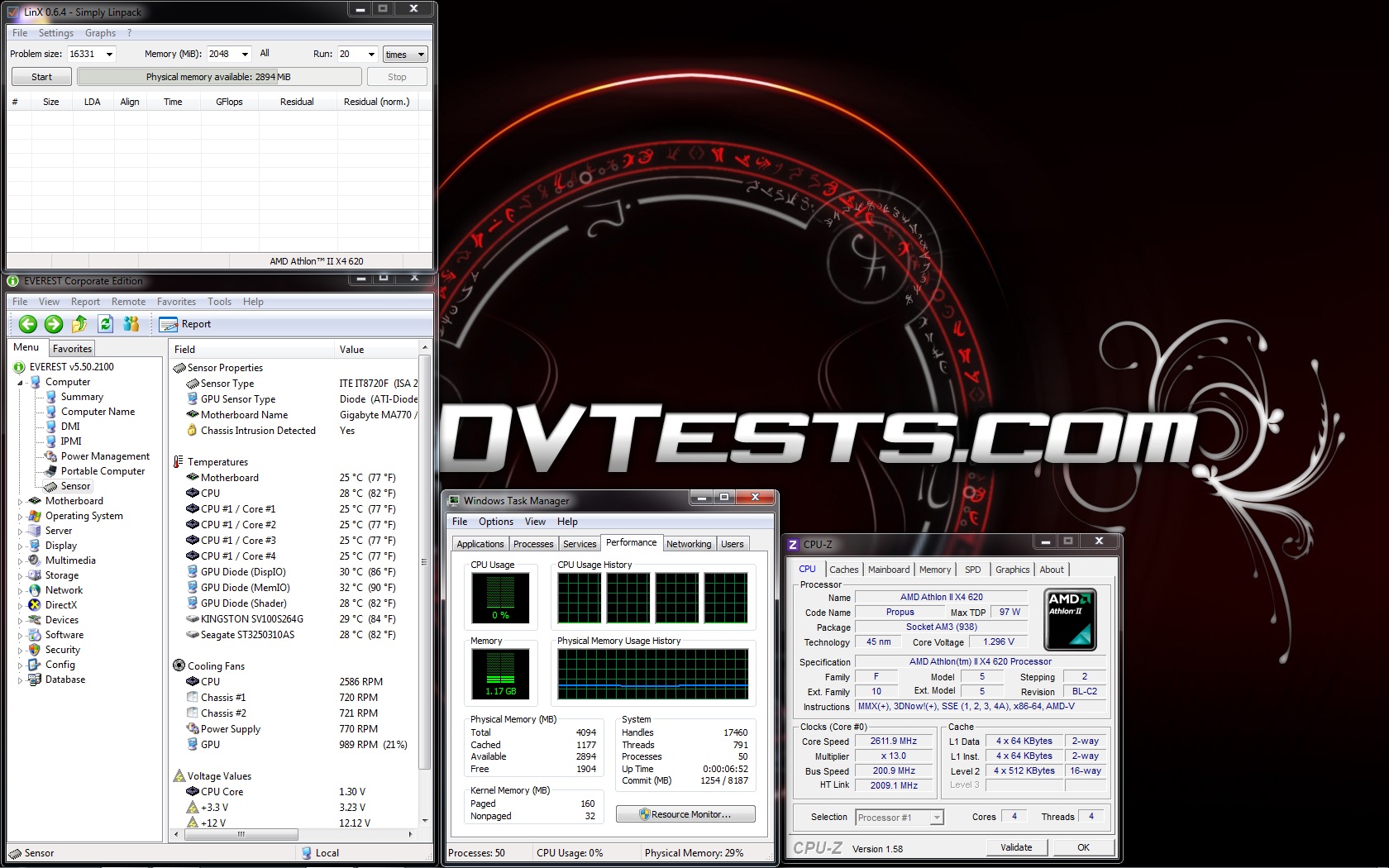
Stress:
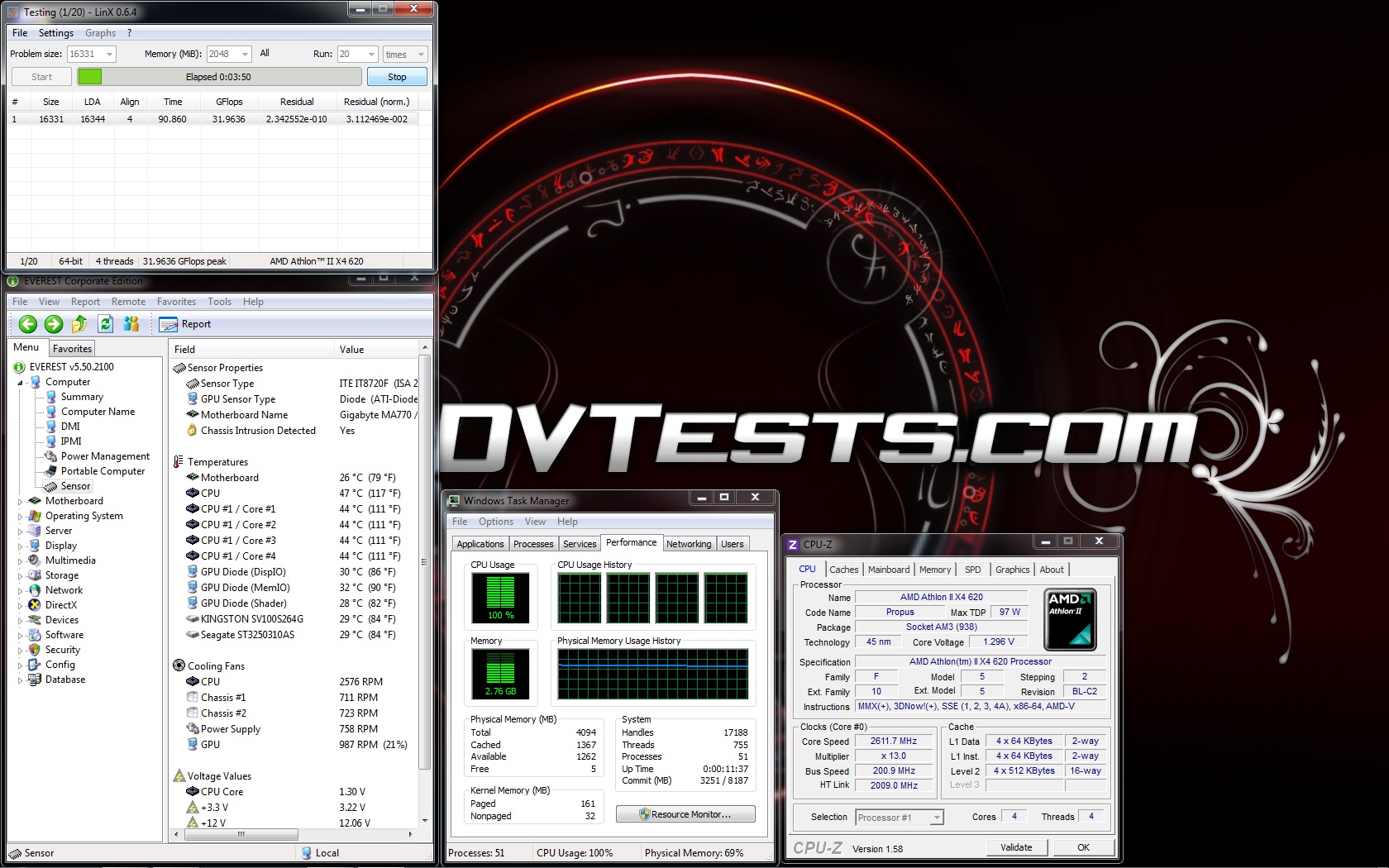
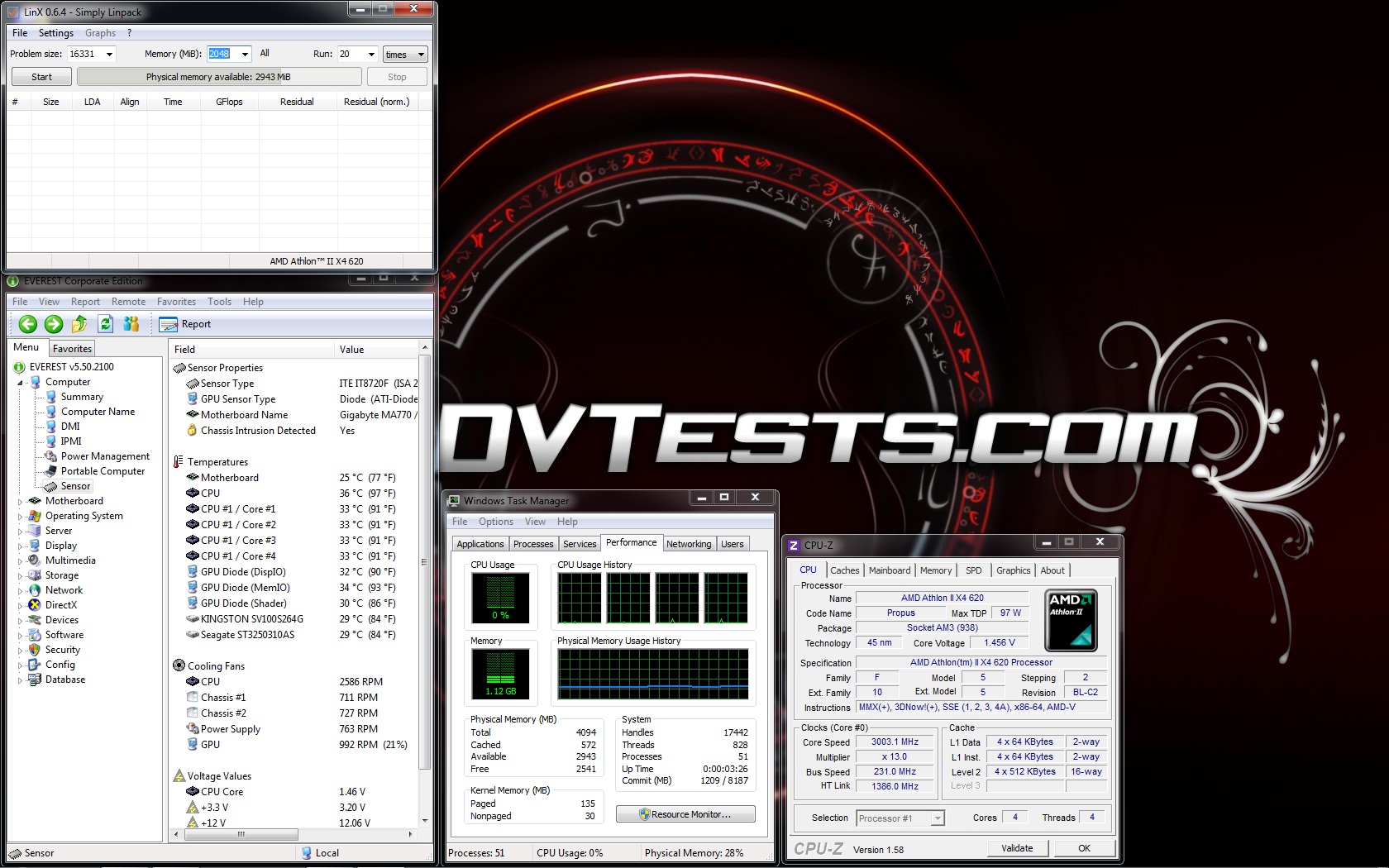
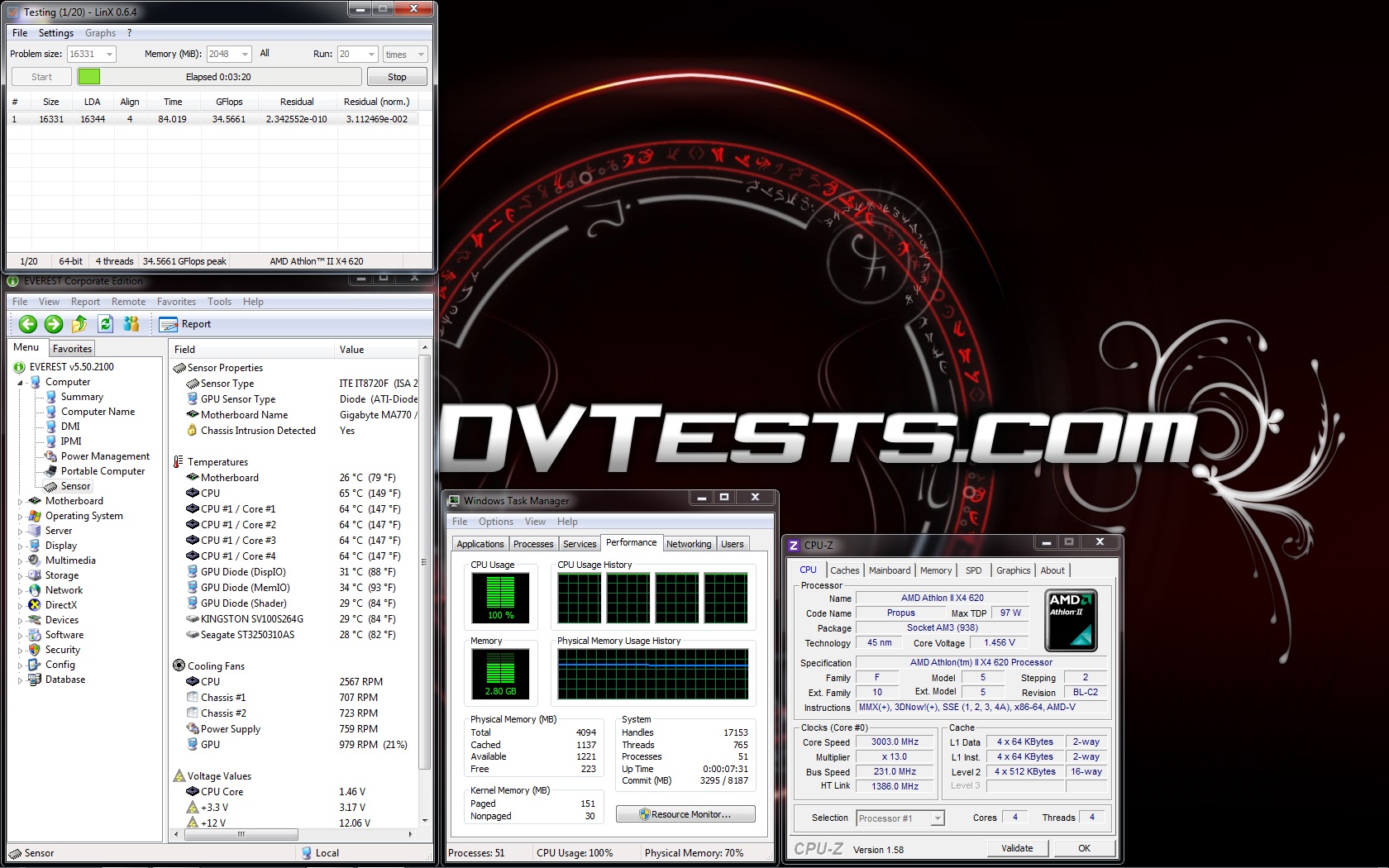
The results from the tests at overclocked frequency 3003 MHz are:
Idle:
Stress:
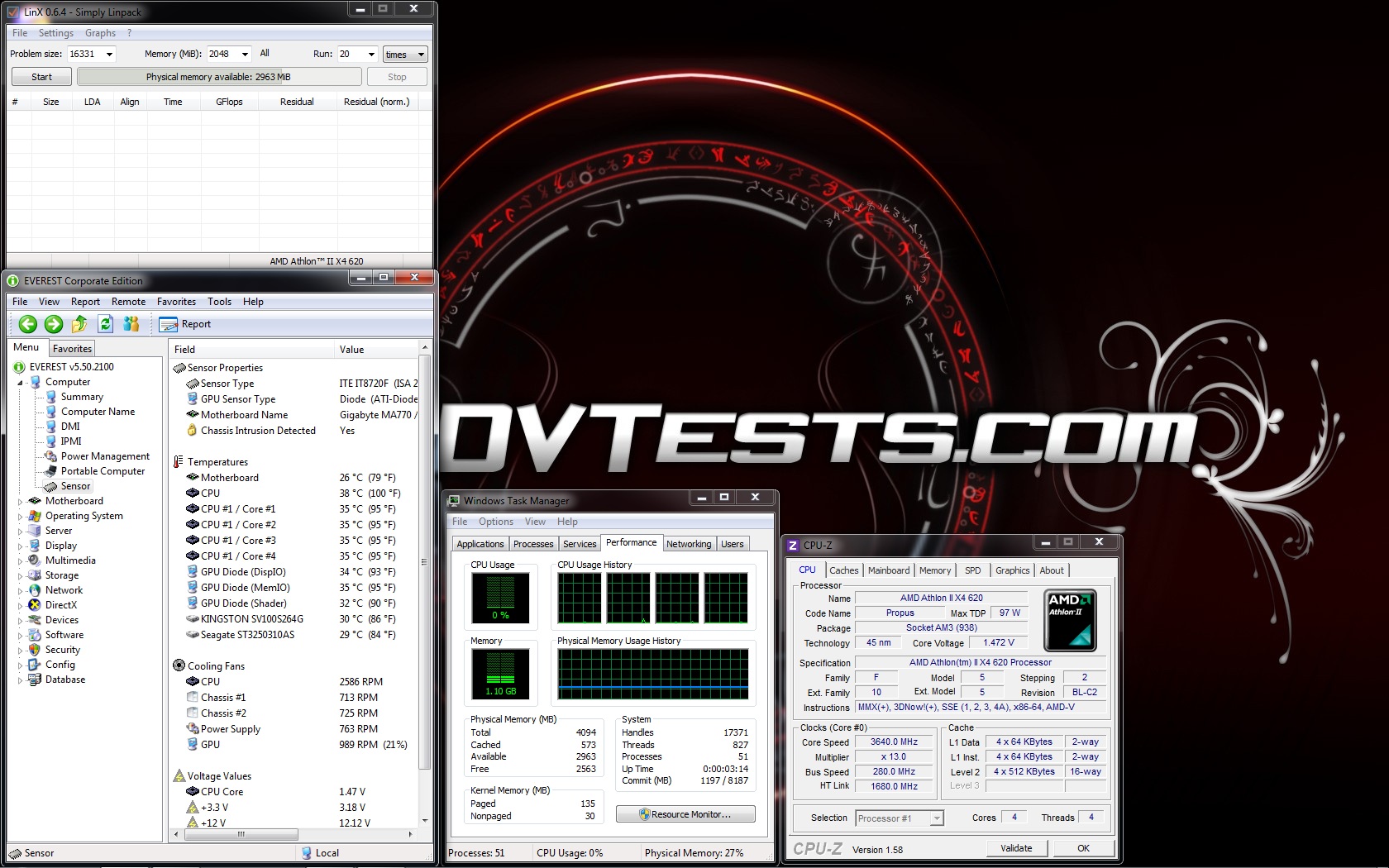
The results from the tests at overclocked frequency 3640 MHz are:
Idle:
Stress:
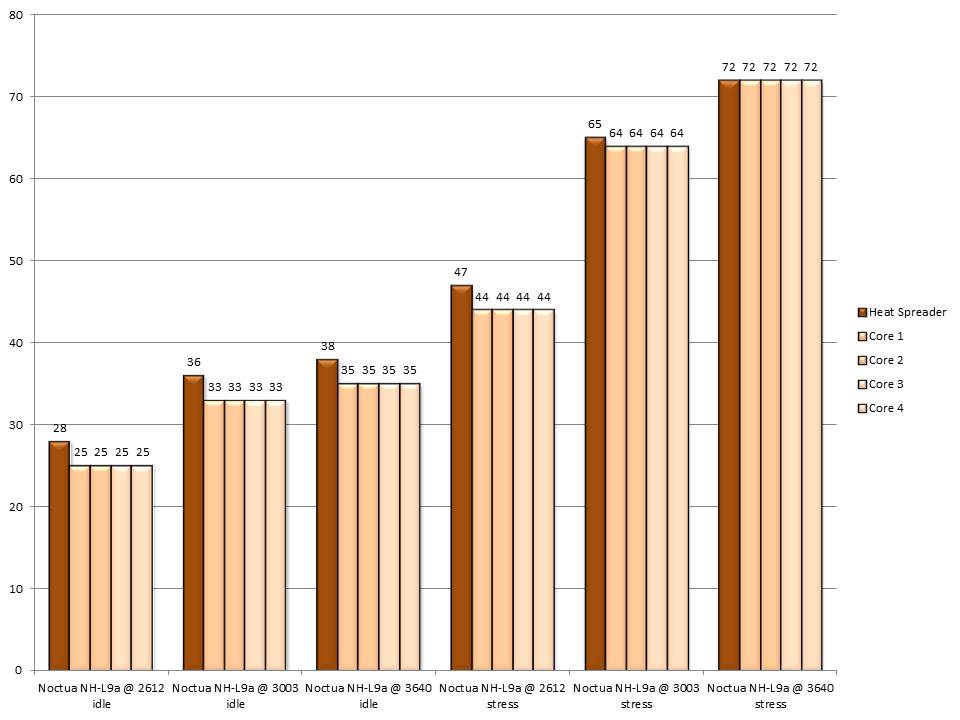
All of the test results have been summed up in the following charts:
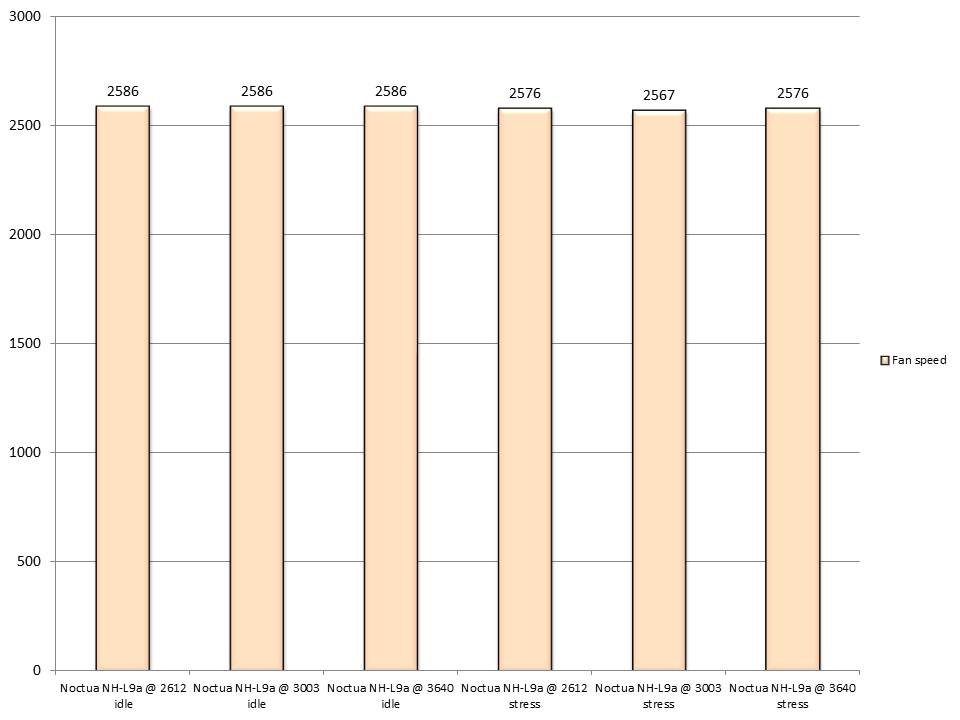
And the fan speed during the tests:
Conclusions? Yes, please!
- Noctua NH-L9a performance – after I had some fun with this cooler all I can say is: a very nice small cooler. It’s obvious that this cooler is made for HTPC systems but can be used in regular machines too. Noctua NH-L9a provides very good performance at default frequency. Apart from that it can handle working with a bit overclocked or even bigger overclock frequencies but I wouldn’t recommend it. After all, we talk about only 2 heatpipes and 92mm fan. So I believe this model can perform great working on an average cpu working at default but still there are much bigger and better models if it is going to cool an overclocked processor.
- About the noise – when the cooler is left to work with PWM mode, controlled by the motherboard it is very quiet even when the processor is with some load. Unfortunately, I always use the fans at max speed when doing the tests and at 2500 it is noisy. Not much but still there is a noise from the fan. But after all who cares about noise when the processor is working with 1000mHz more per core.
- Appearance – typical colour scheme and very clean and stylish design. I really like how it fits on the motherboard. When this cooler is installed there is a lot of space everywhere and everything can be reached.
According to my review, I’ve decided that Noctua NH-L9a deserves the following reward:

Official price (MSRP):
Noctua NH-L9a– unknown
Warranty: 6 years
I thank Noctua for the samples.
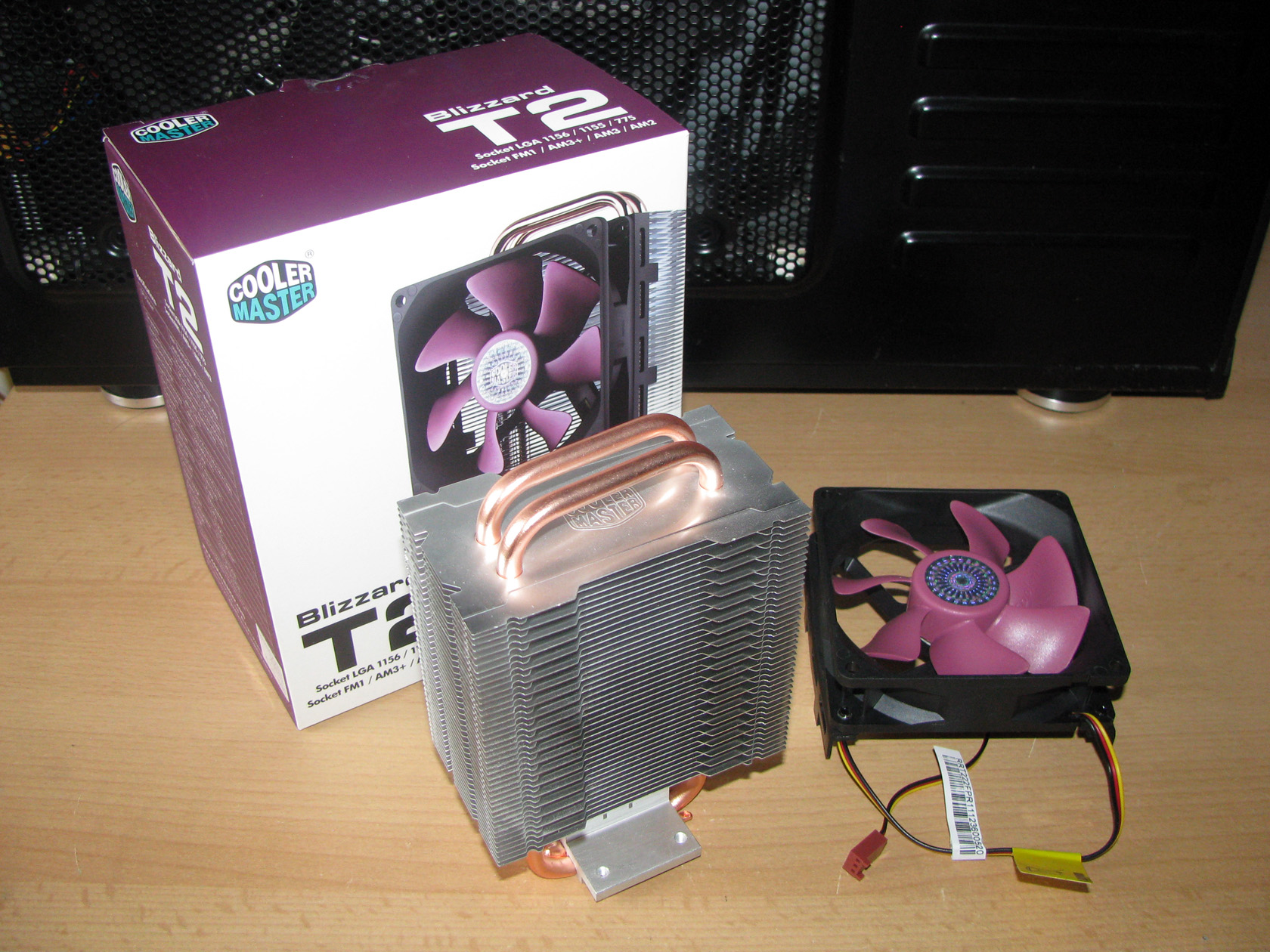

Once again, I like it very much. I’m not surprised of the overclock abilities, I expected them. Nice review.