

Noctua NH-U12S arrived to me in a pretty standard for the company big carton box painted in white, brown and black colors forming the typical for Noctua colour scheme with the most important features related with the product on the front and top panels and all of the technical details on the side panels.
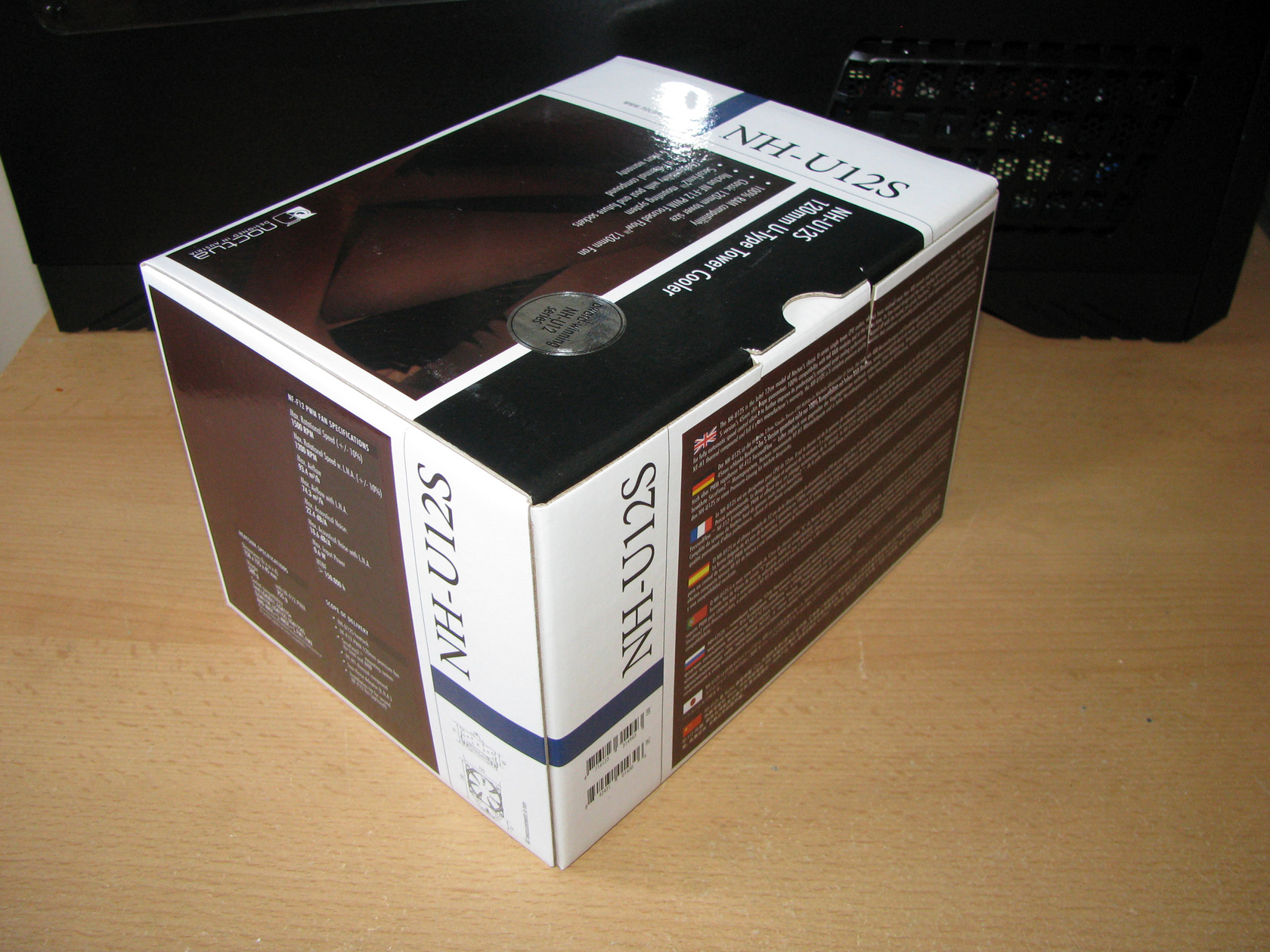
Since the package is actually pretty standard and not the main thing to check around Noctua NH-U12S I decided to open the carton box and check what’s inside and here I saw something that made me smile. Seems with these coolers the guys from Noctua decided to put some order in the old package type and all of the additional accessories to be placed in 3 additional smaller boxes.
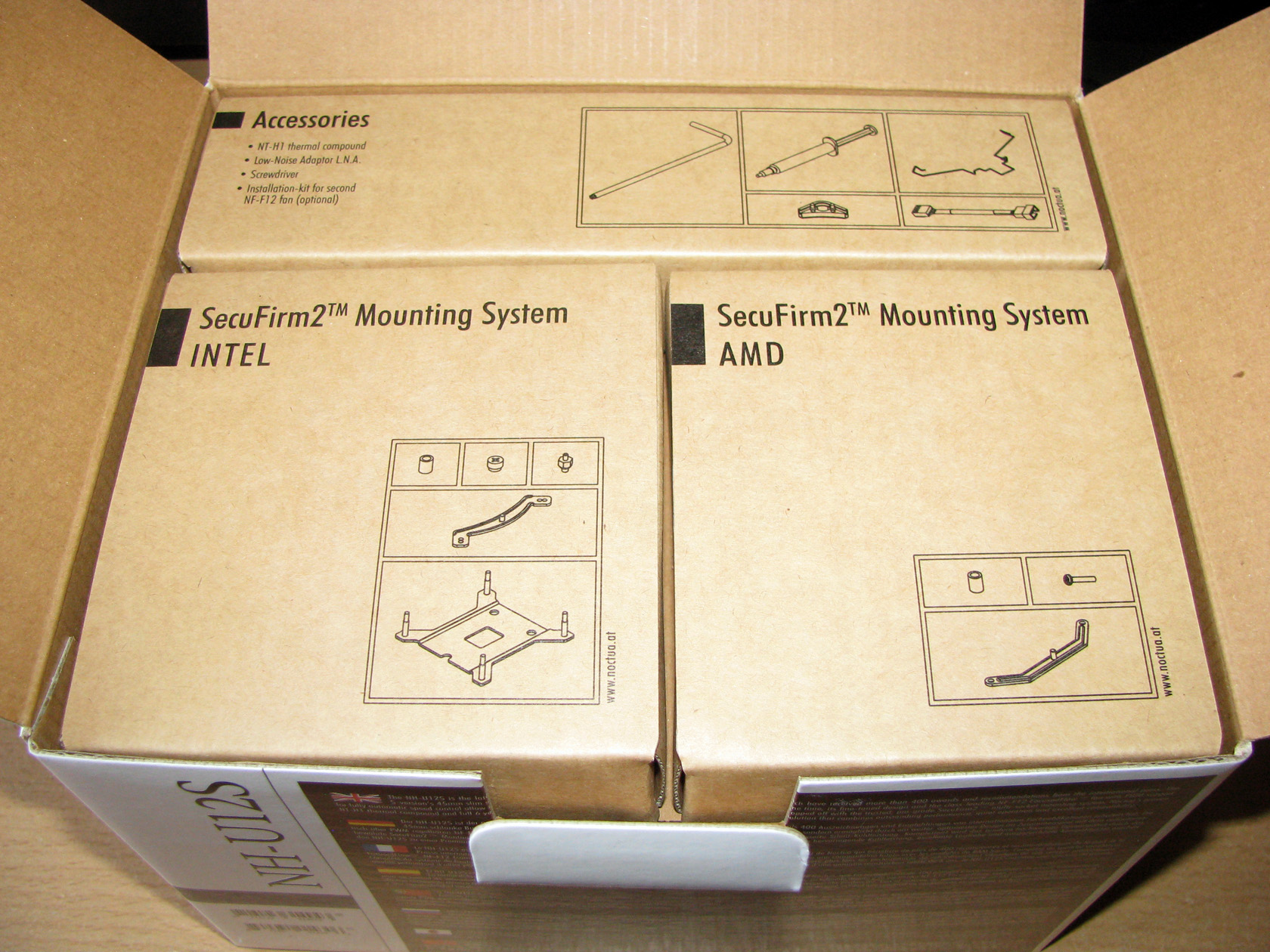
After I took the smaller boxes out of the box I realized it is very convenient and very reliable way to not lose any of the additional parts which as usual are a lot.
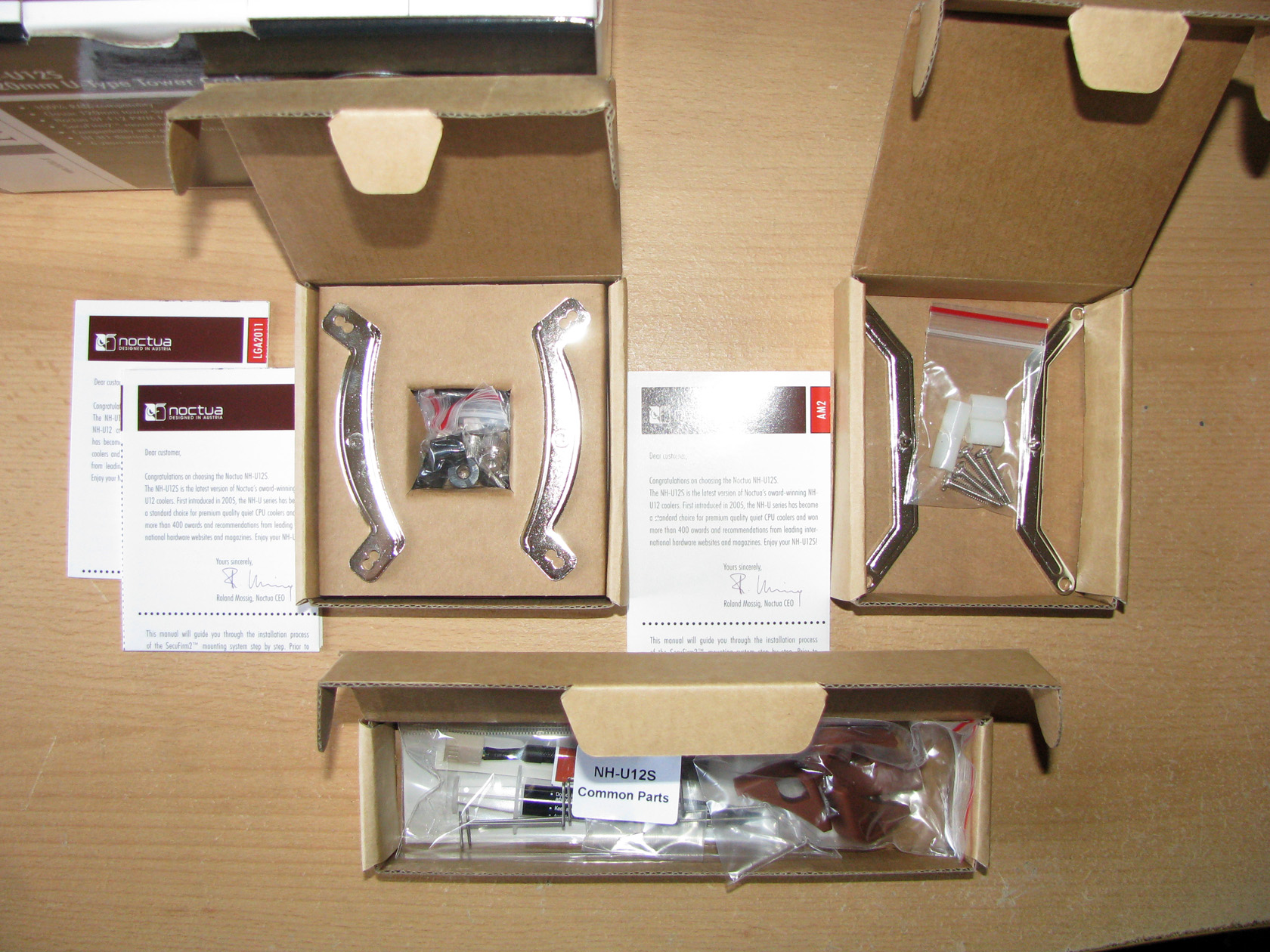
The standard package for Noctua NH-U12S offers:
- SecuFirm2™ mounting kit made to support Intel LGA115x (LGA1150, LGA1155, LGA1156), LGA2011 and AMD (AM3+, AM2+, FM1, FM2) sockets. The kit is separated in 2 different boxes according to the sockets they are meant for offering the screws and some additional parts needed so the cooler can be installed.
- Low-Noise Adaptor (L.N.A.)
- NT-H1 thermal compound
- Additional rubber dumpers if second fan is installed
- A metal advertising badge with the company logo
- Installation manuals for installing the cooler
So far so good and I can salute again Noctua for providing so much additional accessories to each and every cooler they offer on the market and now they are sorted for easier and faster operation. Very nice…
I believe it is time to say some words about the cooler itself.
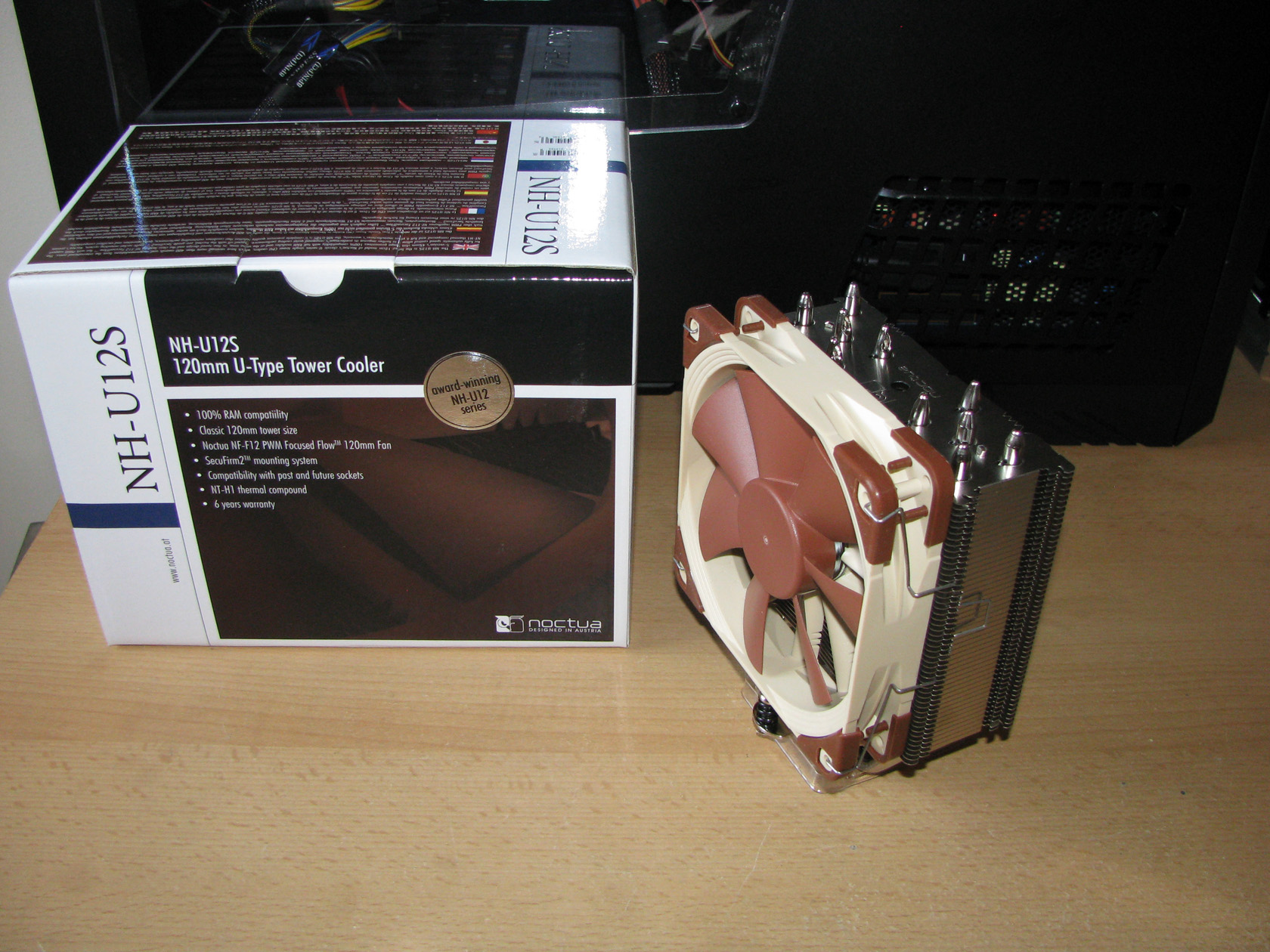
After I payed some attention to the additional accessories it is about time to check the main participant in this test and review and that is the cooler itself – Noctua NH-U12S. As can be seen in the picture above this model is meant to be used by customers with middle or bigger tower cases and is supposed to keep every modern processor working nice and steady at low to average temperature. If this is so, we will find out that a bit later. Now let’s check the cooler structure.
Noctua NH-U12S is made of 3 major components which I will describe in this article. Of course they are:
1. Heatsink:
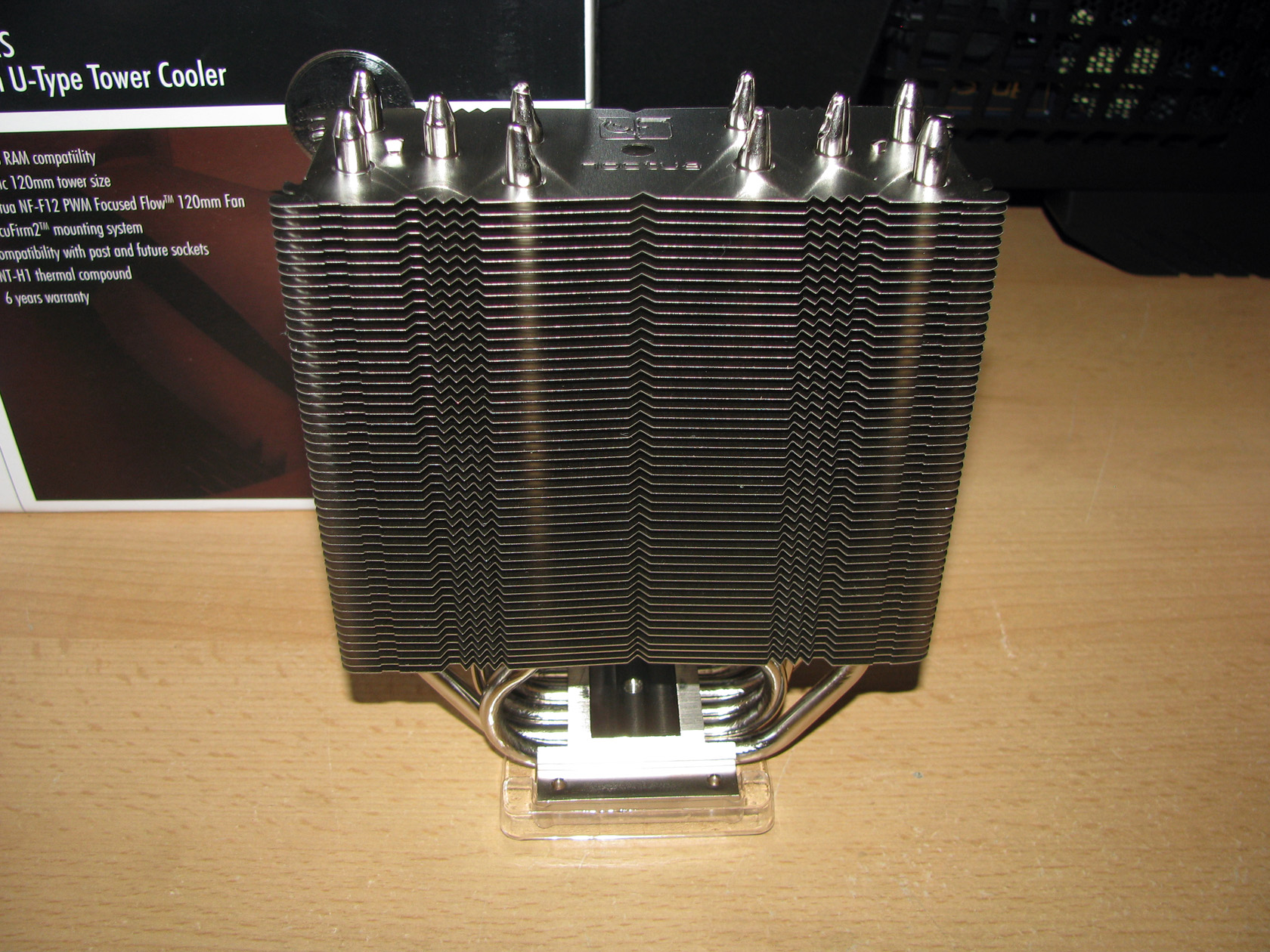
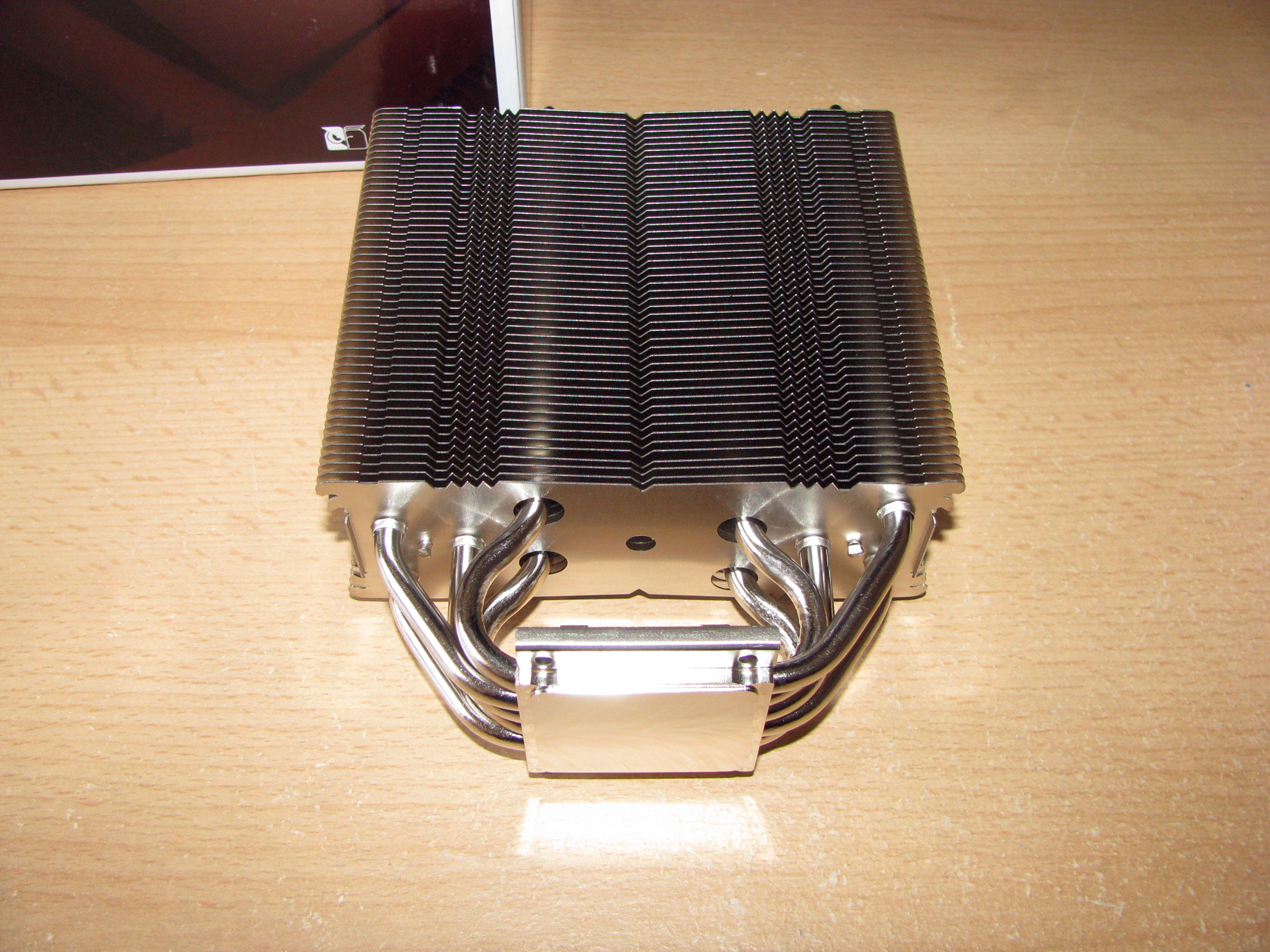
The heatsink itself offers two different materials and is with dimensions without fan of 158(H) x 125(W) x 45(D) mm and weight of 580 grams made of 3 major components – the contact surface, the heatpipes and the aluminum fins.
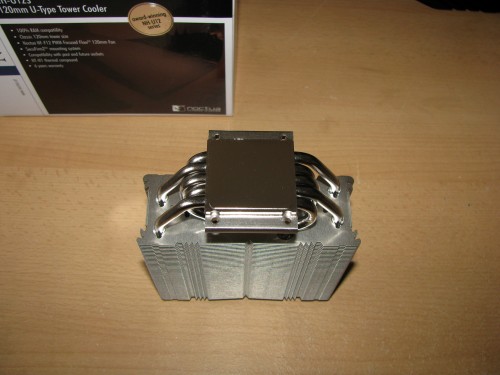
Noctua NH-U12S offers not very big but still not very small contact surface made entirely of copper with very shiny nickel coating made to transfer the heat from the hot central processor unit through the 5 x ø6mm nickel plated copper heatpipes to the aluminium fins for dispersing the heat. As usual, the contact surface in Noctua product is just perfect. When the cooler is brand new there isn’t even a scratch on it and I believe this is called great quality.
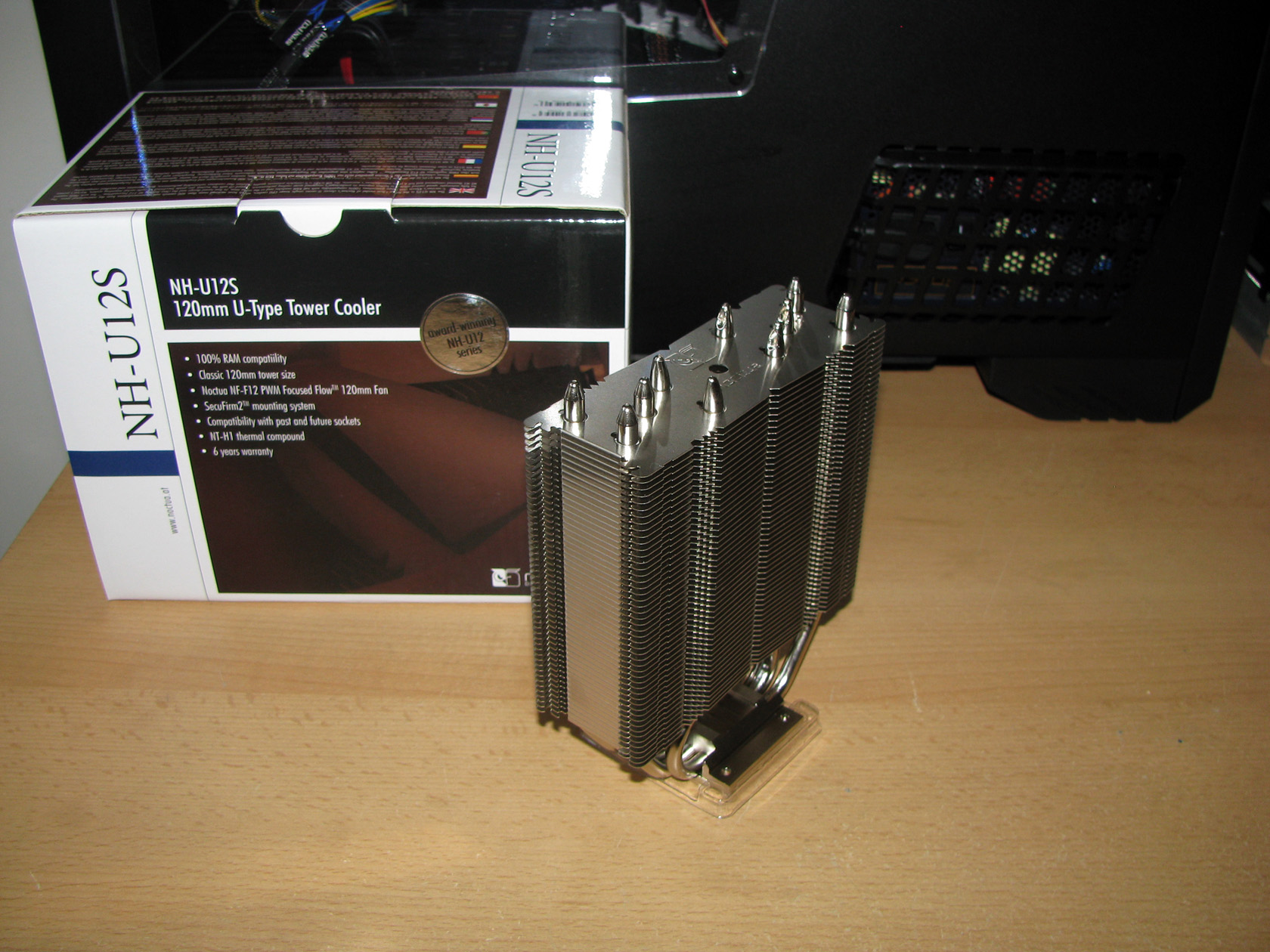
The next part of the heatsink is actually the surface dispersing heat, which in fact are the aluminium fins. When I took the cooler out of its package for the first time I noticed that Noctua NH-U12S offers not very wide aluminum fins surface but they are are very close to each other and perfectly soldiered to the heat pipes. If this is a good decision, I will test a bit later.
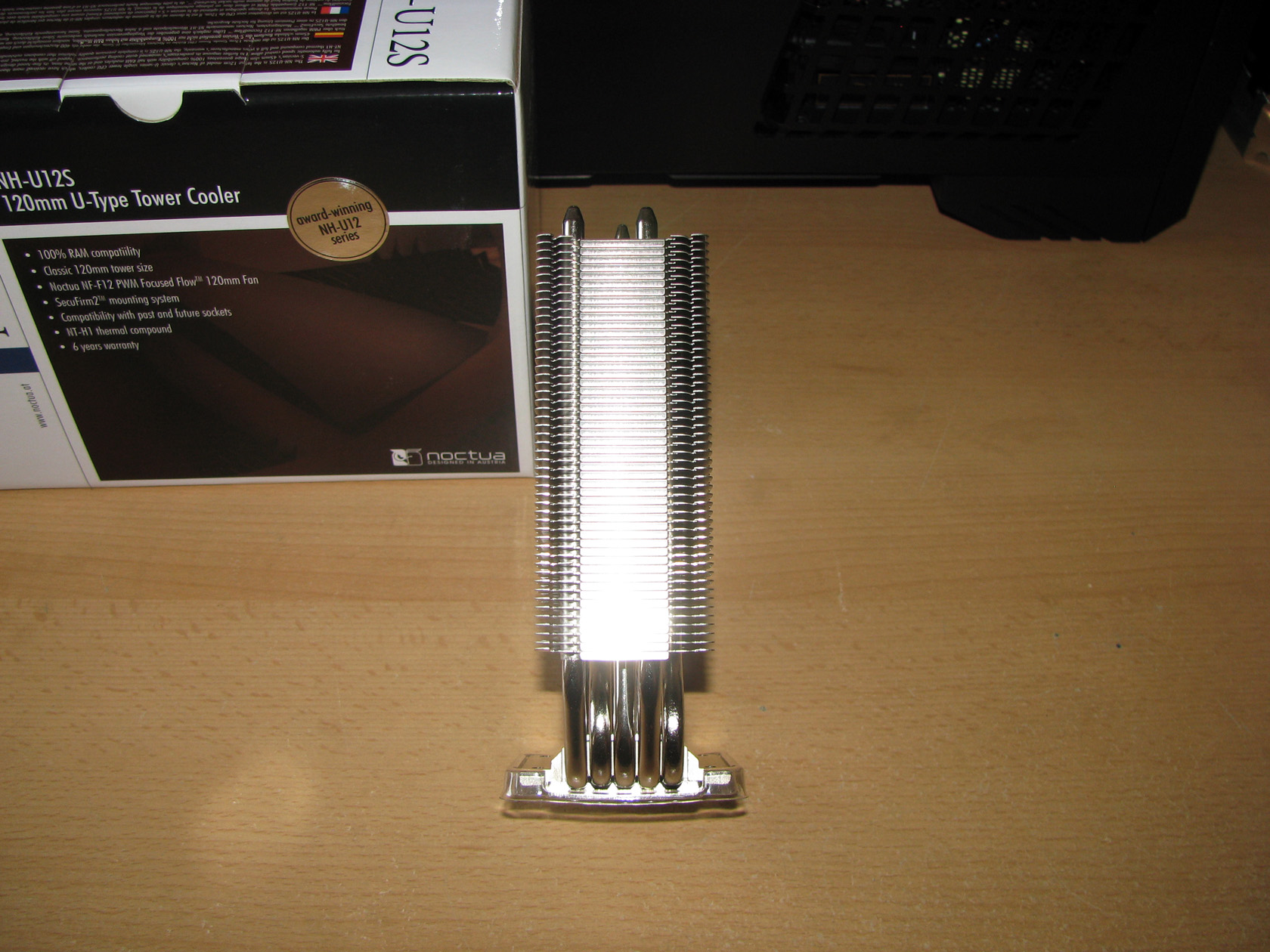
As you probably already noticed the cooler is very thin, which I believe is made to avoid DIMM slots sticking out and to provide maximum clearance for every system to work with its maximum RAM capabilities. According to the official technical details, when this cooler is with 1 fan installed its dimensions are 158(H) x 125(W) x 71(D) mm and weight of 755 grams, which makes it pretty slim model even with fan installed.
2. Cooling fan:
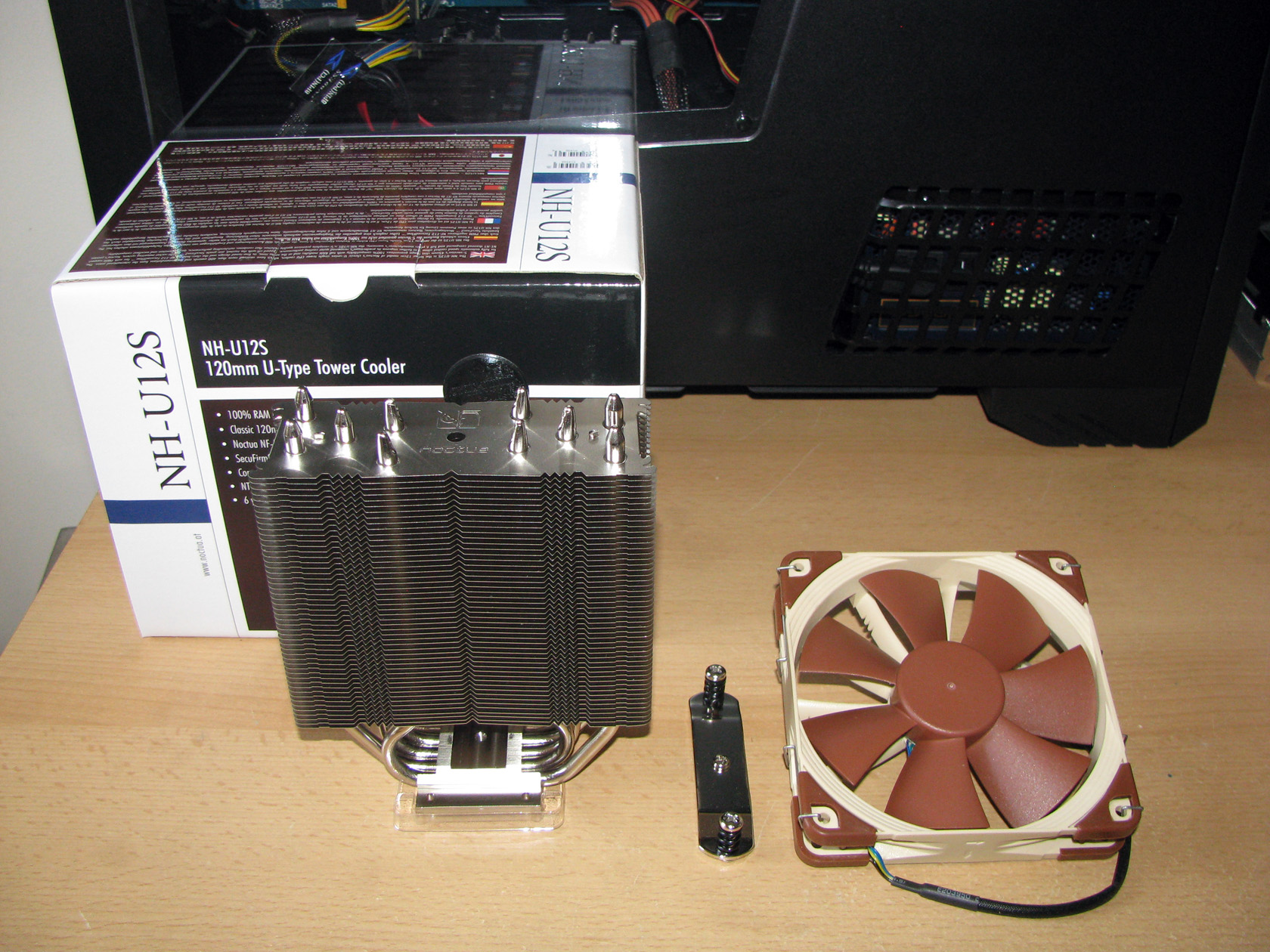
The standard cooling fan for Noctua NH-U12S is actually the recently announced NF-F12 PWM premium fan , which I already tested in the past, with dimensions of 120x120x25 mm working at maximum speed of 1500 revolutions per minute (+/- 10%), with maximum airflow level of 93,4 m³/h at only 22,4 dB(A) powered and regulated by sleeved in black 4 pin PWM cable and connector.
3. Mounting kit:
The third major part which actually I believe is the most important are the mounting brackets for installing the cooler. As every other CPU cooler offered from Noctua, this one too offers the patented SecuFirm2™ Mounting Kit which when installed on AMD motherboard looks like this:
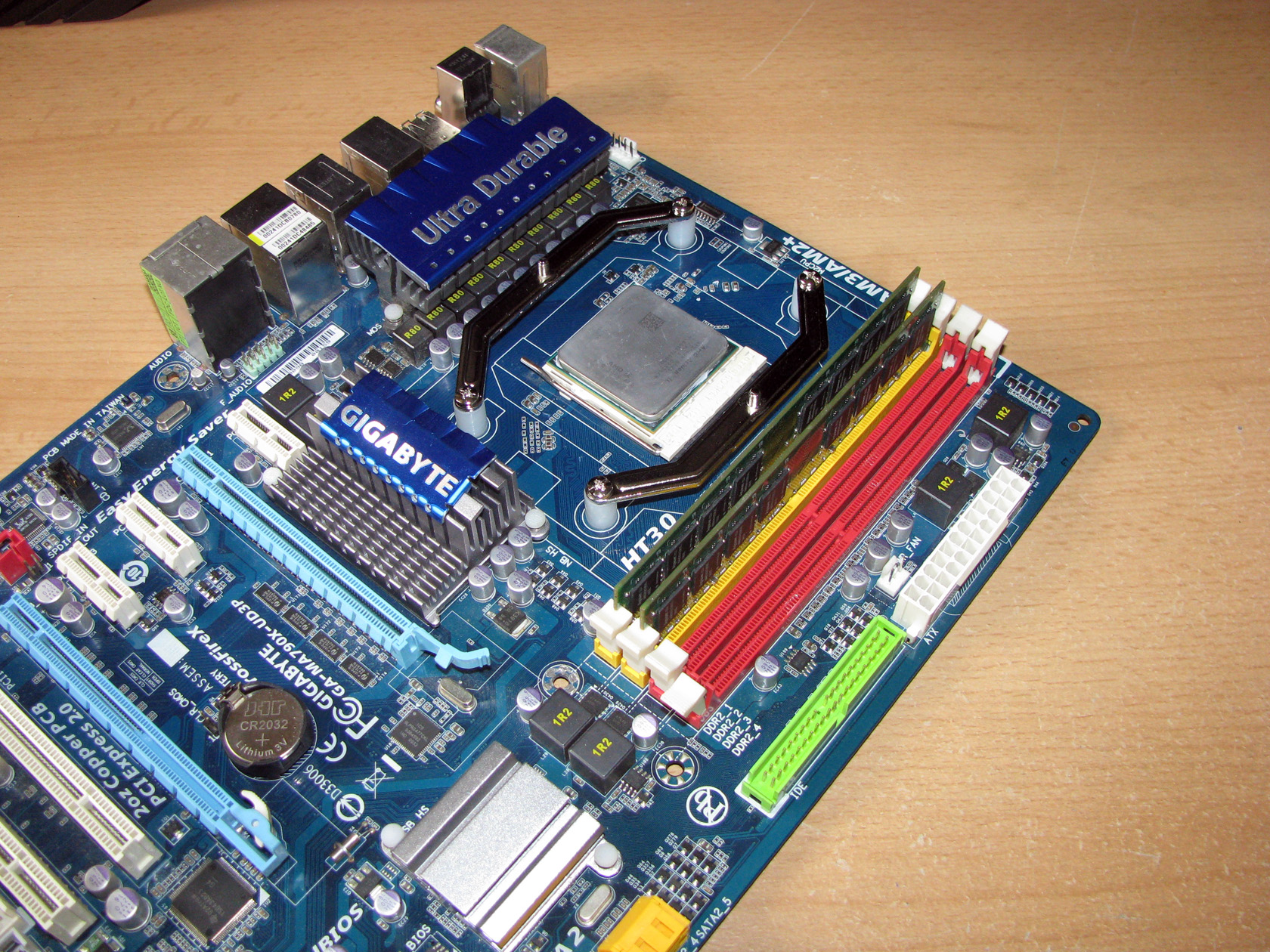
The standard mounting method requires the original metal backplate to be used and the SecuFirm2™ parts are installed directly to it.
As I said in the beginning of this article the cooler looks very, very well and I believe it will be nice to compare it with one of the best models in this class, which is actually Cooler Master Hyper 212EVO. By saying class I want to point the size and the performance it provides.
And before I do the tests I had to show some pictures of both contestants side by side.
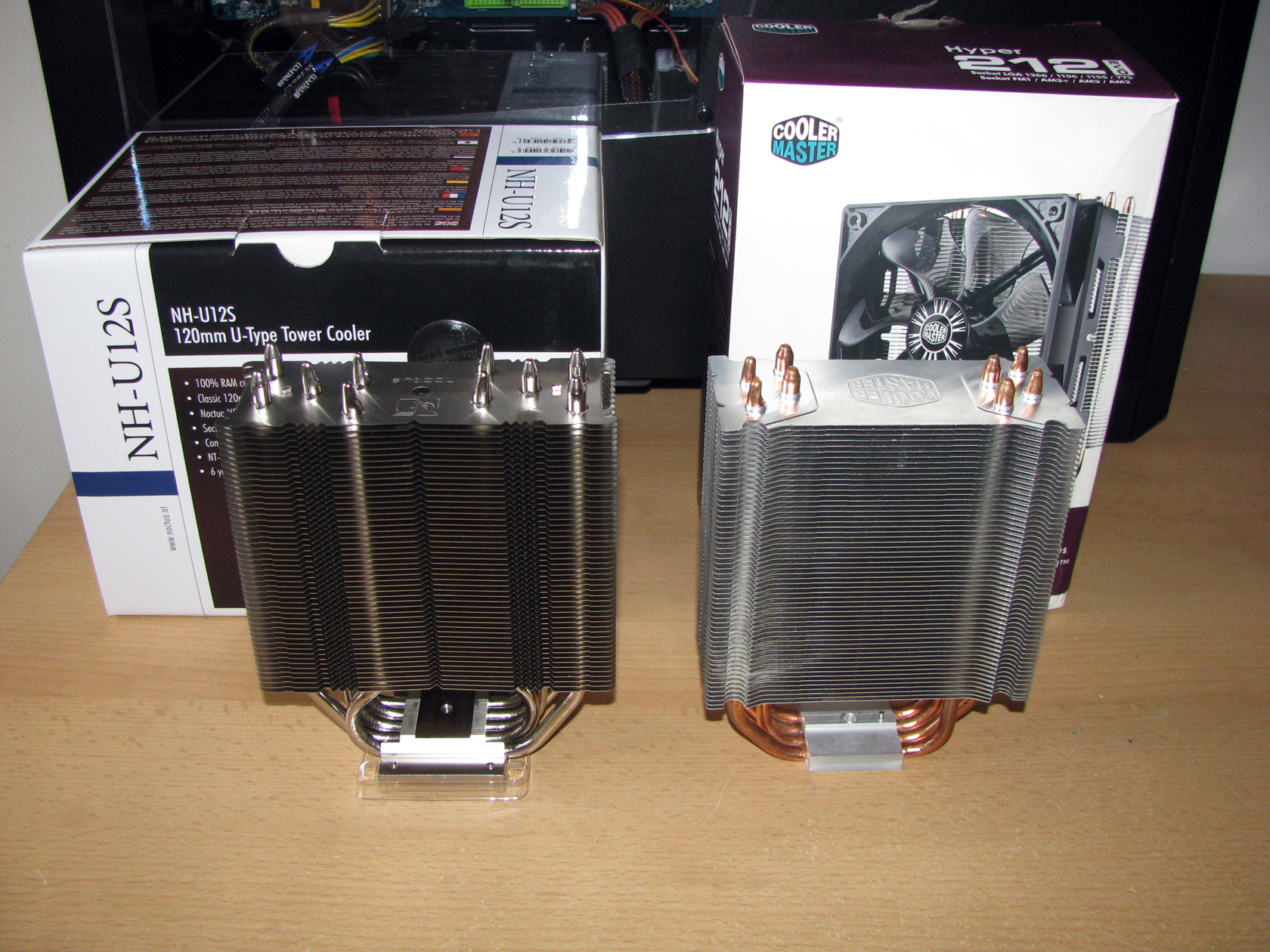
Even though both coolers are with almost the same dimensions, they offer pretty different features:
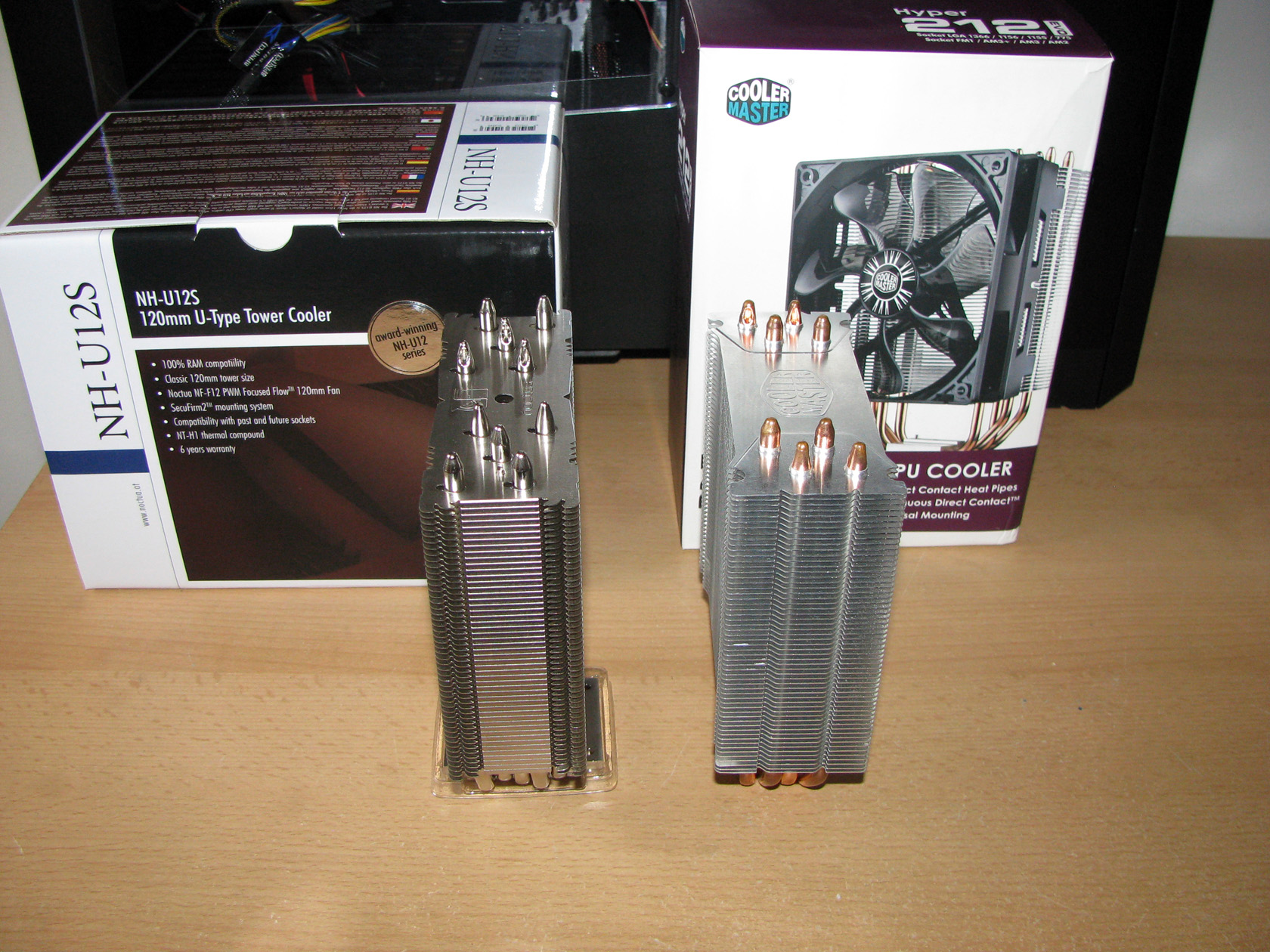
Noctua NH-U12S offers 5 x ø6mm nickel plated copper heatpipes, while CM Hyper 212 Evo offers only 4 x ø6mm copper heatpipes with direct contact to the processor.
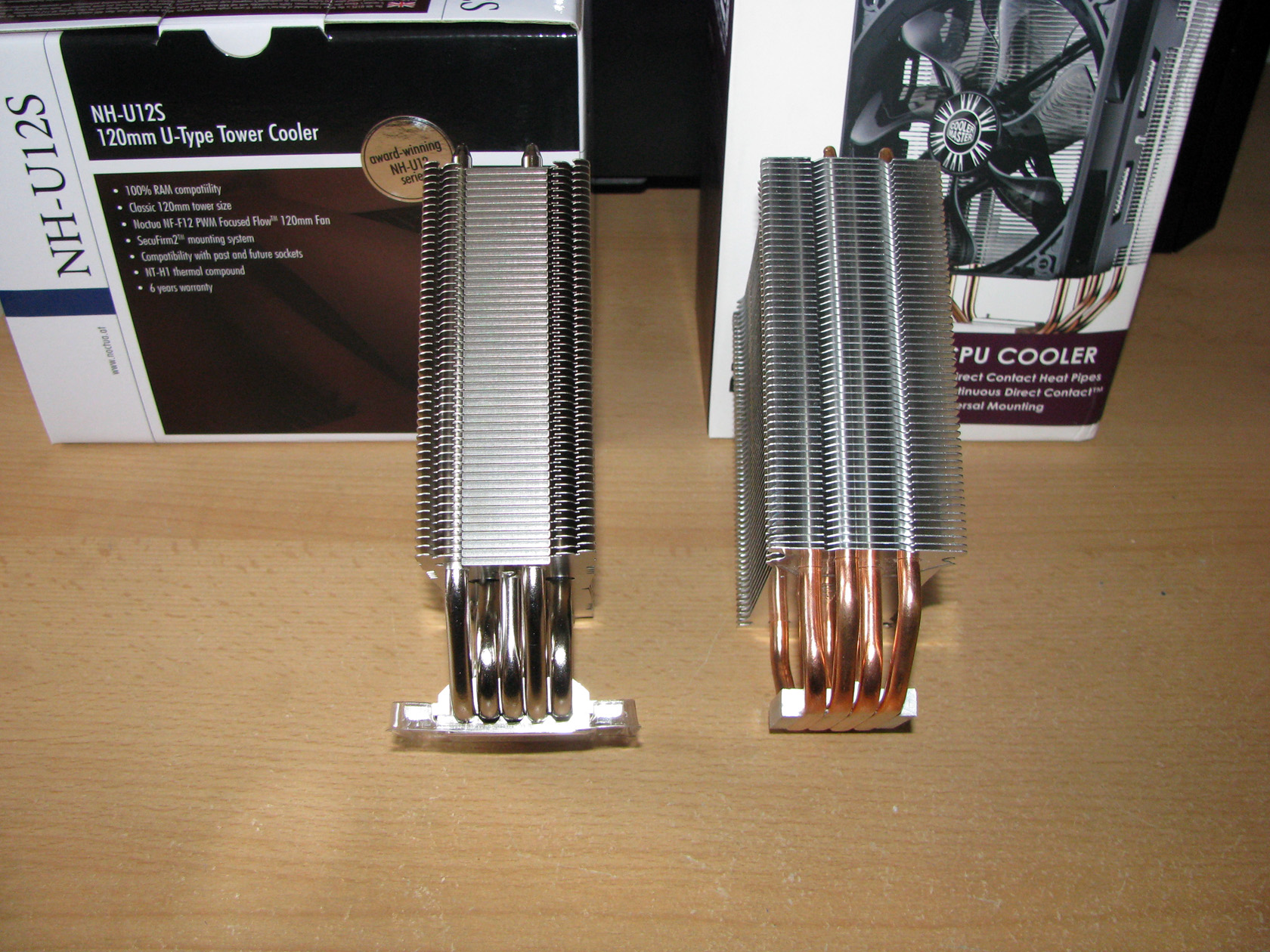
Noctua NH-U12S offers nickel plated copper contact surface, while CM Hyper 212 Evo offers aluminum contact surface with direct contact of the heatpipes to the CPU.
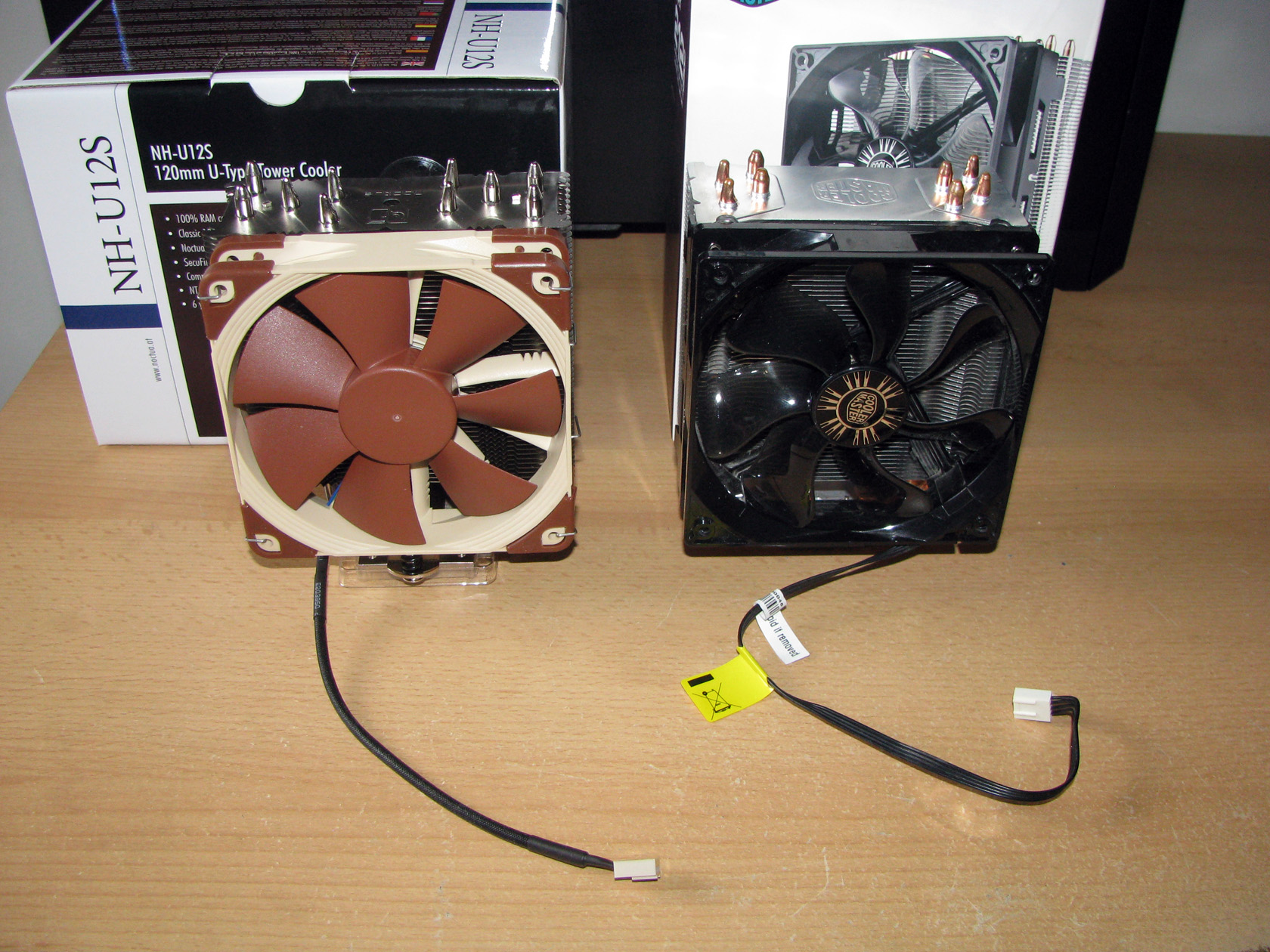
Both of the coolers are supplied with 1 x 120mm fan which for Noctua NH-U12 is working at 1500 revolutions per minute and CM Hyper 212 Evo is supplied with a fan working at 1600 revolutions per minute.
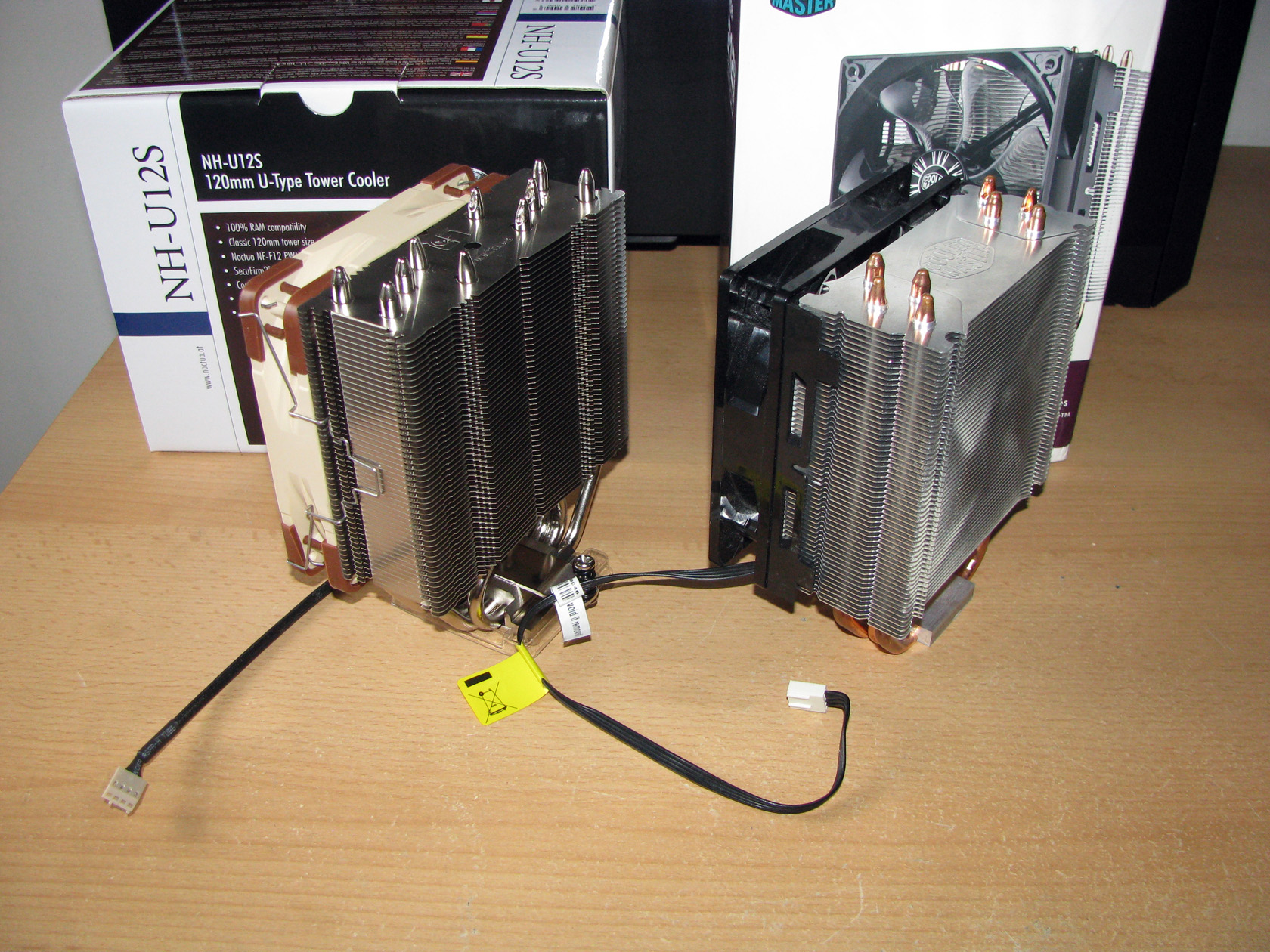
Since I noticed that both of the coolers are almost the same as dimensions and very different as features I decided to do the tests for both models using only NF-F12 PWM fans to check how they perform in the same conditions.
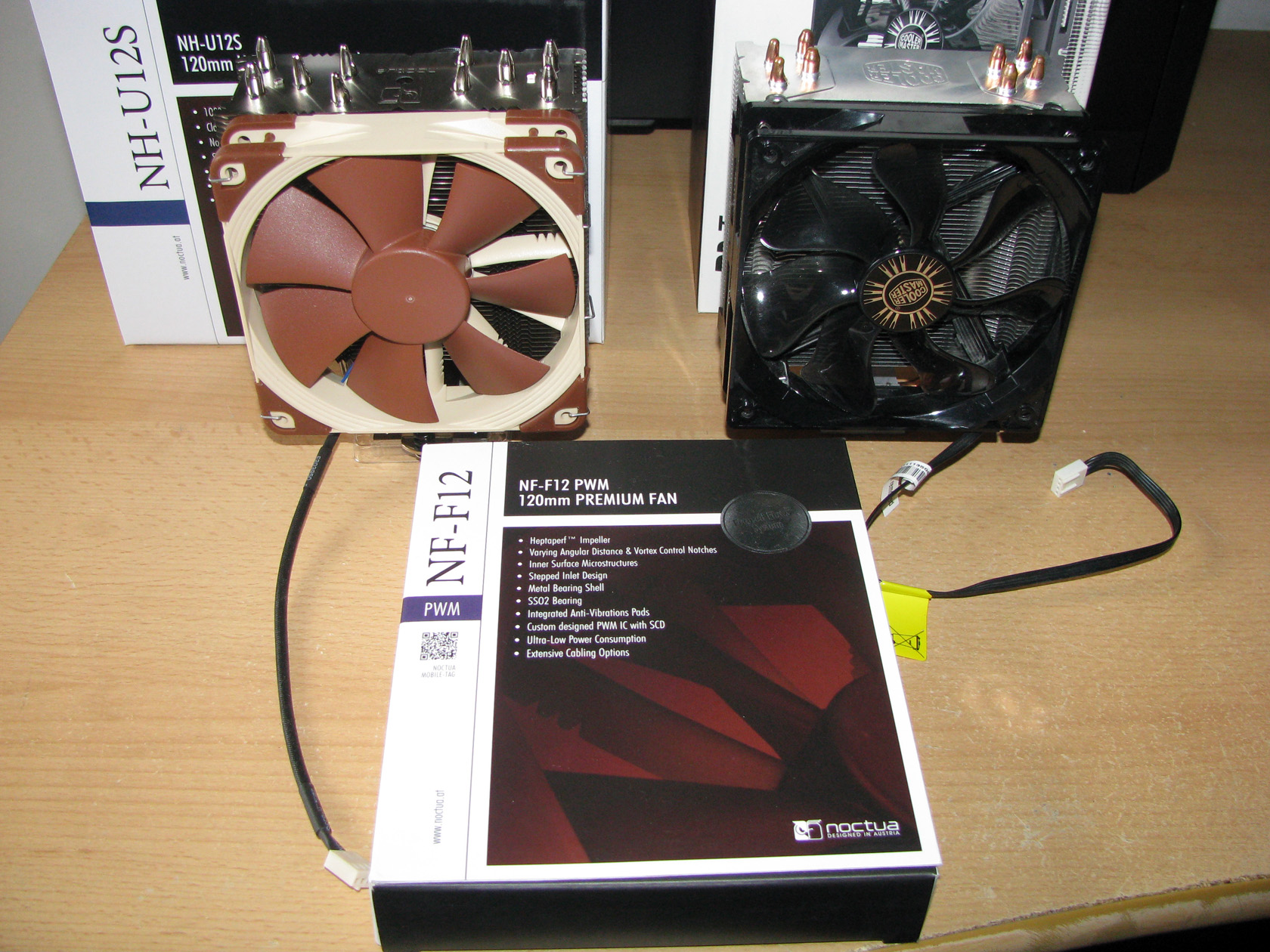
Apart from that, the guys from Noctua were very generous and supplied me with a second NF-F12 PWM, which I will use for push-pull setup tests.
Before I start doing the tests I believe it is necessary to describe the system I am going to use, which for this test and review is:
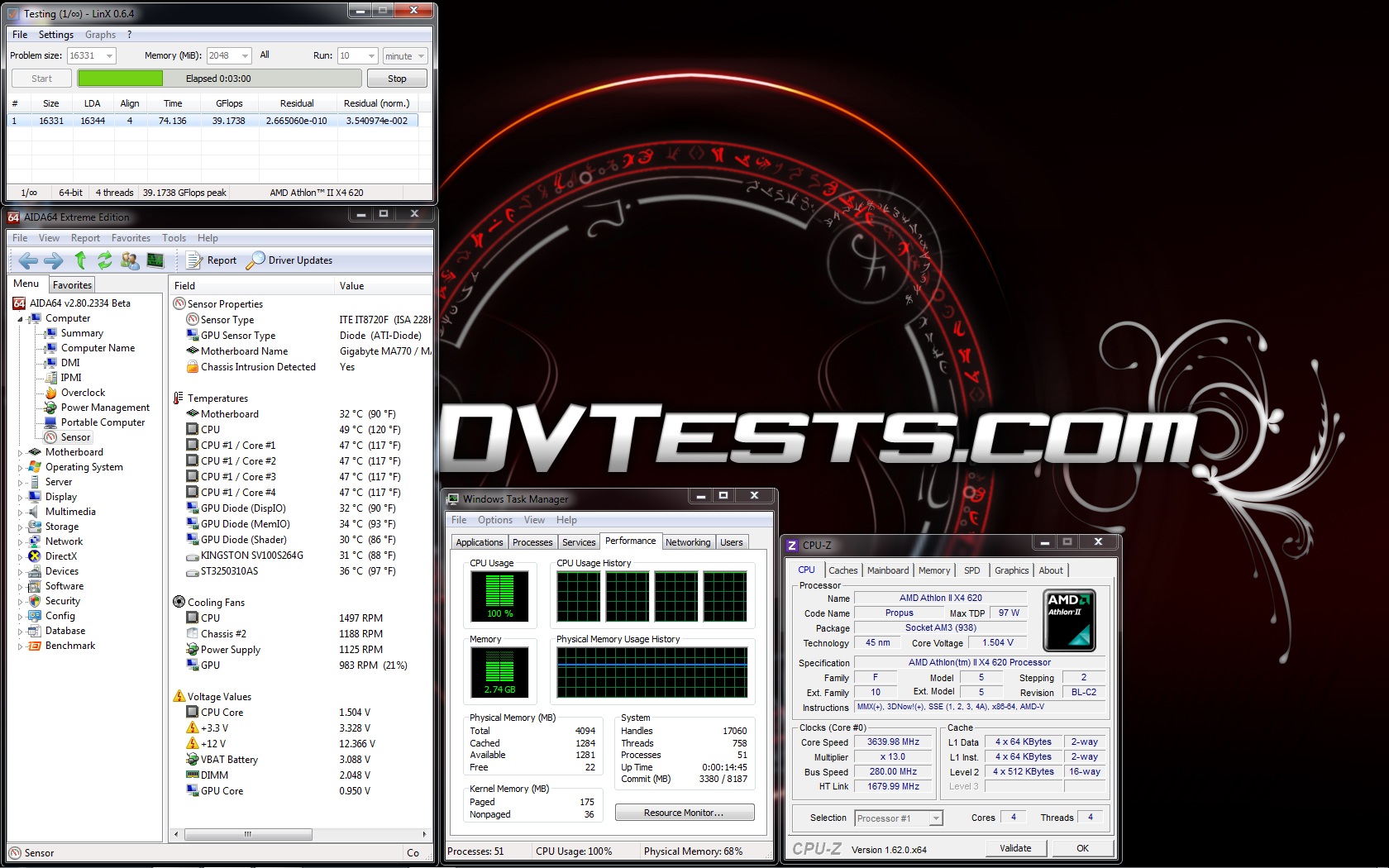
CPU: AMD Athlon X4 620 at standard frequency of 2612 MHz and overclocked at 3640 MHz (at 1.5V) per core for the tests.
Motherboard: GigaByte 790X-UD3P
Video card: Sapphire 5830 Extreme 1GB DDR5 256bit
Memory: 2 x 2GB Apacer 800 MHz
Hard drive: Kingston SSD SV100S264G
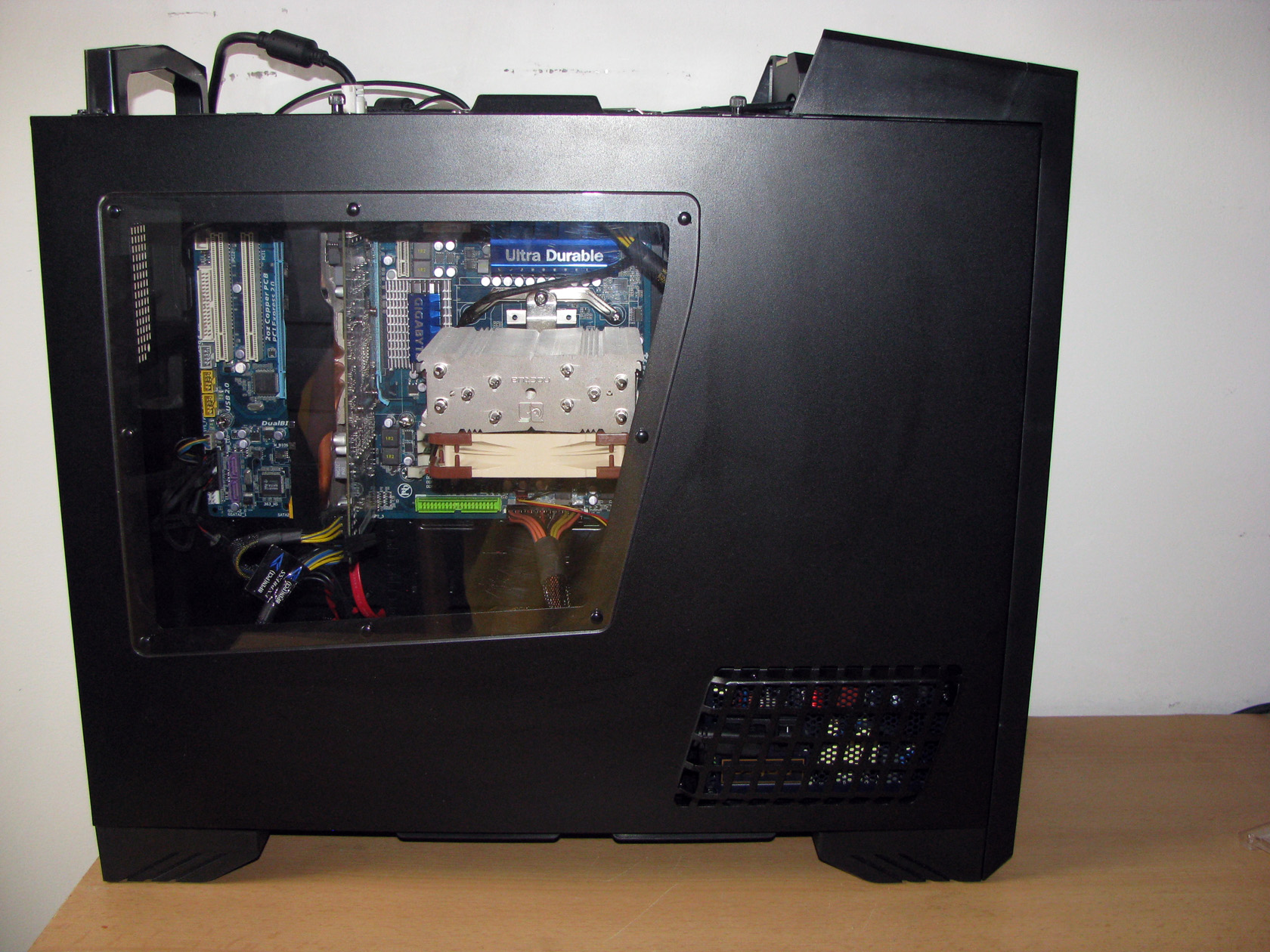
Case: SilverStone Raven RV-03
Power supply: Antec HCP-750W
Cooler: Noctua NH-U12S and Cooler Master Hyper 212 Evo
Thermal paste: NT-H1 thermal compound
Fan mounted: 2 x Noctua NF-F12 PWM
The tests were conducted in a closed system with:
- 180mm fan on the bottom panel putting fresh air in and spinning at about 1200 rpm
- 180mm fan on the bottom panel putting fresh air in and spinning at about 1200 rpm
- 120mm fan on the top panel taking hot air out and spinning at about 1020 rpm.
- Room temperature of about 18 degrees.
Both of the 180mm fans were connected together to the chassis 2 connector and were rotating at maximum speed.
Testing procedure:
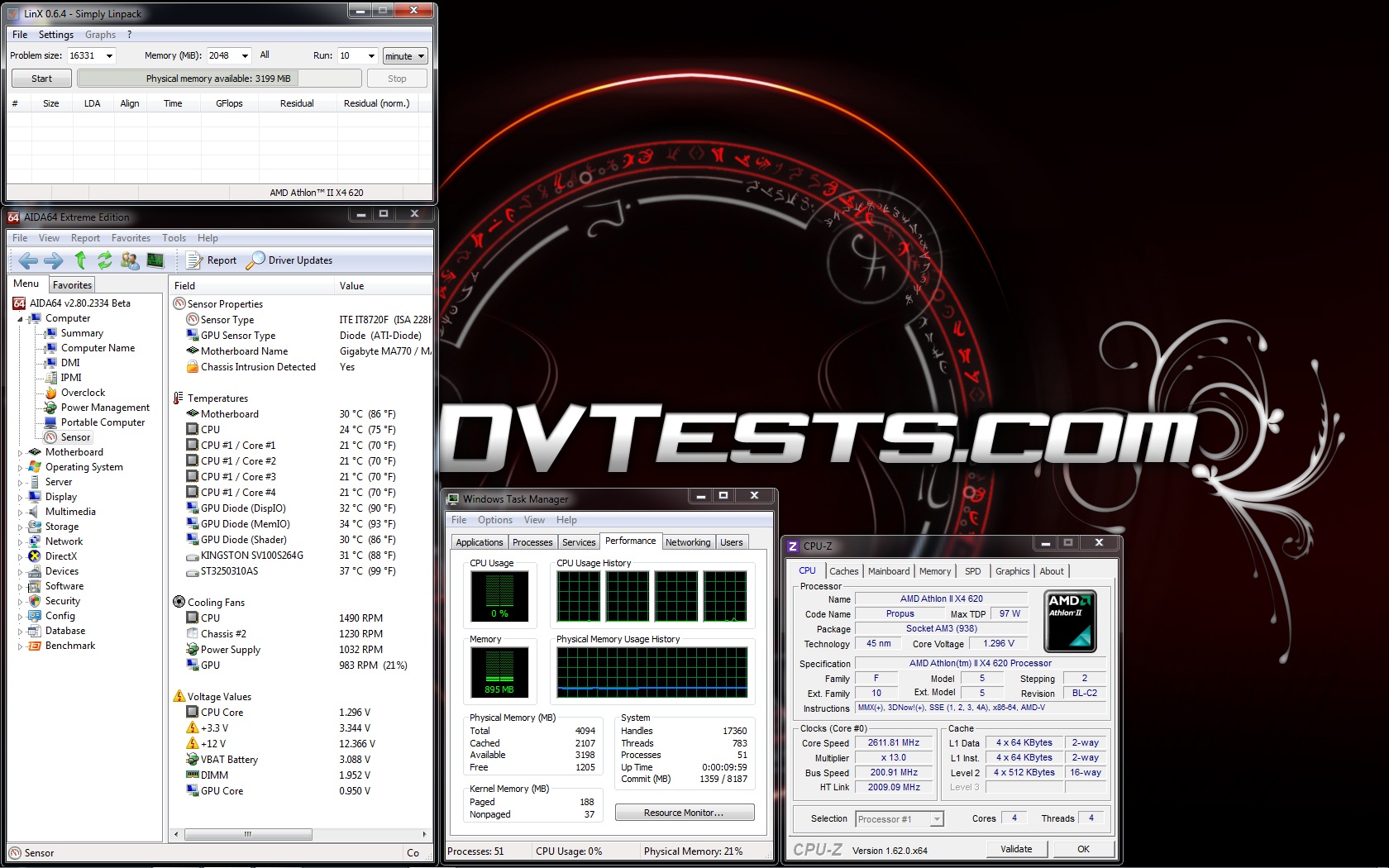
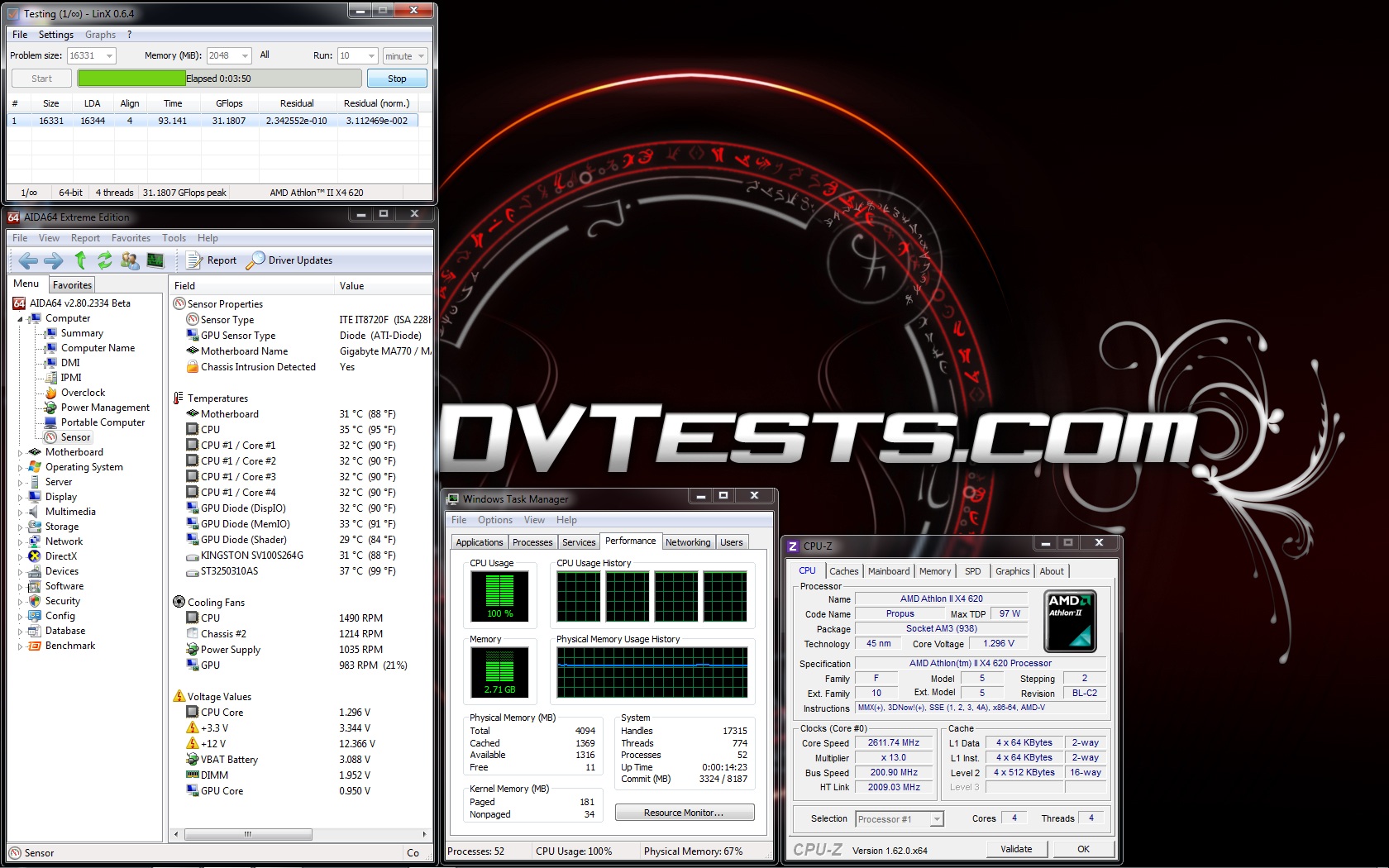
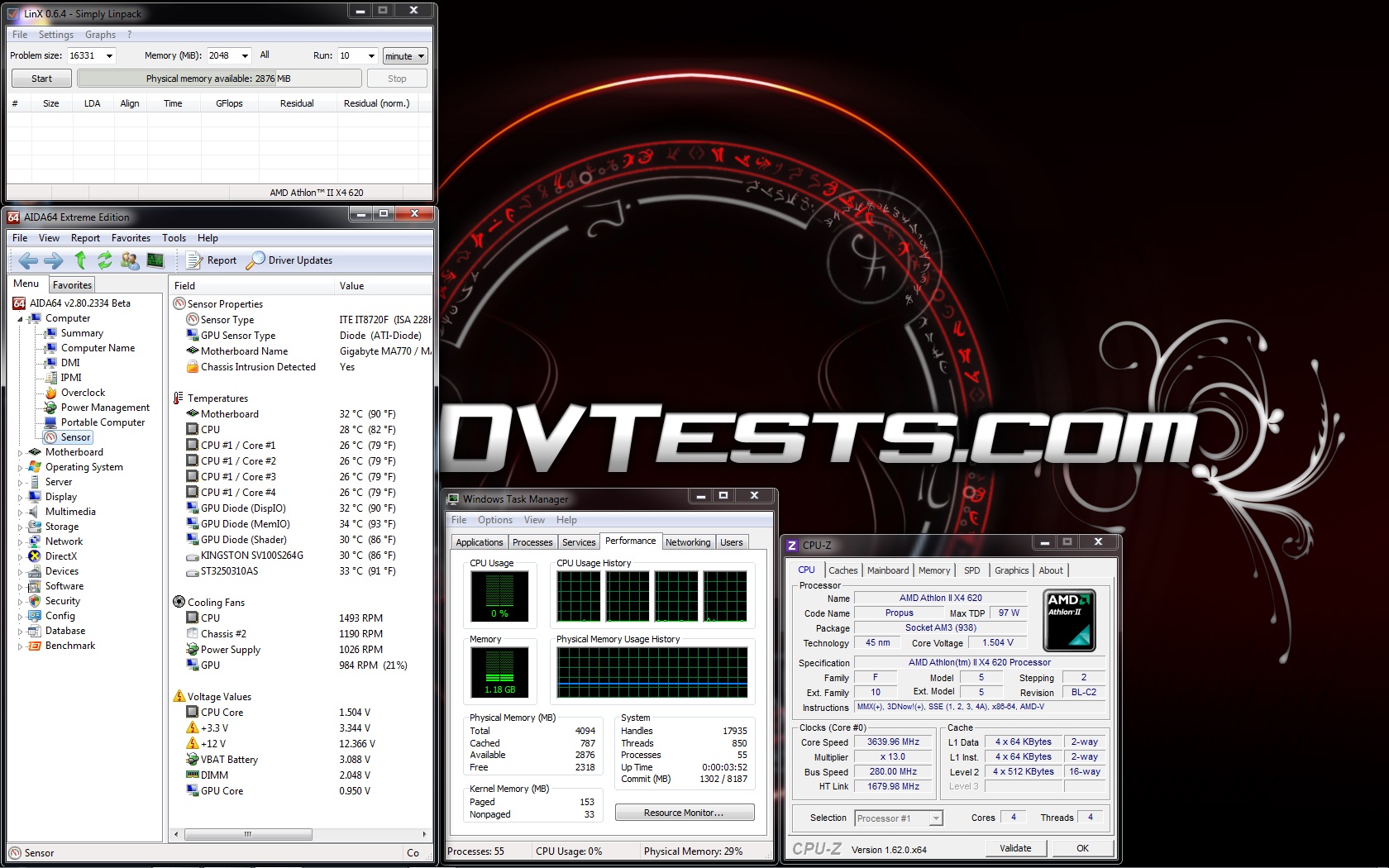
I will install both of the Noctua NH-U12S and Cooler Master Hyper 212 Evo and do tests at default frequency 2612 mHz at idle and stress and at overclocked frequency of 3640 mHz again at idle and stress using one and two (push-pull) 120mm Noctua NF-F12 PWM fans.
Mounting procedure:
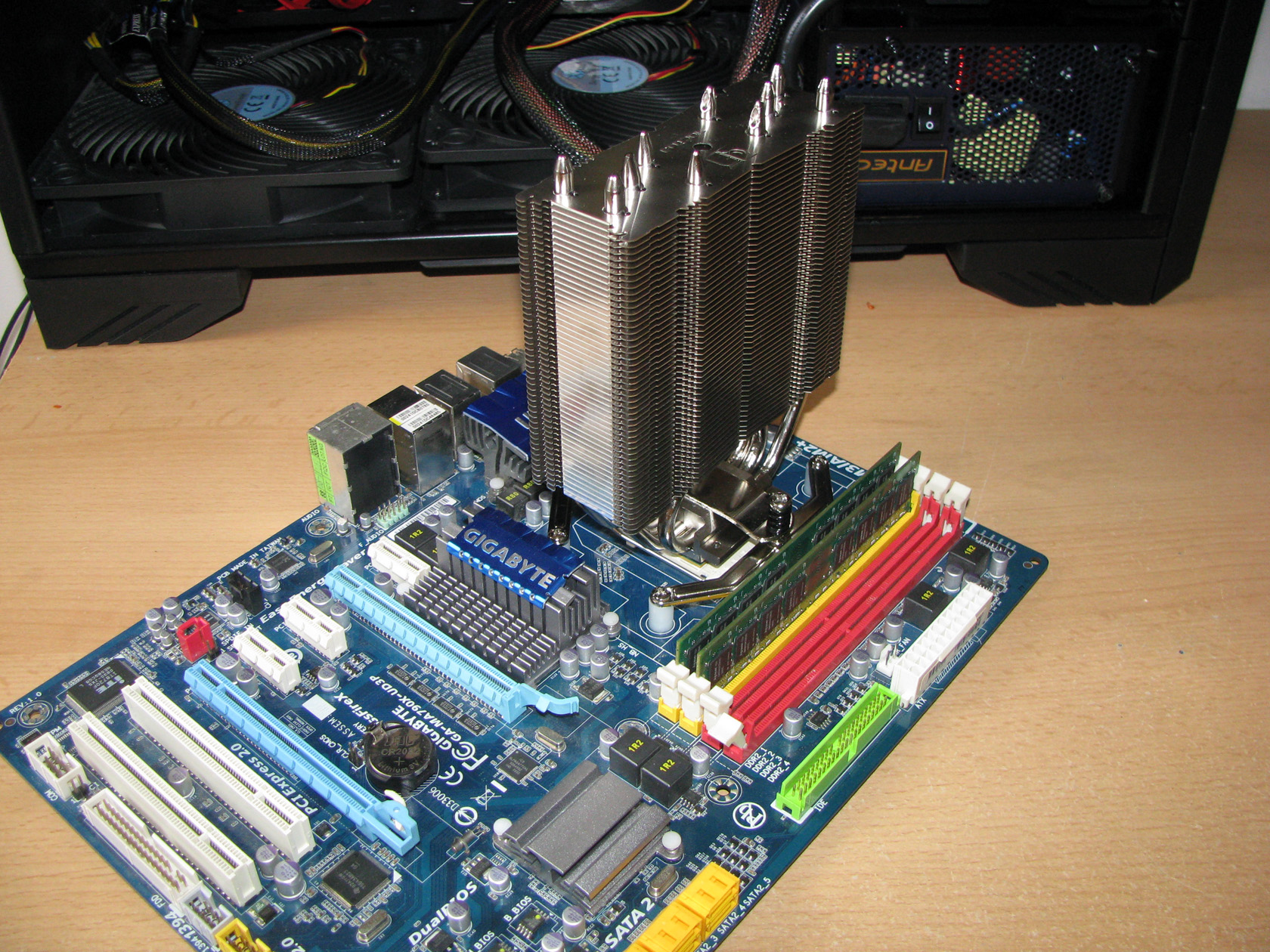
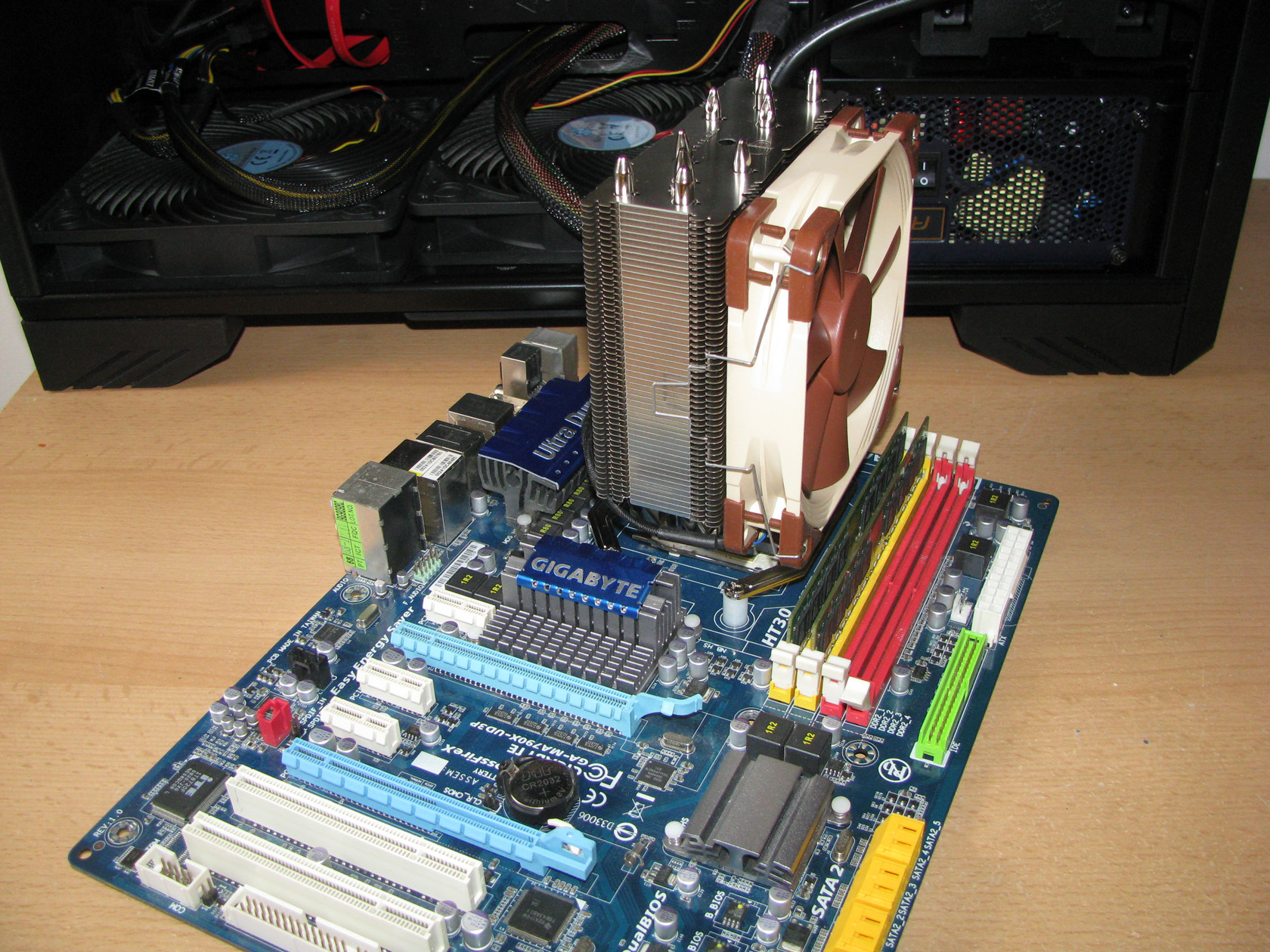
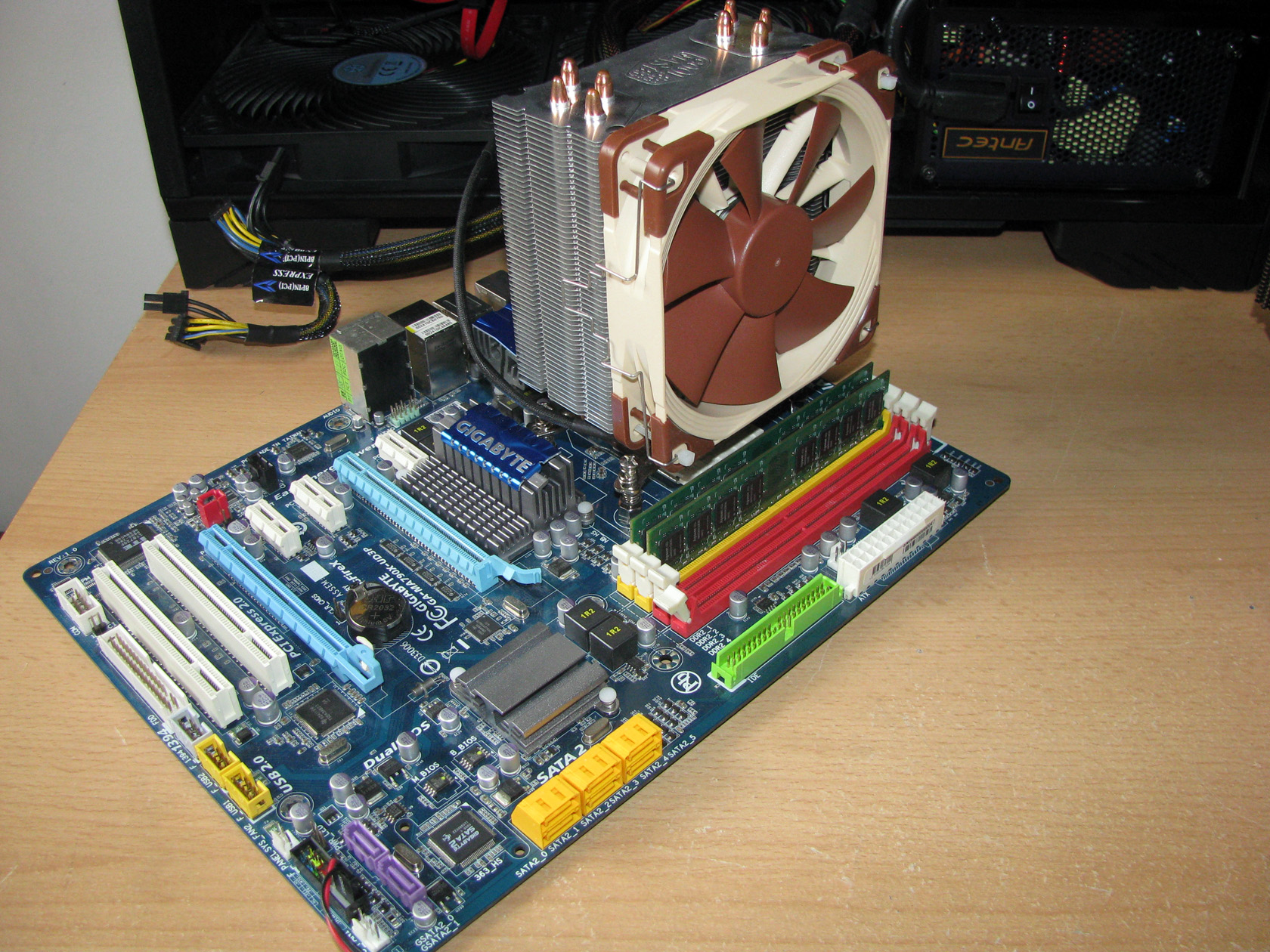
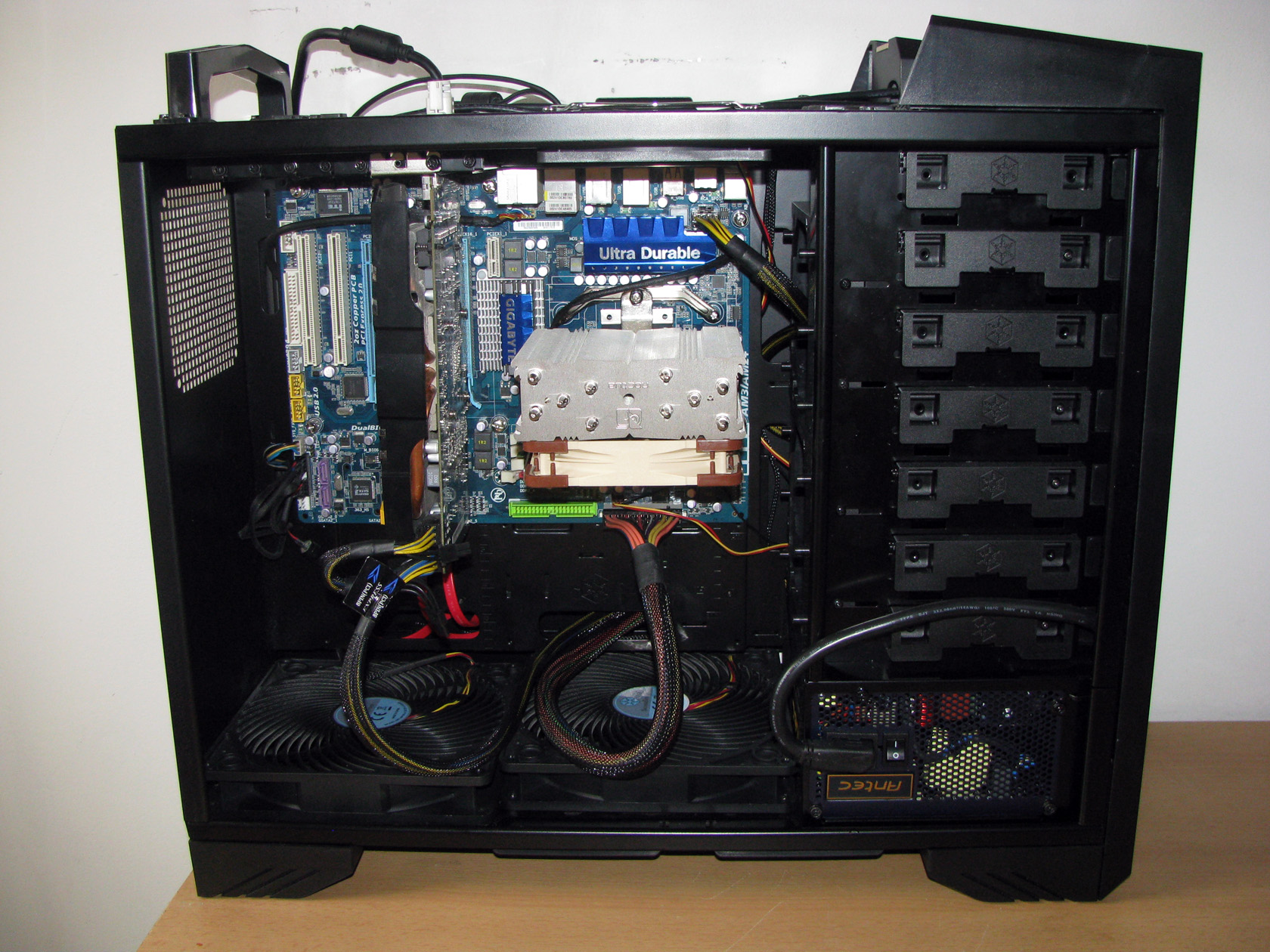
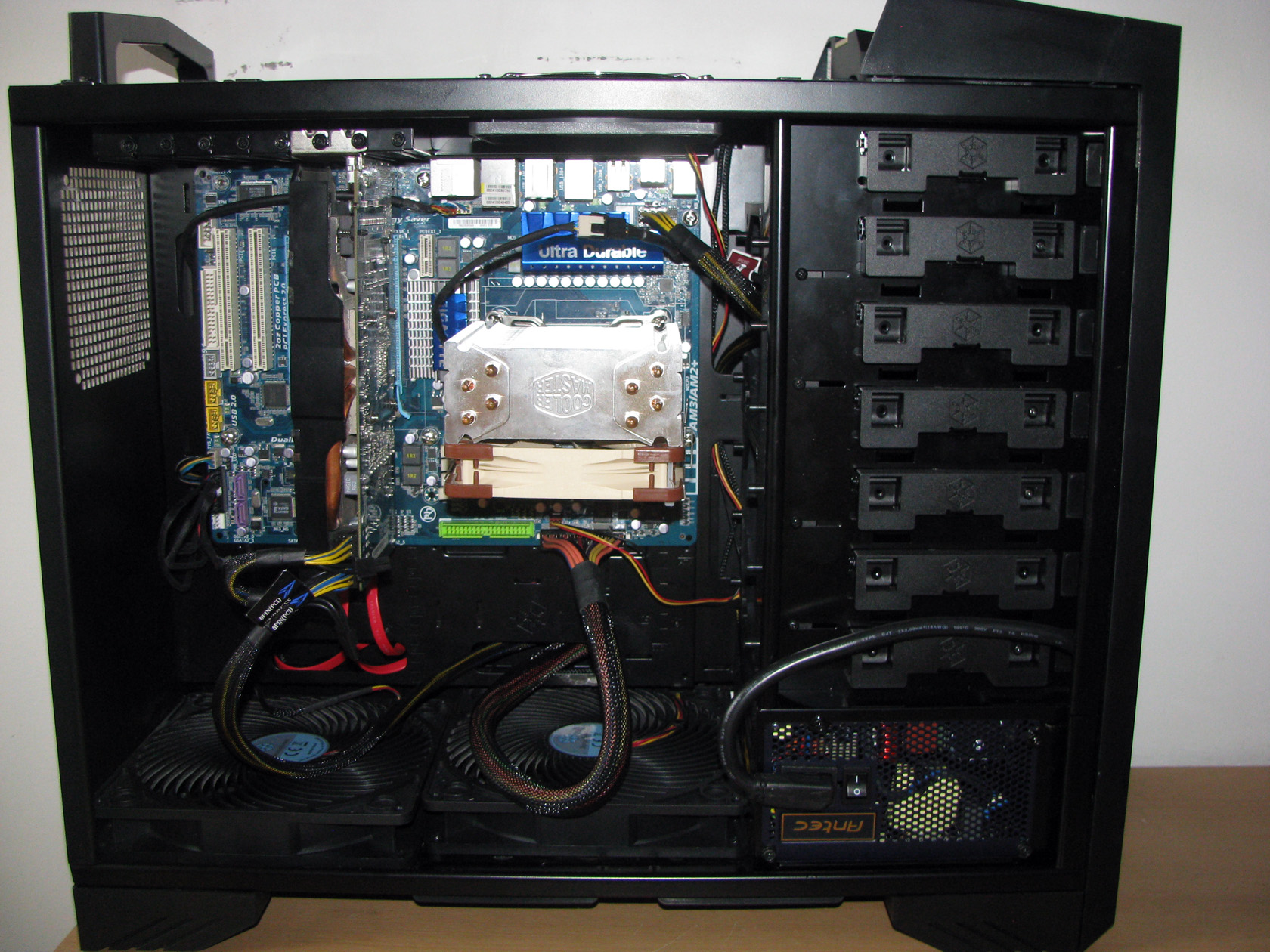
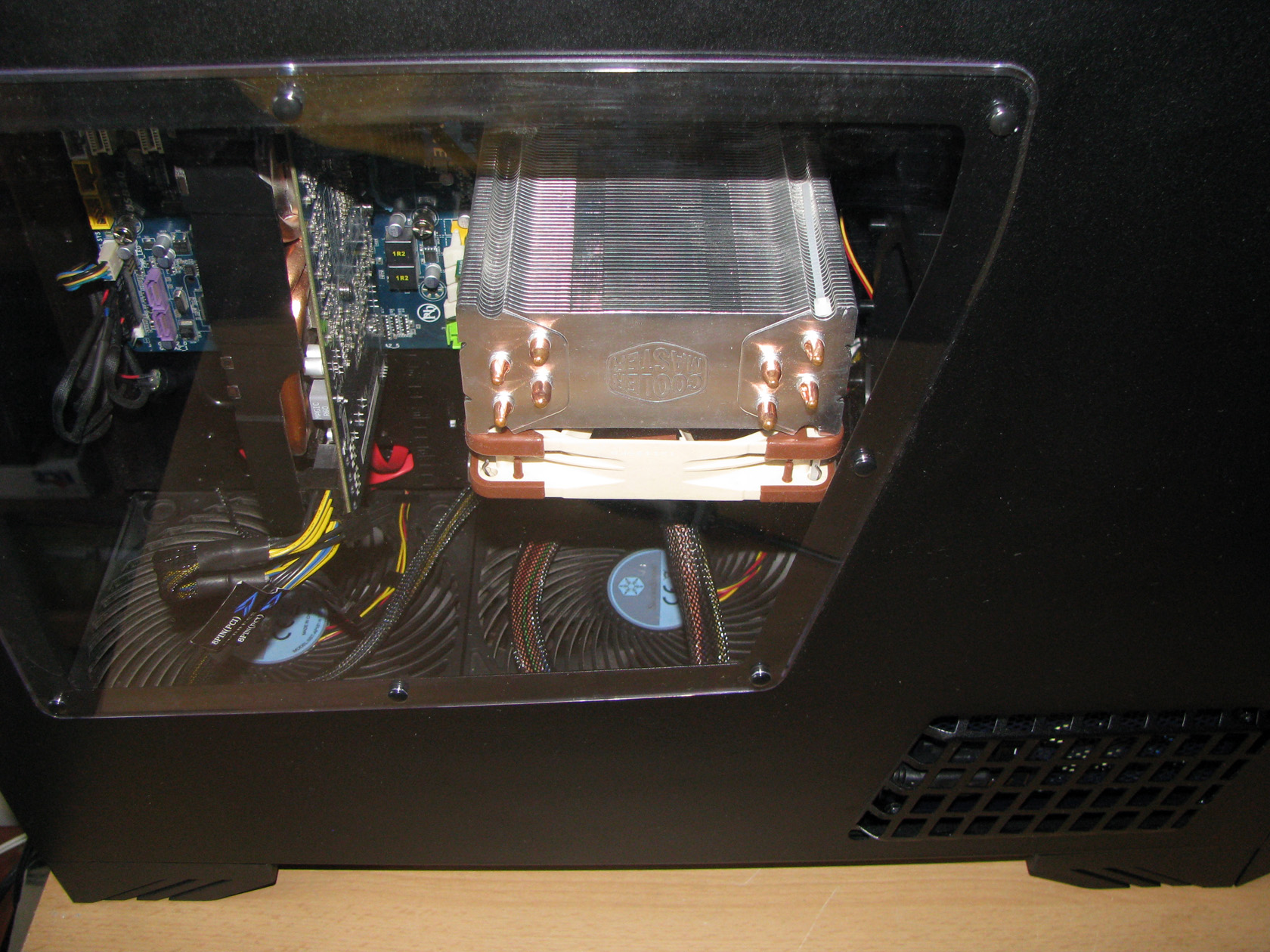
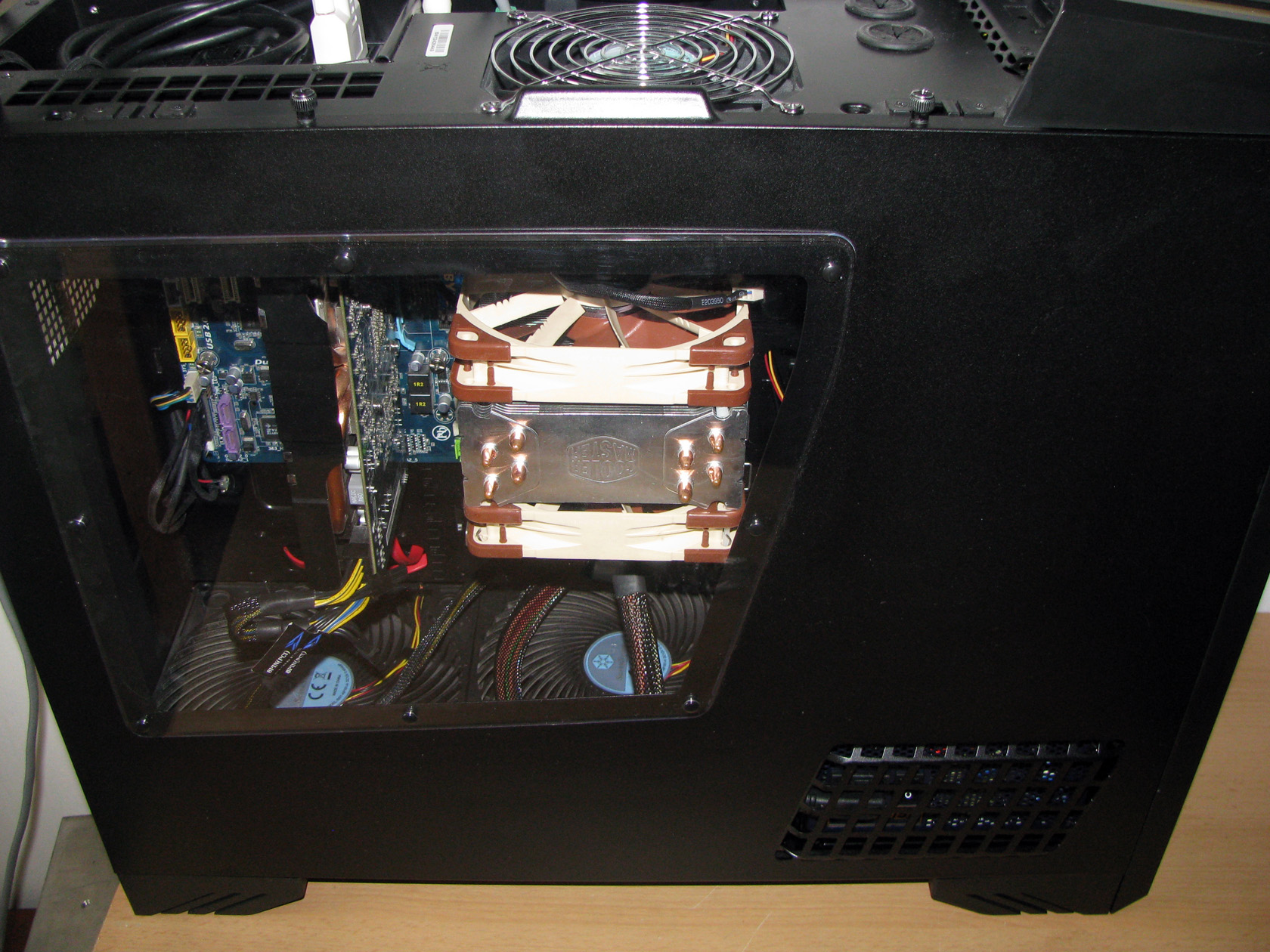
Since the case is made with 90 degrees rotated motherboard I had to install both coolers in vertical position so they can follow the natural airflow inside the case:
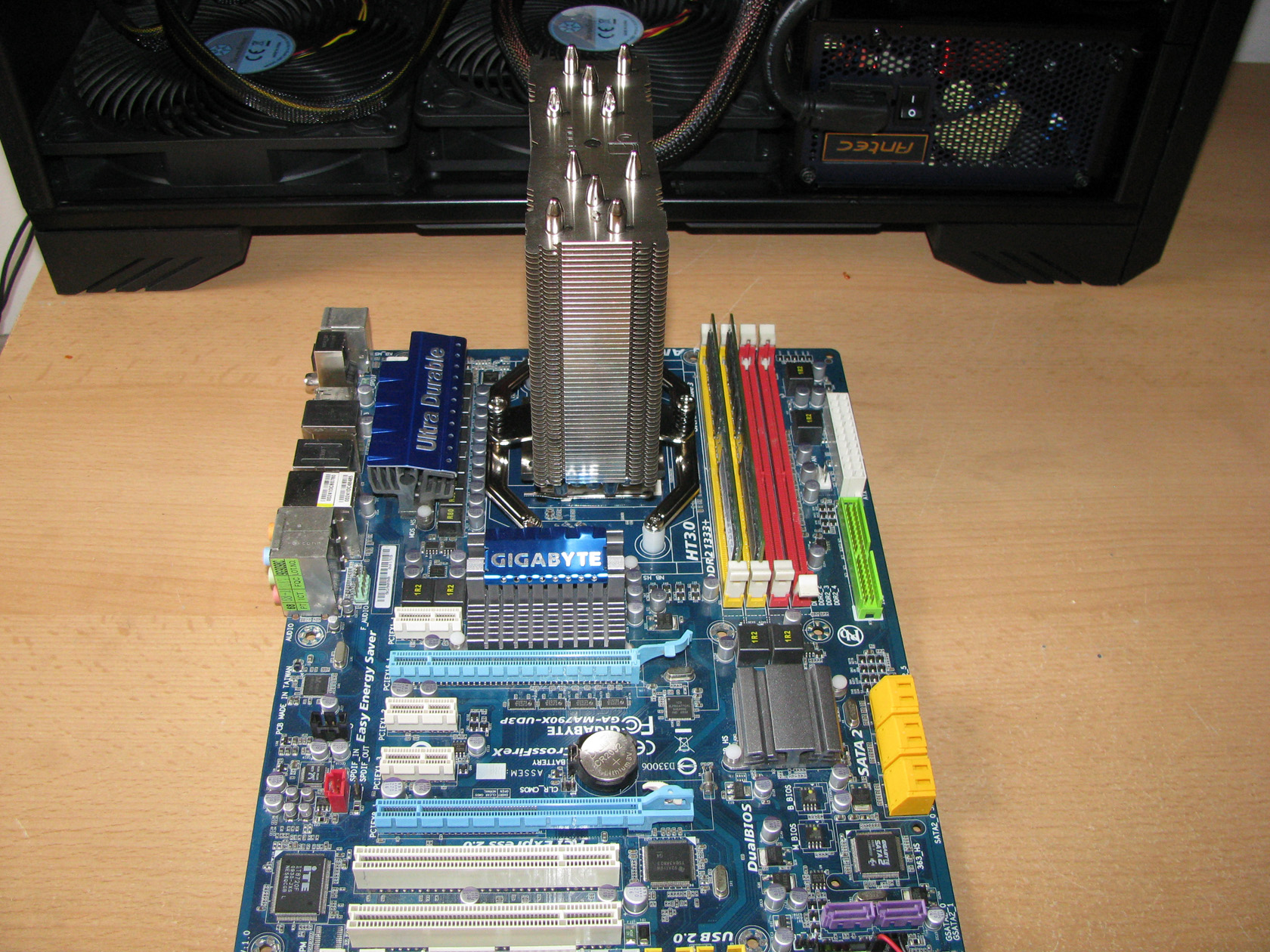
And this is what the coolers look like when they were installed on the motherboard.
With the fans installed on the heatsinks:
 |
 |
Ok, it is time for the tests to begin.
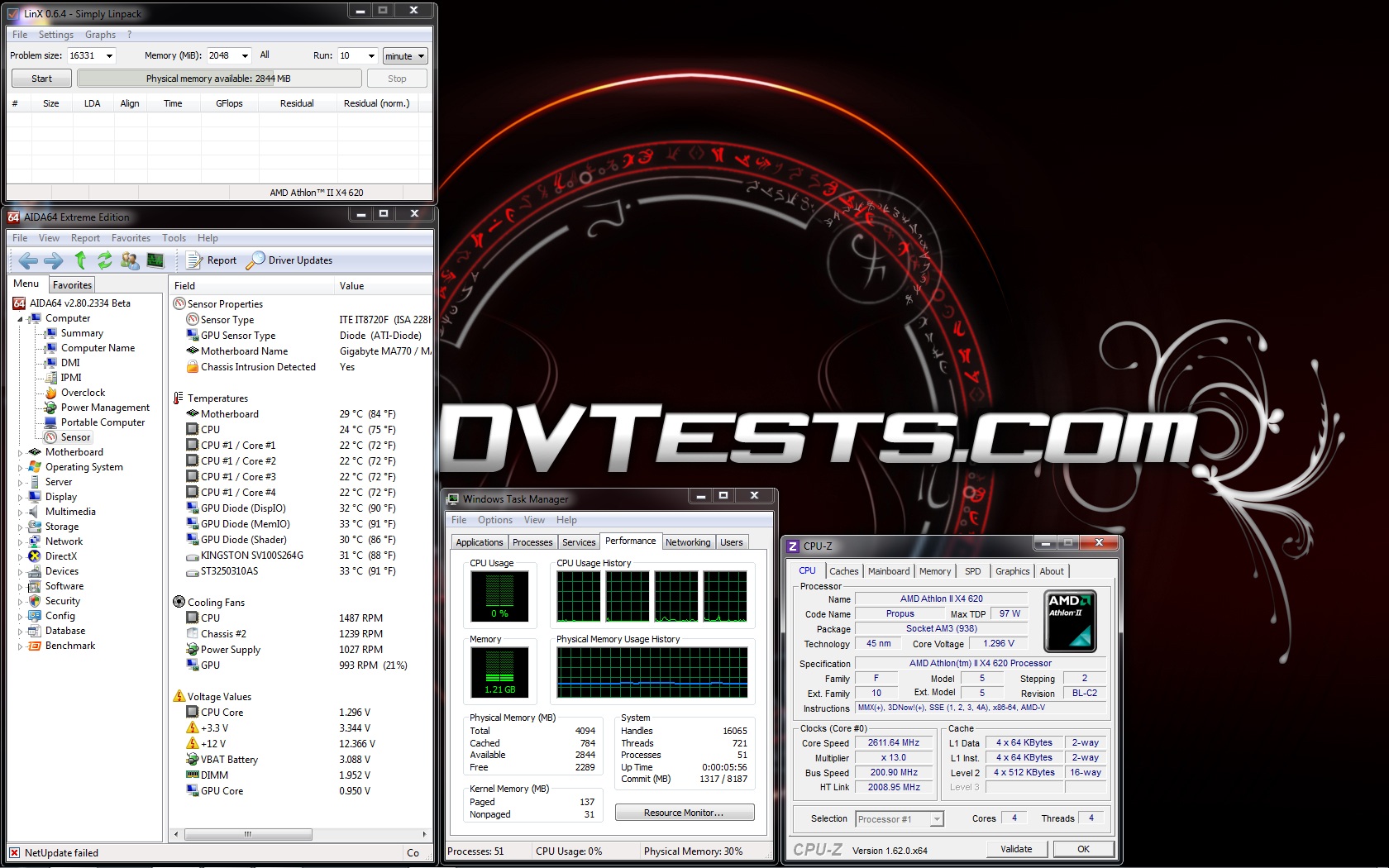
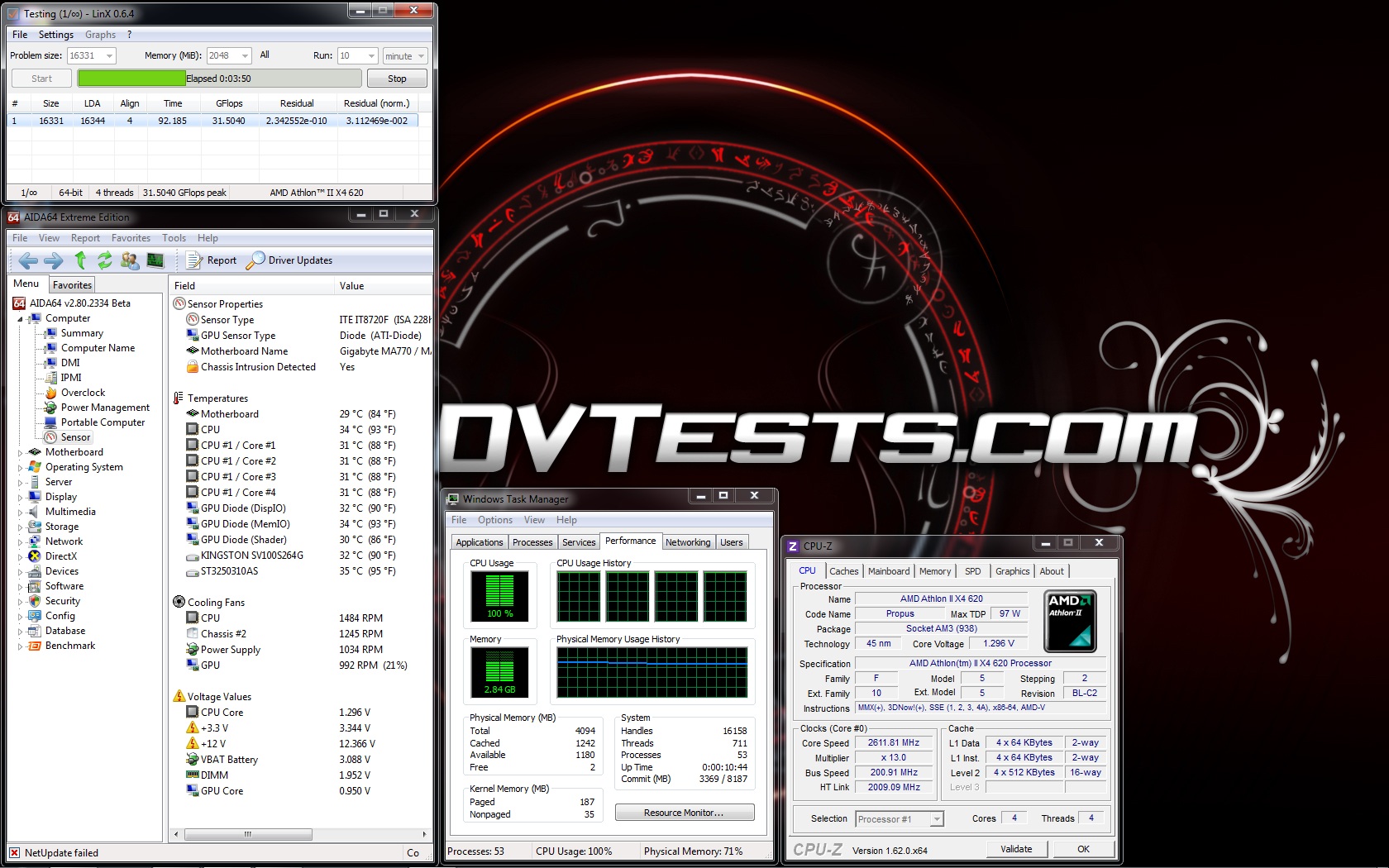
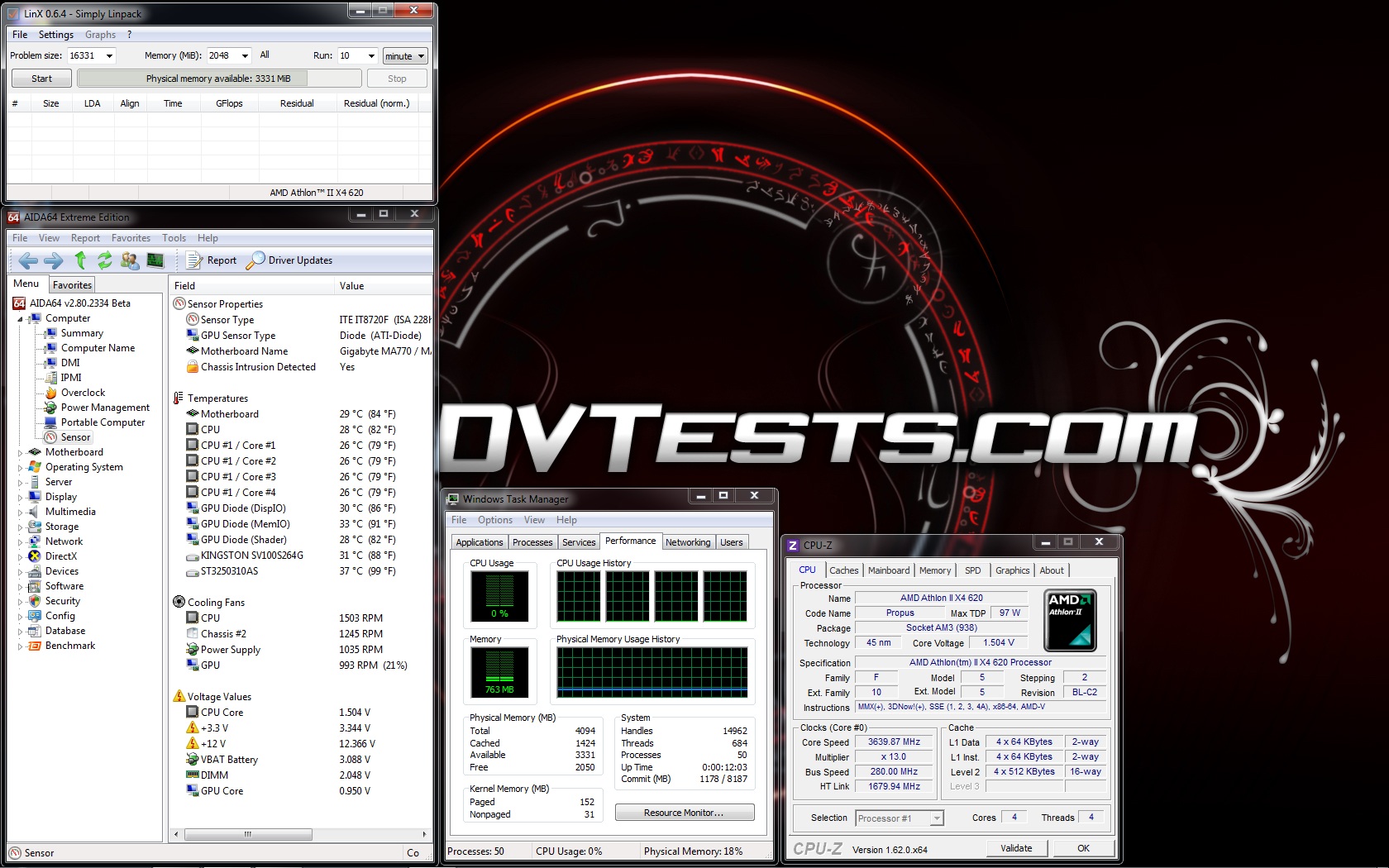
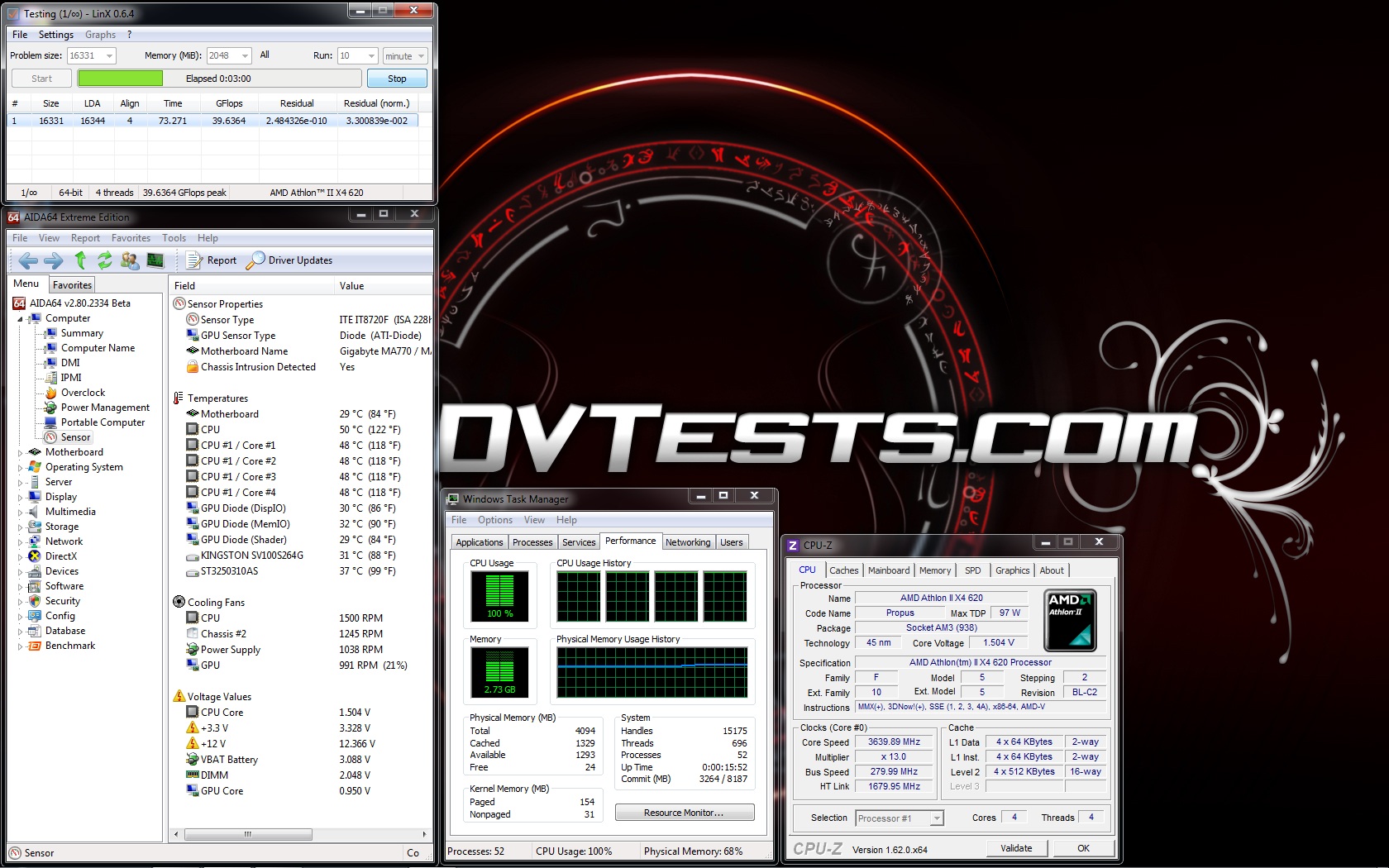
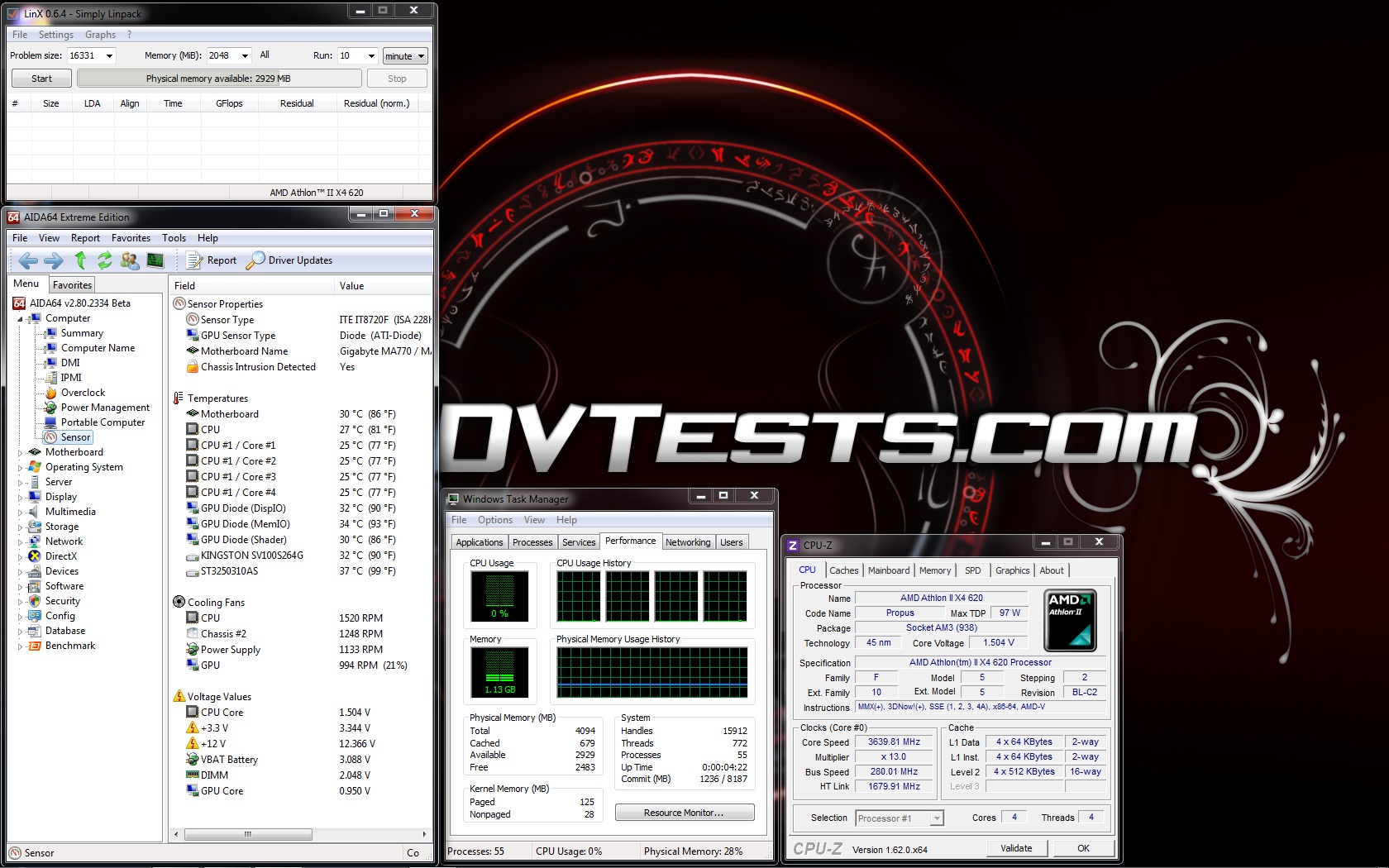
First test is with Noctua NH-U12S with 1 x Noctua NF-F12 PWM installed inside the case:
 |
 |
 |
 |
 |
 |
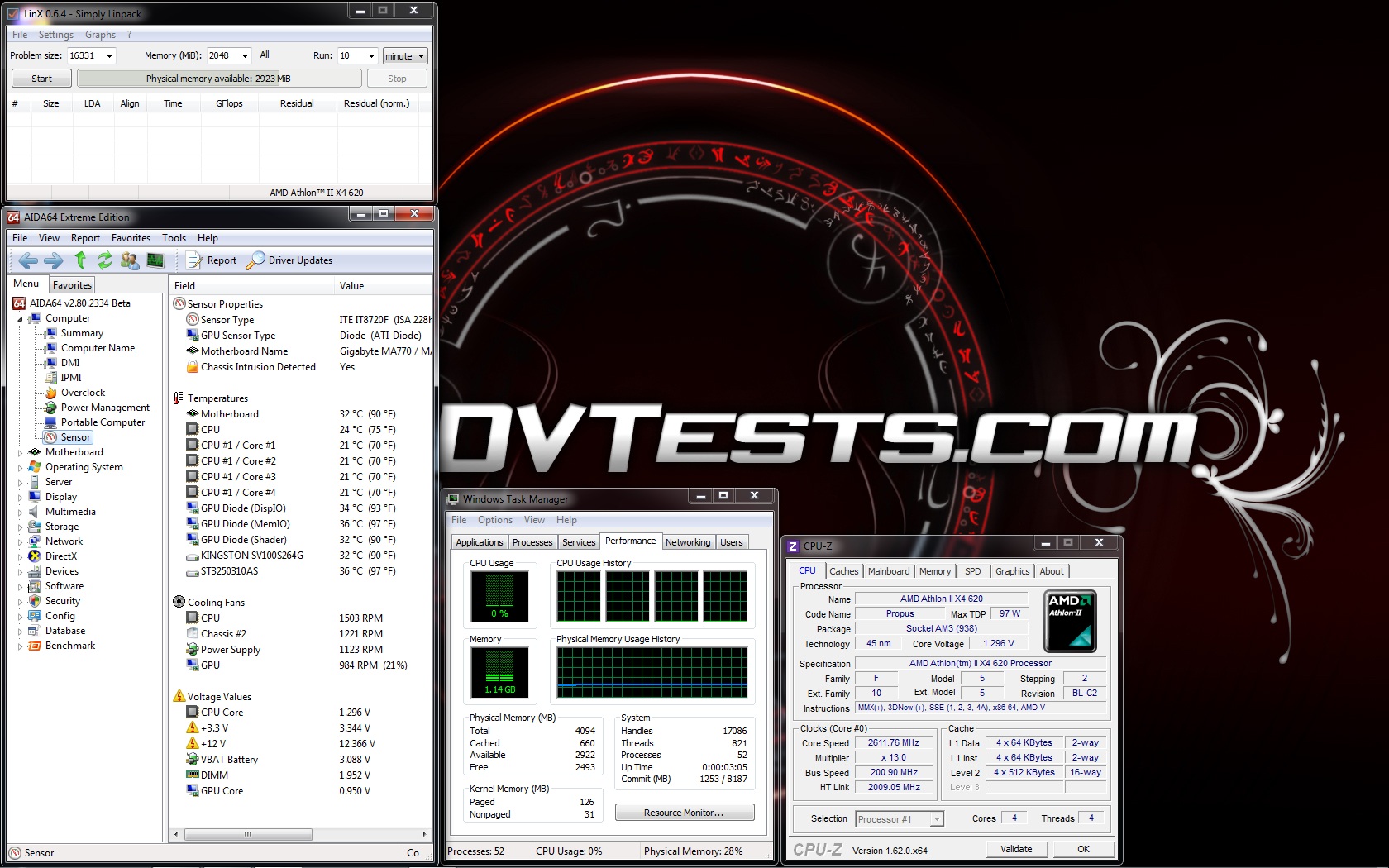
Second test is with Cooler Master Hyper 212 Evo with 1 x Noctua NF-F12 PWM installed inside the case:
 |
 |
 |
 |
 |
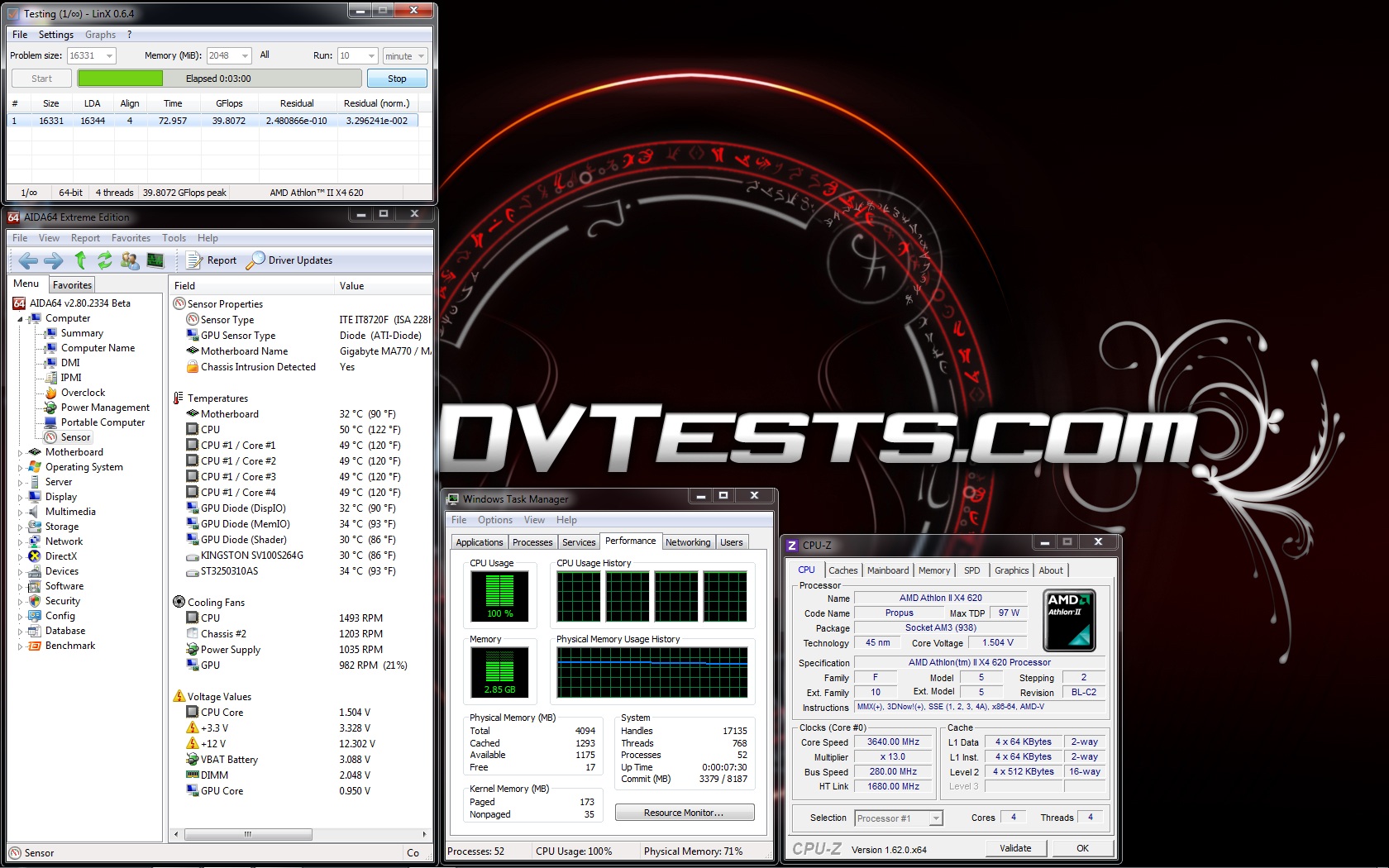 |
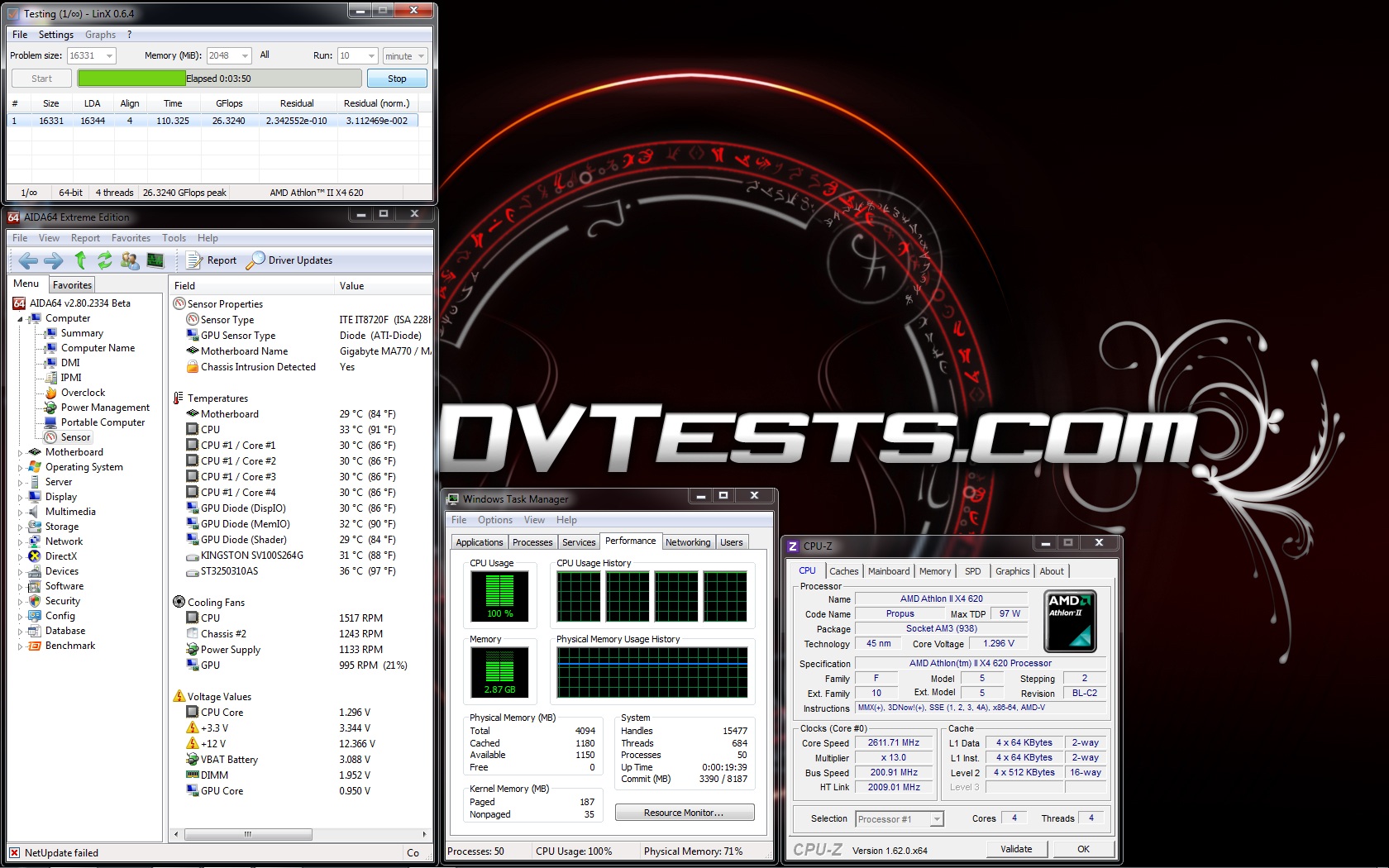
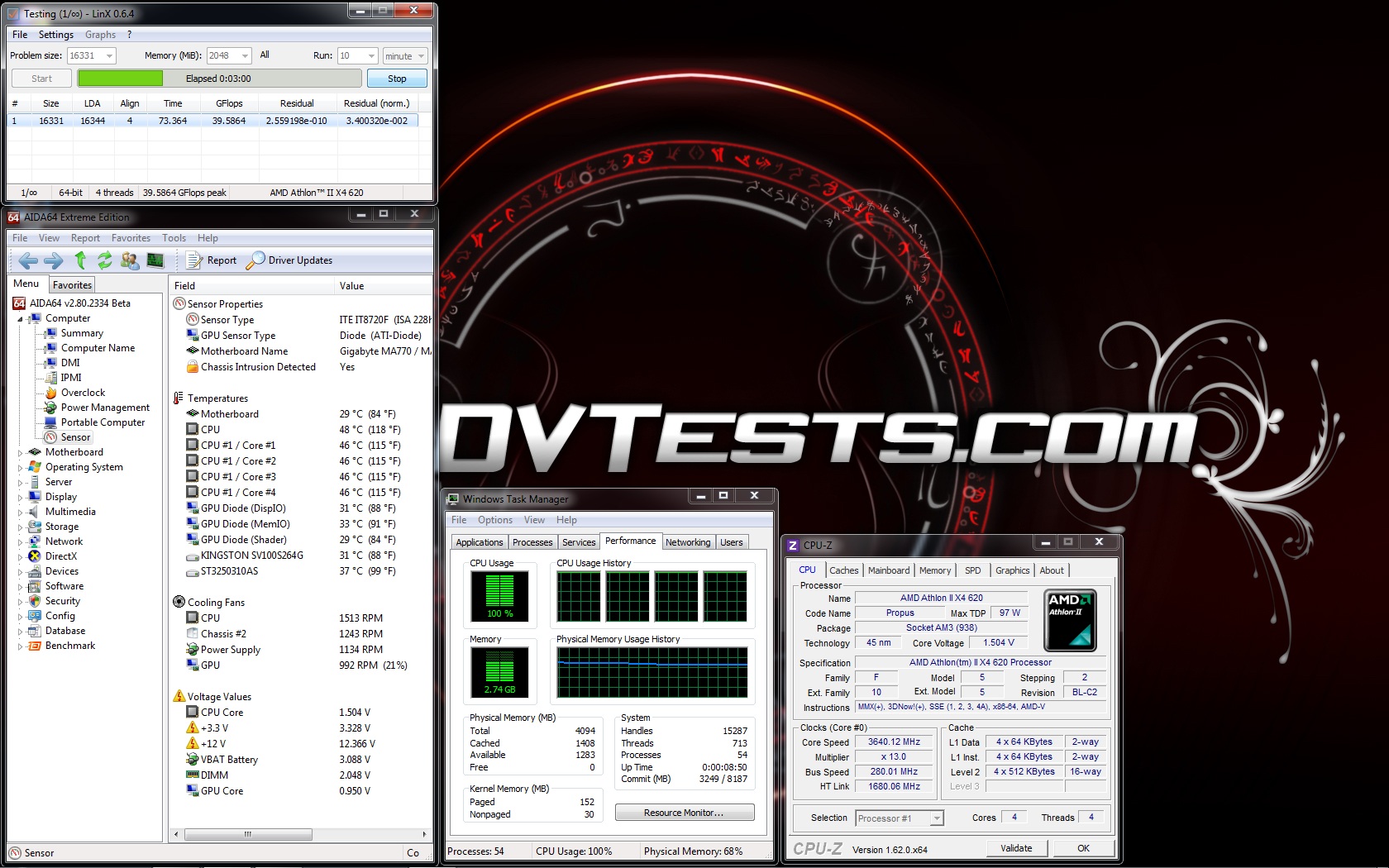
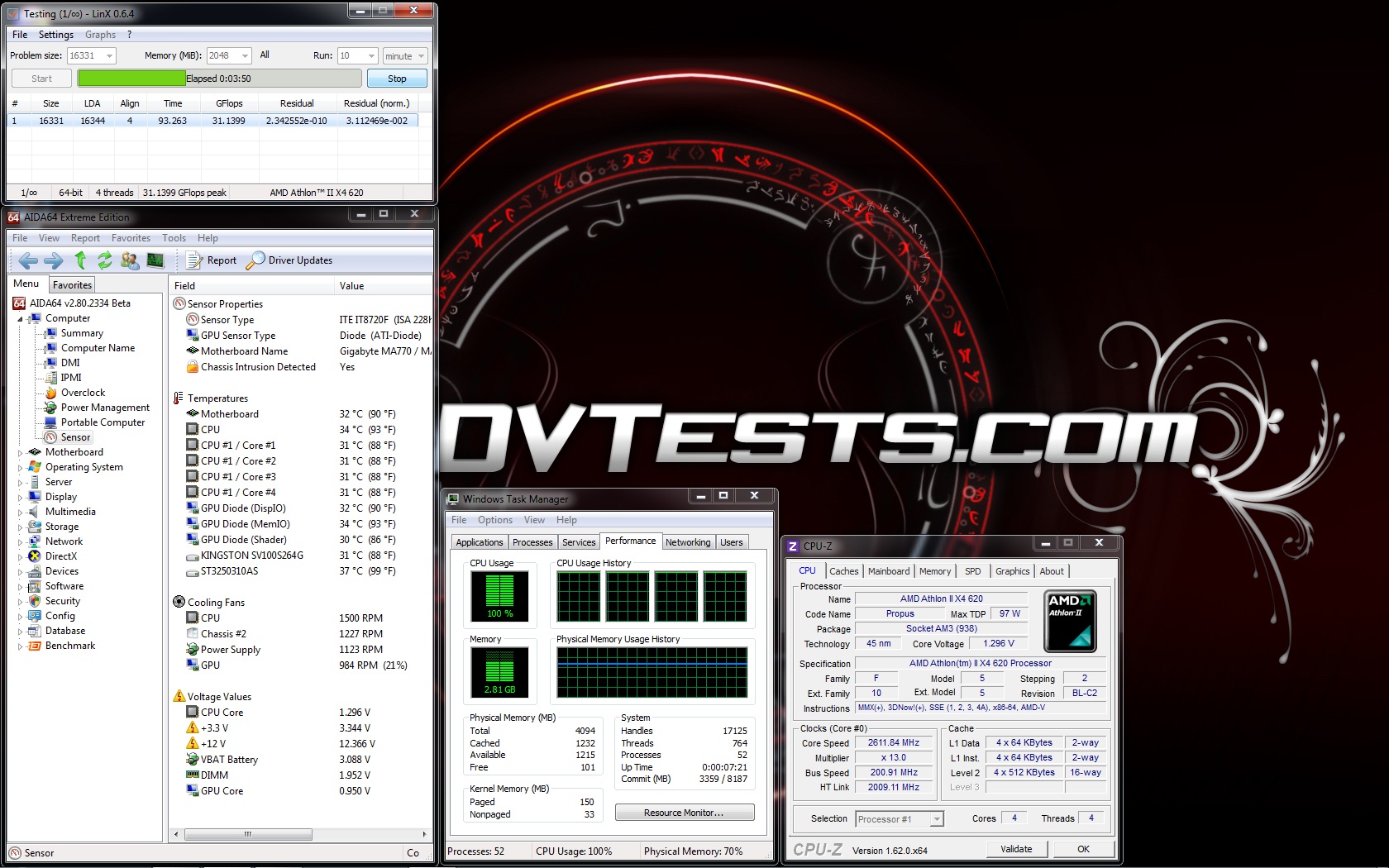
Third test is with Noctua NH-U12S with 2 x Noctua NF-F12 PWM installed inside the case:
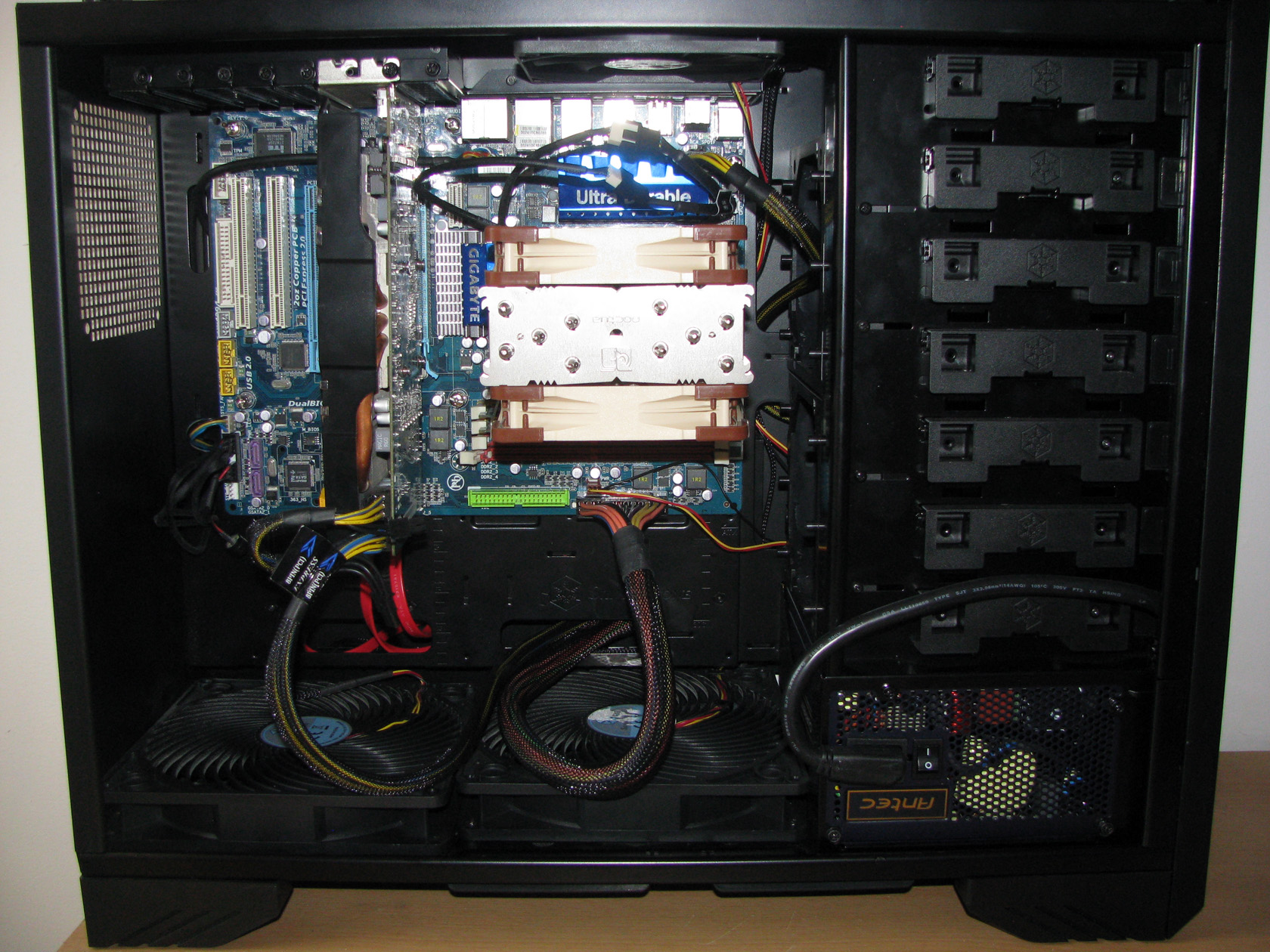 |
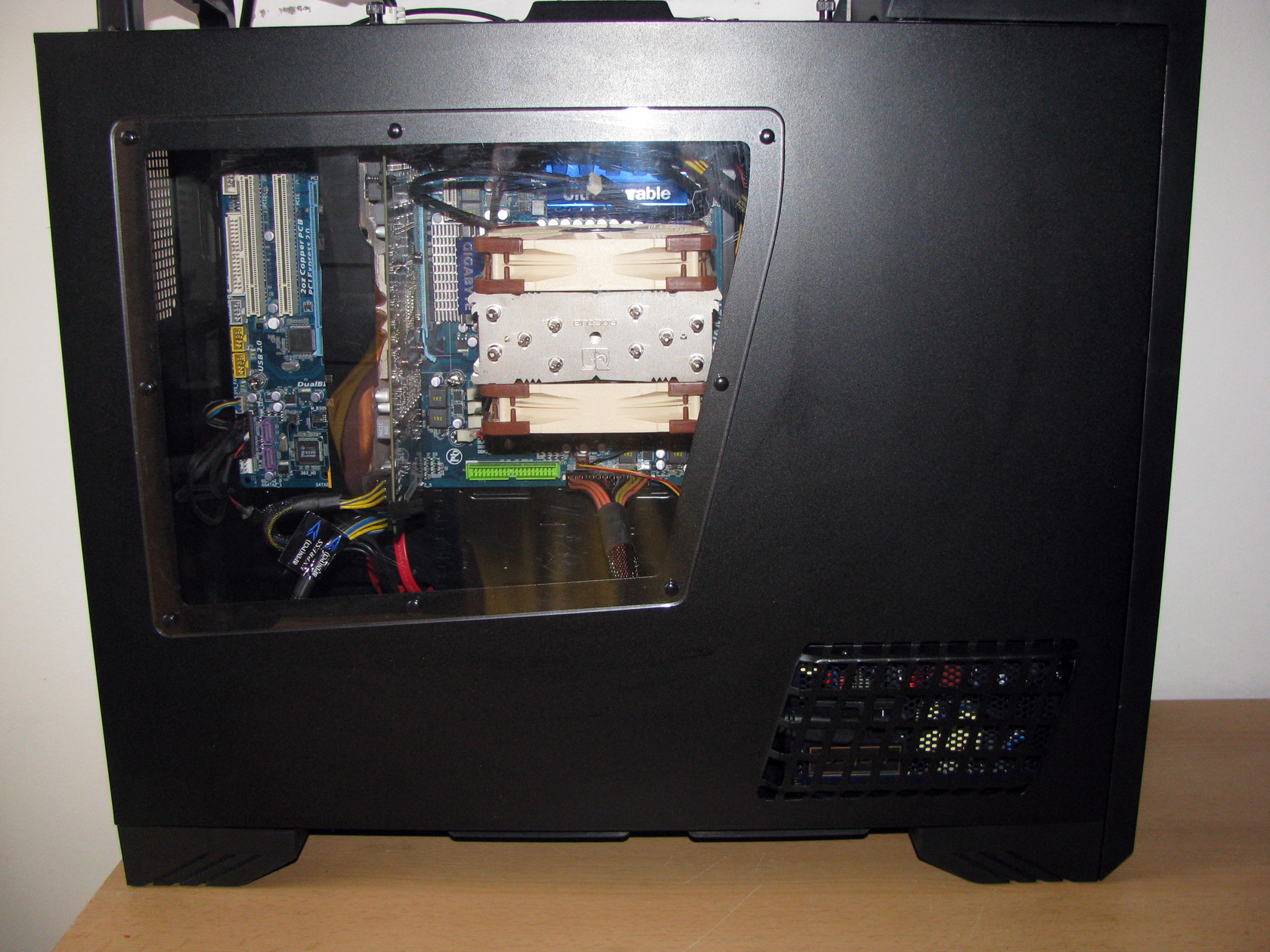 |
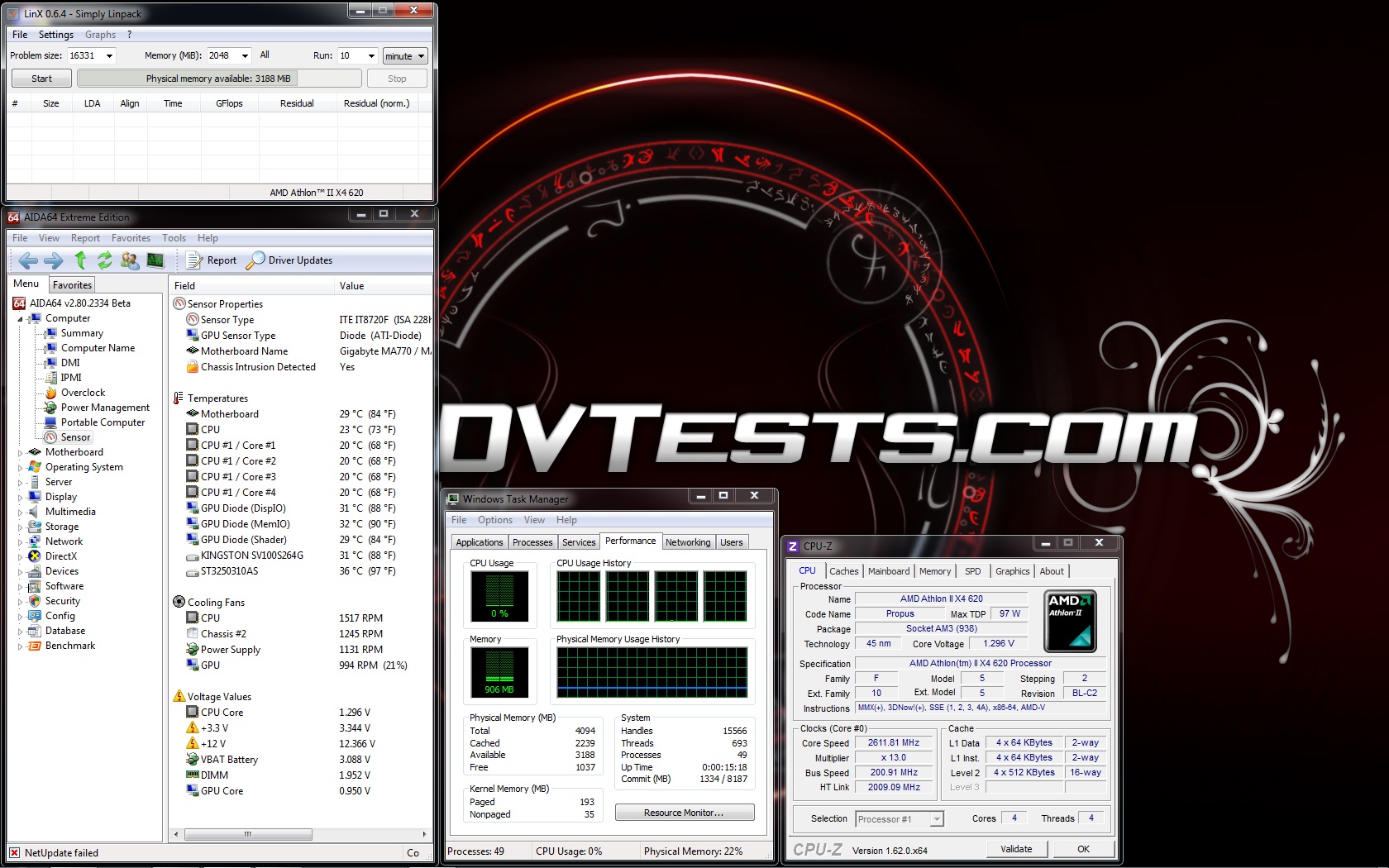 |
 |
 |
 |
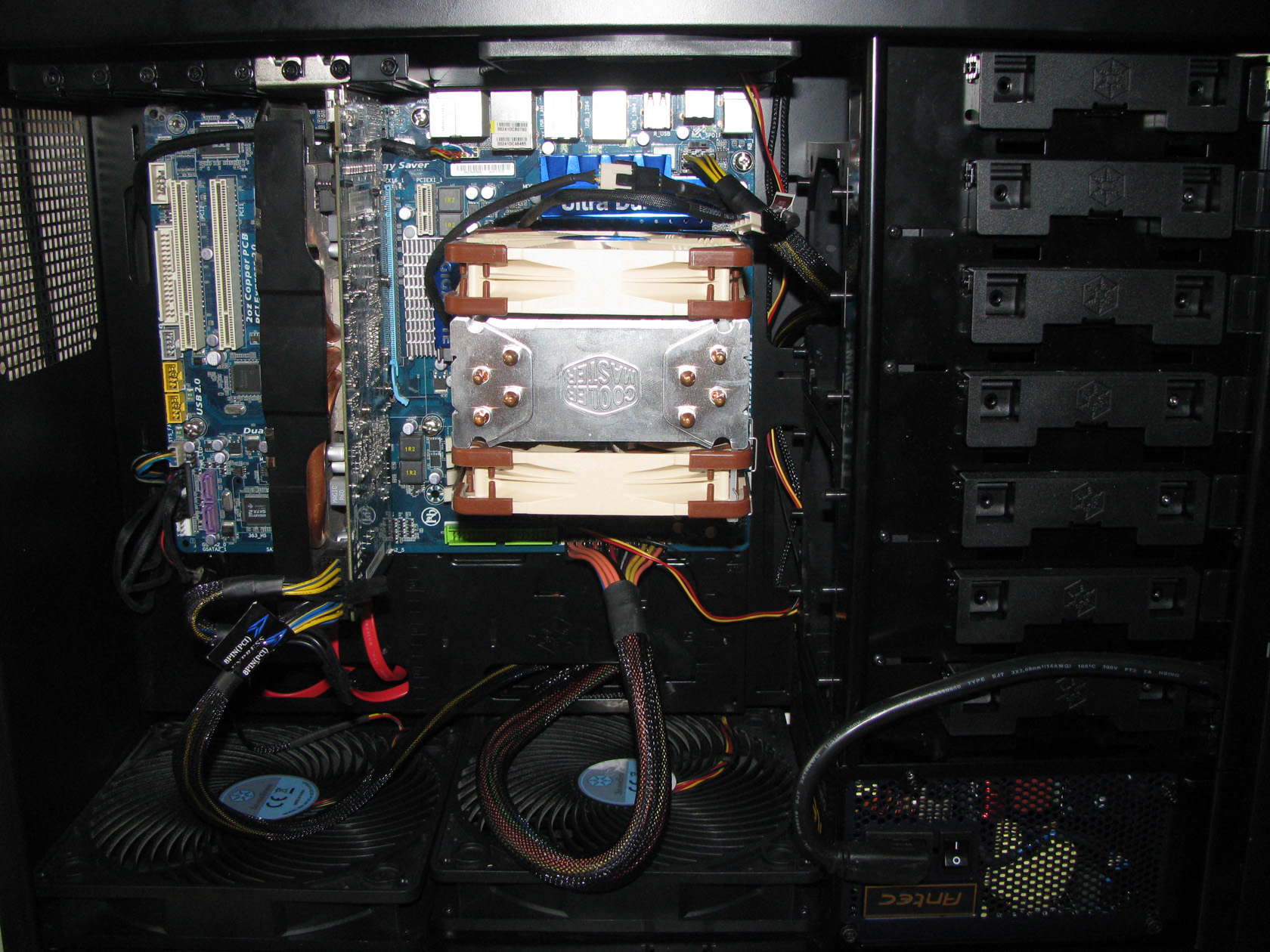
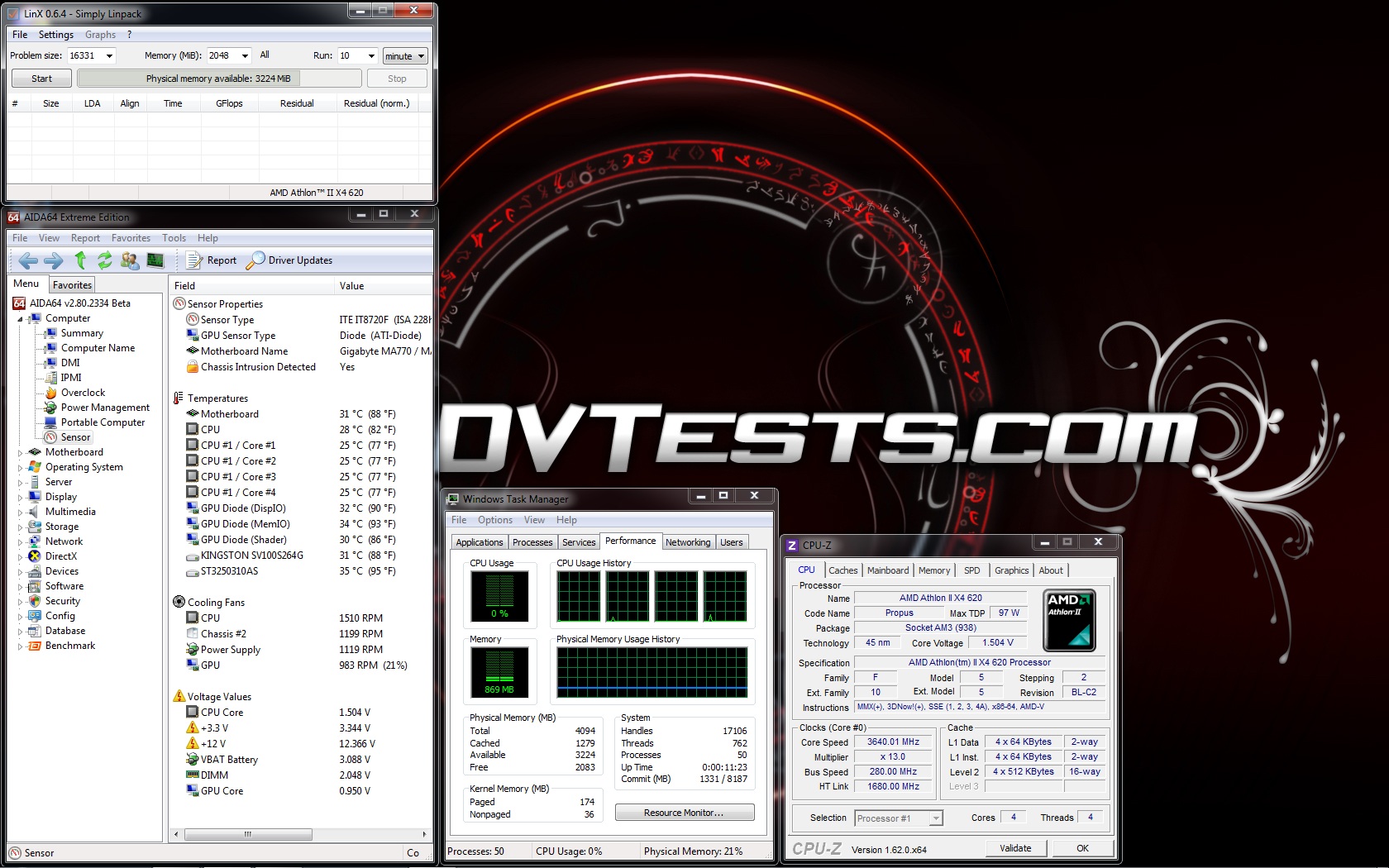
Fourth test is with Cooler Master Hyper 212 Evo with 2 x Noctua NF-F12 PWM installed inside the case:
 |
 |
 |
 |
 |
 |
All of the test results have been summed up in the following charts:

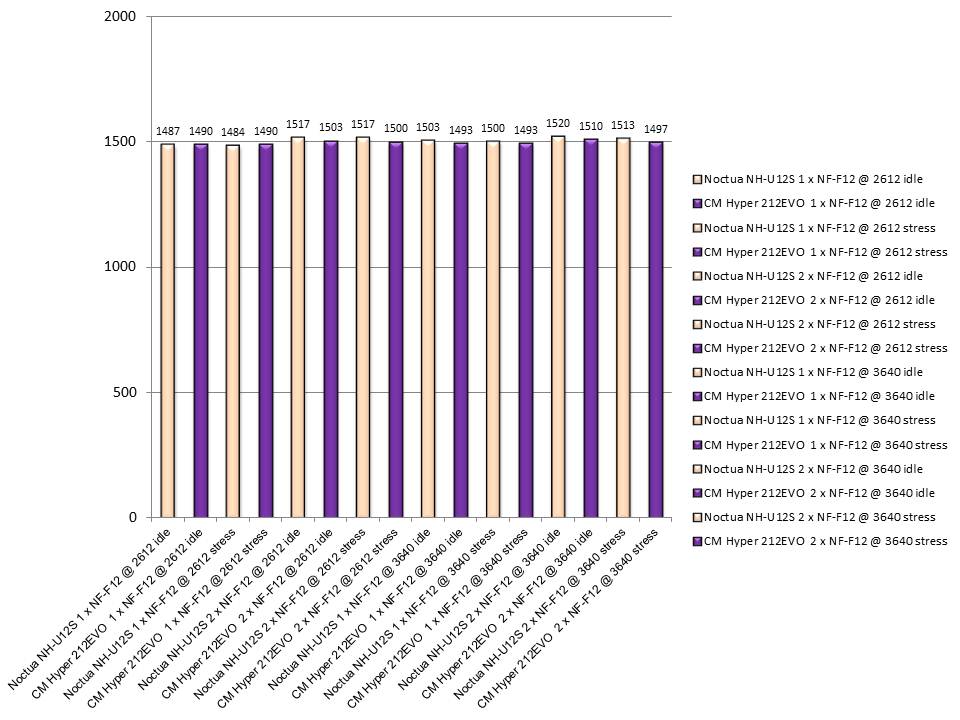
And the fan speed during the tests:
So I believe after I am done with this long article it is time to share my thoughts about Noctua NH-U12S.
- Noctua NH-U12S performance – After I spent some hours installing, reviewing and testing Noctua NH-U12S all I can say is: outstanding performance, combined with very low noise level, great features and very rich package content providing a lot of possibilities. The cooler itself is one really beautiful and quality build product made to be installed easily and to be pushed to its or those of the processor limits. The cooler performed really nicely keeping the processor ( AMD Athlon 2 x4 620) at decent temperatures no matter how much overclocked it was. Apart from that its slimmer size is the whole idea of the cooler which is a perfect solution to be used in every middle or big tower case with every motherboard granting the option to work with installed 4 memories no matter how tall they are. I believe this model can proudly wear the Noctua logo without any doubts.
- Noctua NH-U12S appearance – There is nothing more to say except: lovely. Even though the Noctua colour scheme is not one of my favorite ones, the cooler looked very nice inside my SilverStone Raven RV-03 and Noctua NH-U12S’s tight structure made me feel the space inside the case.
According to my review, I’ve decided that Noctua NH-U12S deserves the following reward:
 |
Official price (MSRP) for Noctua NH-U12S : unknown
Official warranty: 60 months
I thank Noctua for the sample.

Hi there,
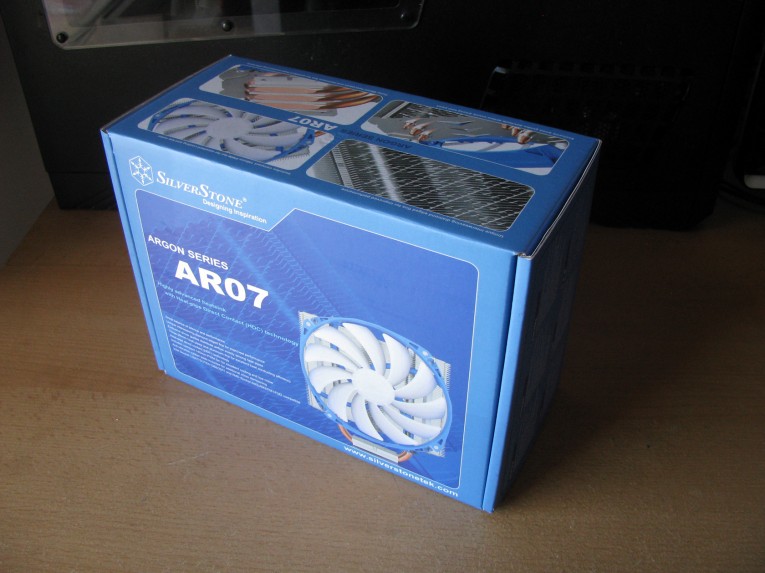
I have an ASUS Maximus V Gene running Core i7-3770K CPU @ 4.4GHz. The CPU was cooled using Corsair H80, pump became very noisy and I’m torn between the Noctua U12S and Argon AR03 (reason being Corsair Vengeance RAM clearance).
Would love your thoughts as to which one of the two offers better cooling when pushed to no more than 4.6GHz, even if the difference is sometimes only 1 Deg C.
Hello mate,
and I am sorry for the late reply but I am extreme busy these days.
Well if I have to be honest I would go for U12S. It is a bit smaller but as usual for Noctua the product offers amazing performance for its size.
In fact a few months ago I did some achievement in overclocking using exactly the U12s. Check the link here. http://hwbot.org/submission/2514100_
The cooler performs just amazing.
I love that they realy pushed for full 4 memory modules support with this cooler, that is the main reason for the thinness. Great review again, ceep up with the good work.
Thank you Dk_vr for testing both products and lagittaja for the explanation. That is impressive service 🙂
Hello Lagittaja and you took my words.
Noctua support is really outstanding.
Since you are expecting to buy NH-U14S then you should wait by tomorrow so I can release the article for it.
P.s.
And no you won’t get free 1150 kit because it is already inside the package 😀
I believe Noctua give the kits for the other models.
yakyak
That is true. But with the Noctua you get their impressive customer support. And the 6 year warranty (not like you need it with HSF) is very good to have and also you get new mounting gear, FOR FREE.
Yeah I have a NH-U12P (not SE2) running passive in my HTPC. And have gotten the 1155/1366 kit for free. Now if I would upgrade to Haswell I could get the 1150 kit as well.
Even though you less for 212EVO+NF-F12 combo, you get so much more with the price you would pay for the NH-U12S.
Thank you Dk_vr, very good review! I myself plan on getting the NH-U14S for my main rig (MIVGZ, 3770K, etceteros)
Are there any benefits to the Noctua NH-U12S? With only 1 degree temperature difference between the two, the Hyper 212 Evo with the NF-F12 fan is clearly the better value.
Well it is not exactly slim design but is slimmer than Hyper 212 evo and from what I saw it performed very nice.
Impressive.. having in mind the slim form factor..
No. I didn’t made a tests Noctua NH-U12S vs CM Hyper 212 EVO with the standard setups, since the Evo fan is faster and noisier than the one used on Noctua NH-U12S.
Nice looking Noctua again. Do you know how the 212 EVO performs with its cooling fan versus the NH-U12S?