Cosmos II has received a fresh update due to the 25th anniversary of Cooler Master. Since this is their leading flagship it is perfectly suitable for the job. We wish Cooler Master many happy returns. Although there are not that many differences between both cases, it’s still worth mentioning the legacy this case has and how it changed the industry. Cosmos means build quality, attention to detail, optimized features and premium price. Of course, you would expect to get a premium product, designed and engineered to perfection. Well, let’s have a look around this version – Cosmos II 25TH ANNIVERSARY EDITION.
 |
 |
 |
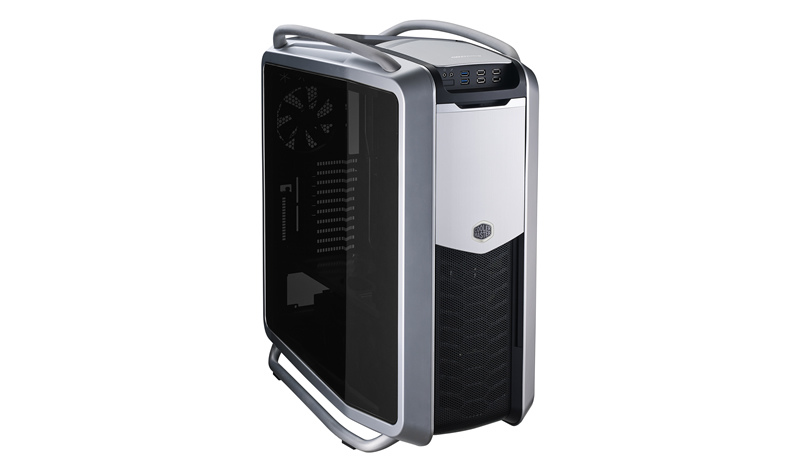 |
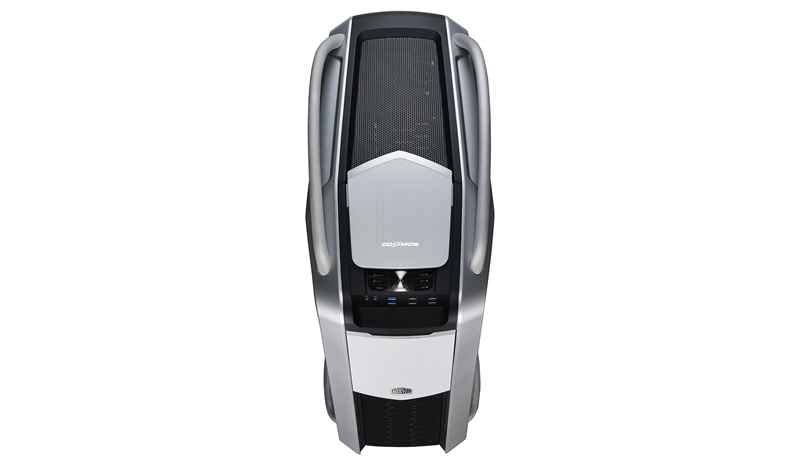
Cosmos II has been redesigned with brushed aluminum parts, of course this is not plastic materials that have been made to look like the precious metal. It’s real aluminum and is present on the exterior and interior as well. Brushed aluminum handles, front panel and top cover. Sliding the cover gives you access to the Advanced Control Panel. Of course Cosmos II and Cooler Master badges have been neatly added to complement the model and company. Internally the motherboard tray has been redesigned in aluminum as well, no color – just pure aluminum. The partition plate that separates the case into two chambers is also aluminum. Steel is the material responsible for the rest of the chassis’ body.
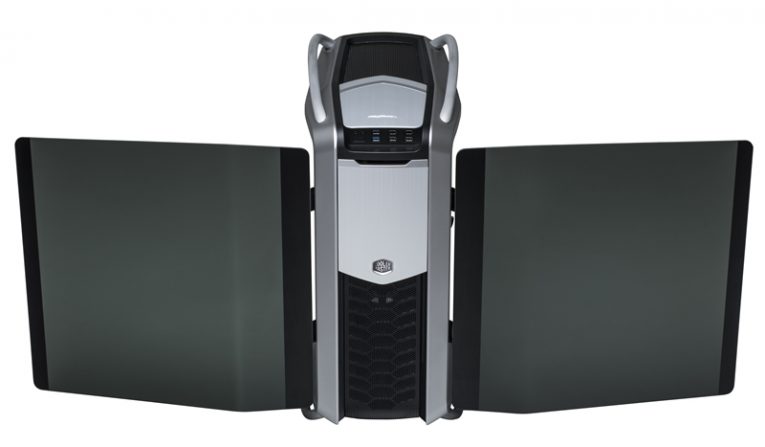
Cooler Master stated that feedback from users have been inclining towards glass side panels and many have actually undergone such projects successfully. Now this was added as standard with Cosmos II. Black tinted windows are present on both sides of the case, curved in the shape of the chassis complementing its design.
 |
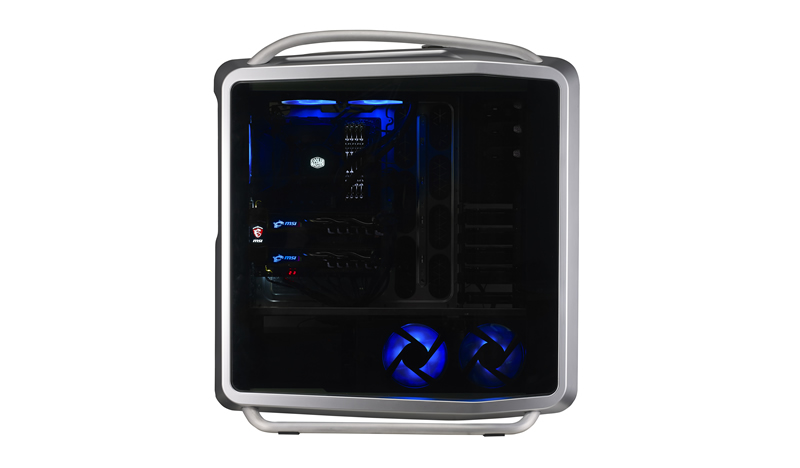 |
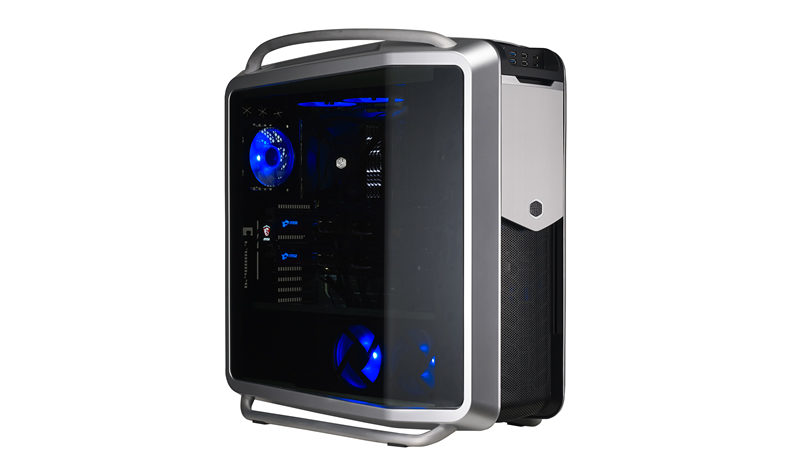 |
 |
Looking at the beautiful photos you cannot help but notice the blue distinct color of the included LEDs. Blue is well known in the Cooler Master chassis department. This color really emphasizes on the internal hardware, making the case look really premium. Of course that blue LED goes along with the fans included here. One 200mm front fan as well as 120mm at the rear will provide you with sufficient, quiet cooling straight out the bat. Assisting in that regard is the dual chamber design that separates the PSU from the rest of the components so they don’t intervene with each other’s thermal design.
A list of the possible cooling fan support:
[wpsm_list type=”star”]
- Top 120mm fan x 1 installed (optional: 200mm fan x1 / 140mm fan x 2 / 120mm fan x3
- Front 200mm LED fan x 1 installed (optional 120/140mm fan x 1)
- Rear 140mm fan x 1 installed (optional: 120mm fan x 1)
- HDD 120mm fan x 3 (2 fans for bottom HDD / 1 fan for middle HDD (optional))
[/wpsm_list]
Liquid cooling support is somewhat limited to the top panel only with support of 240mm/280mm radiator (max 320mm radiator), but I believe that a 120mm radiator could fit in the rear as well. Clearance for a CPU cooler sits at 190mm which is plenty of space right there, GPU maximum possible length is between 190mm up to 385mm, so even the high end components will not struggle fitting in.
Internally, the storage capacity is ample:
[wpsm_list type=”star”]
- 5.25″ – 3 bays
- 3.5″ – HDD 13 (2 from X-dock with key locks, 5 HDDs in the middle cage, 6 HDDs in the bottom cage)
- 2.5″ – SSD 11 (converted from 3.5″ cages)
[/wpsm_list]
And since this is a full tower case it has 10 + 1 expansion slots. A true testimony for the size of this case. Supported motherboards – Micro-ATX, ATX, E-ATX, XL-ATX, SSI CEB, SSI EEB, which is normal, considering the physical dimensions of Cosmos II – 344mm (L) x 704mm (W) x 664mm (H). The case only comes with black/silver colors and the main materials used for its construction are steel, aluminum, plastic and mesh. Glass is used for the making of the side panels.
I/O panel that is covered by the beautifully engineered aluminum has USB 3.0 x 2, USB 2.0 x 4 and Audio In / Out ports.